
Get paid.
Keep the paperwork straight.
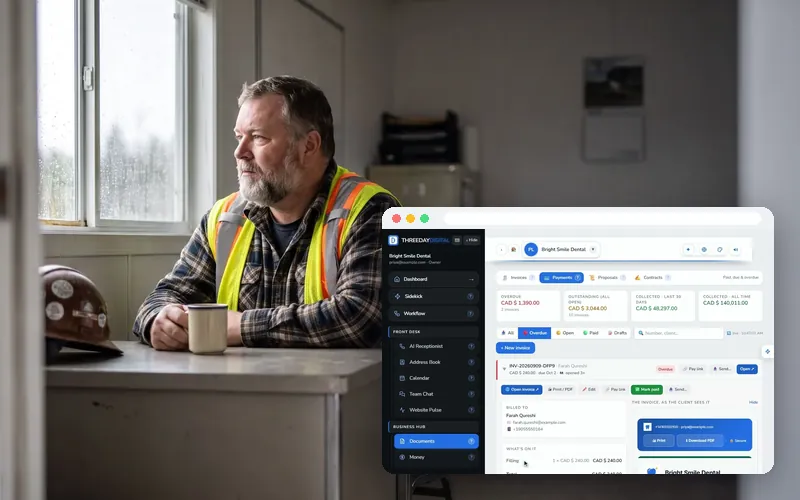
Your paperwork in one place: invoices with a pay link, payments, proposals and contracts the client signs on their phone, the month’s real numbers, expenses, a board for every job and one vault for every file. Your logo is already on all of it.
14 days free · $0 today · no card needed

Invoices in a minute
Sent by email or text with a page they can pay on.
Signed on their phone
Proposals and contracts with real e-signatures.
The real margin
Income against expenses, this month against last.
Every job and file
Boards with tasks and files, and share links clients open without an account.

Business Hub, on screen.
Every recording below is the real ThreeDay app on a demo account — the names and numbers in it are made up.
What Business Hub does
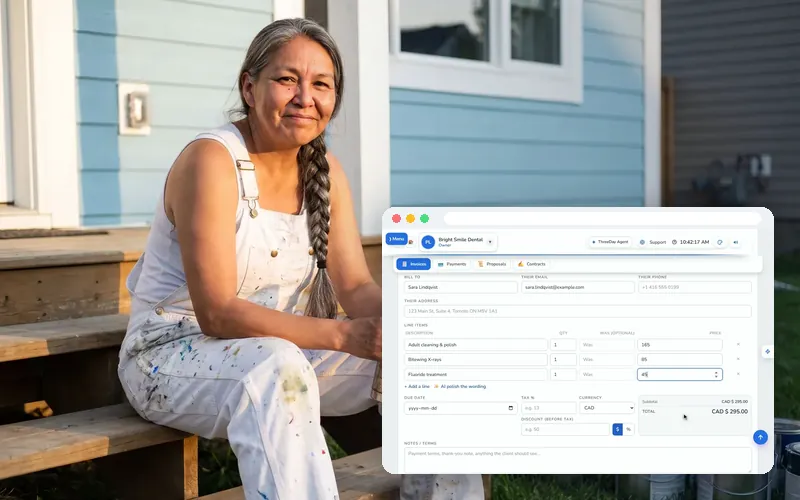
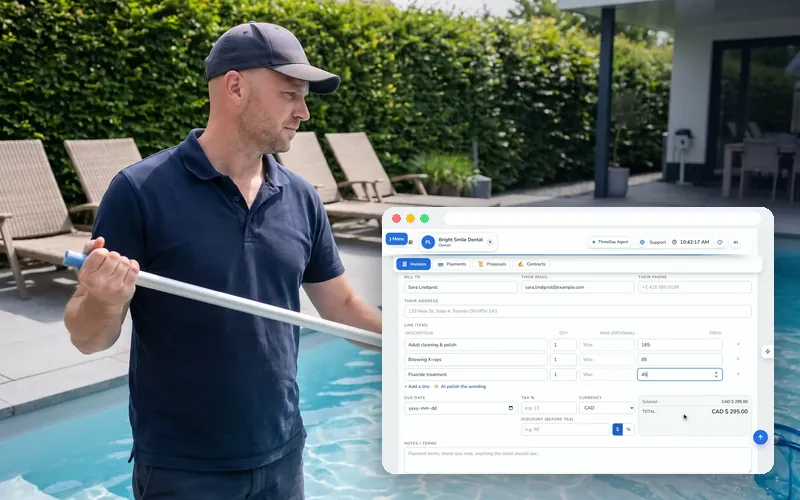
An invoice in about a minute.
Pick the client, add the lines and send it by email or text with a pay link on it. Record payments as they land, in full or in part.
- Your logo and details already on it
- A link they can pay on
- Partial payments add up
What has actually been collected.
Paid, due and overdue in one list. Each row opens in place with its line items and payment history.
- Overdue first
- History on every row
- Record a payment on the spot
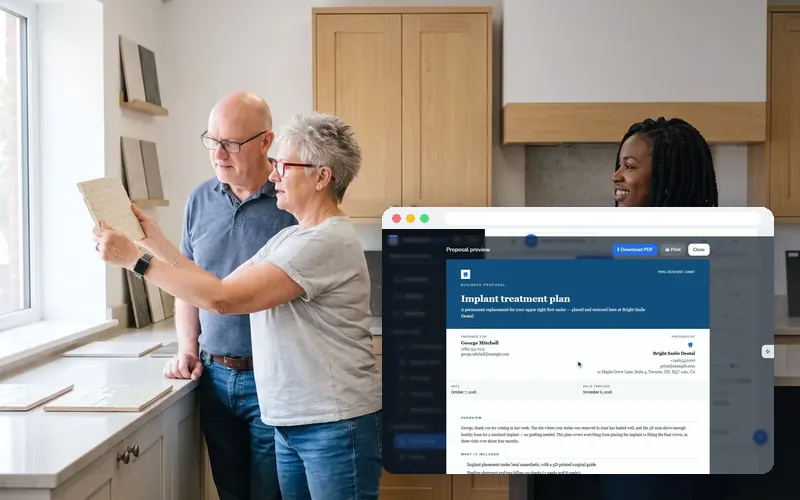
Proposals on your letterhead.
Scope, pricing table and terms, sent as a branded page the client can accept and sign online.
- Start from a template
- Accept and sign online
- An accepted one becomes the invoice
Signed on their phone.
Send an agreement, they sign on their phone, you countersign, and everyone gets the signed copy.
- Real e-signatures
- Stamped with name and time
- The signed copy is kept here
How the month is really going.
Revenue, bookings, calls and leads for this week or this month, each against the one before, without opening a spreadsheet.
- This period against the last
- Revenue, bookings, calls, leads
- Pick the period
Know where the money goes.
Log spending the day it happens, with its category, and see every month added up.
- Add an expense in seconds
- Added up month by month
- Import a bank export
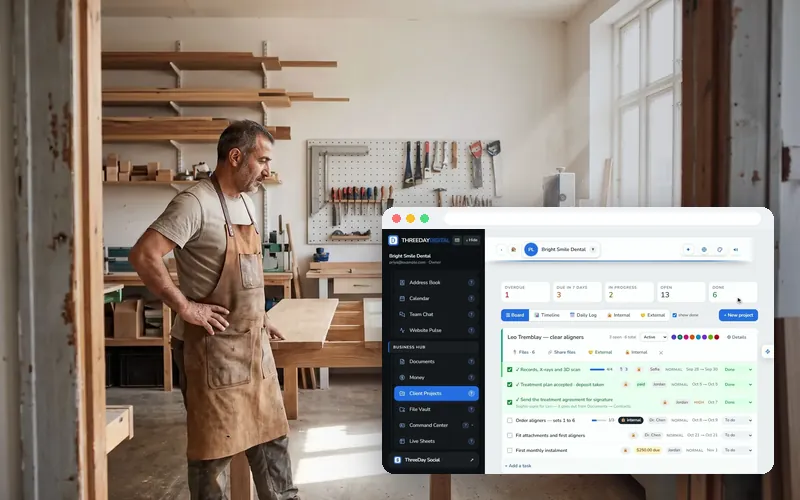
A board for every client job.
Its tasks with owners and deadlines, what is owed, and every file in two piles: shared with the client, and internal to your team.
- Tasks with owners and dates
- What is owed on the job
- Client files and internal files
One place for the files.
Every project’s documents organised in one vault, with a share link when something needs to go to a client. They need no account.
- Organised by client or project
- Share a link, not an attachment
- No more hunting through email
Your spreadsheets, inside the app.
Paste the share link of a sheet and it shows live in the app, so the whole team looks at the same numbers instead of hunting for the link.
- Paste a share link
- Everyone sees the same sheet
- Pin the ones you use



What it costs
Included in Business Hub ($99/mo, no phone line, no per-user pricing) and Front Desk Pro (from $224/mo, with the AI receptionist). USD, month to month, $0 setup, 14 days free.
Learn it, step by step
Questions about Business Hub
Are there contracts or hidden fees?
None. Month to month, cancel anytime in a click, and self-serve signup is $0 setup. The only variable cost is extra minutes at $0.35 each past your plan’s allowance, with alerts long before you get there.
Can I upgrade, downgrade or cancel later?
Anytime, from your own dashboard. Plans are month-to-month, changes apply right away, and cancelling never costs a fee — and you keep your number, your data and anything we built for you.
Do I own my number and my data?
100%. Your phone number, your full CRM data (one-click export), your landing pages, your trained AI agent, your website files and your domain — all in your name. If you ever leave, everything walks with you. No vendor lock-in, no hostage data, no hostage hosting.
Do you buy my domain? Who owns it?
If you don’t have a domain, we register it in your name — you own it, always. The first year is included on Business and Flagship builds. Already have one? We connect it with zero downtime.
Do I actually own my number, data and website?
100%. Your phone number, your full CRM data (one-click export), your landing pages, your trained AI agent, your website files and your domain — all in your name. If you ever leave, everything walks with you. No vendor lock-in, no hostage data, no hostage hosting.
Can I resell ThreeDay to my own clients?
Yes, as an affiliate. Affiliates earn 15% of every payment the businesses they bring make — 20% once six are paying — and agency partners run each business from their own affiliate desk. It’s free to apply. How the affiliate program works →
Works with the rest of ThreeDay
Try Business Hub on your own business.
14 days free, $0 today, no card. Cancel in a click.