
Booked by your rules.
Confirmed for you.
Appointments your receptionist books land on your calendar on their own, beside anything you add by hand, and your opening hours are the rules she books by. Your own booking page takes bookings by your real staff hours, and every booking is confirmed — and on Front Desk Pro, reminded 24 hours and 2 hours before.
14 days free · $0 today · no card needed

One calendar
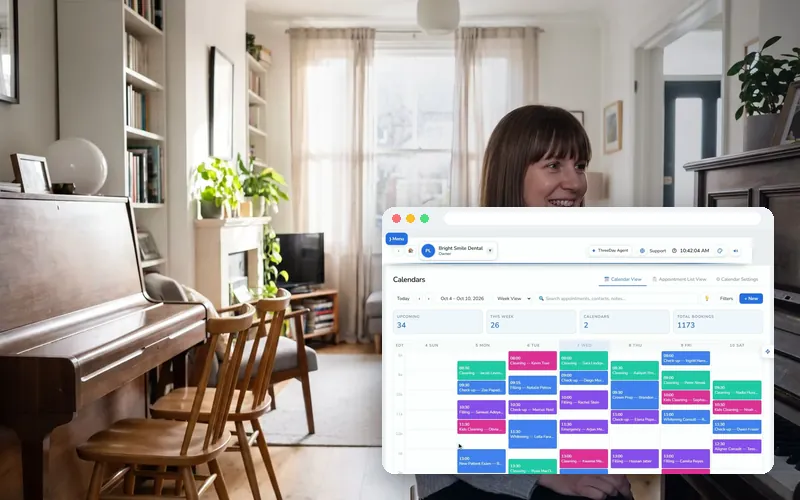
Her bookings and yours, by day, week or month.
Your hours are her rules
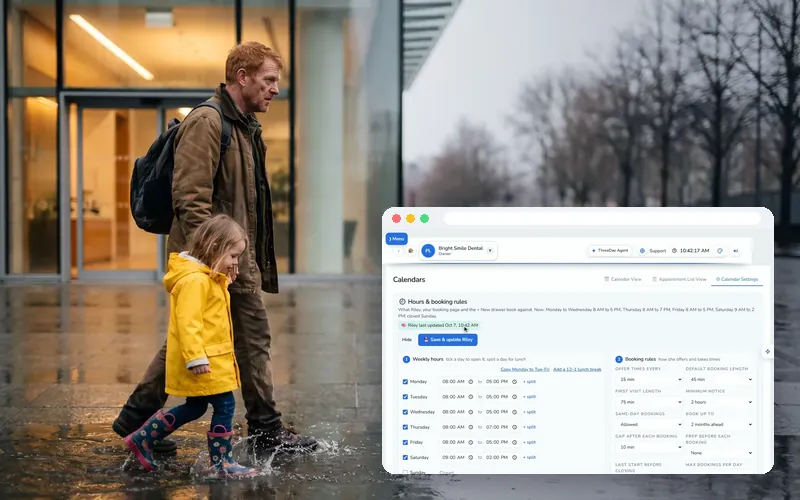
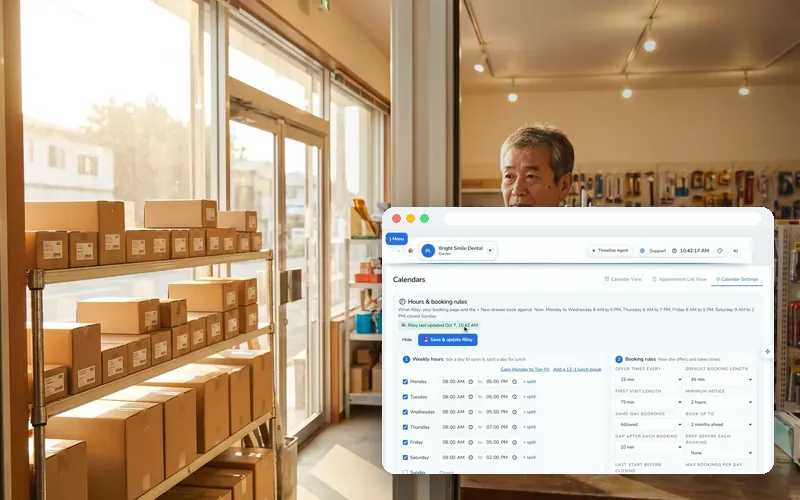
Opening hours, notice and how far ahead people can book.
A booking page of your own
One link, your real staff hours, every booking confirmed by text.
Reminders
24 hours and 2 hours before every appointment, by text and email (Front Desk Pro).

Calendar & booking, on screen.
Every recording below is the real ThreeDay app on a demo account — the names and numbers in it are made up.
What Calendar & booking does
The whole week on one calendar.
Appointments your receptionist books land here on their own, beside anything you add by hand. Open one and send the confirmation in a click.
- Her bookings appear by themselves
- Day, week and month
- Confirmations by text and email
Every appointment, as a list.
The same bookings in rows you can scan, search and act on, for the days a grid is not what you need.
- Scan the day in rows
- Search by name
- Open any booking in place
Your hours are her rules.
Set your opening hours, how much notice you need and how far ahead people can book. Your receptionist books by exactly these.
- Opening hours
- How much notice you need
- How far ahead people can book



What it costs
Included in Front Desk (from $149/mo with 300 receptionist minutes) and Front Desk Pro (from $224/mo, with the whole Business Hub). USD, month to month, $0 setup, 14 days free.
Learn it, step by step
Questions about Calendar & booking
Can it book appointments into my real calendar?
Yes — live, in-call booking straight into your calendar with SMS and email confirmations to the customer. Rescheduling and callback requests are handled too.
Can she text a booking link?
Yes. On the Texting tab you set what she should say, what she must never quote and where to send a booking link; in Agent Studio “text a link” is one of the things you can let her do on a call.
Works with the rest of ThreeDay
Try Calendar & booking on your own business.
14 days free, $0 today, no card. Cancel in a click.