
One inbox.
Every customer.
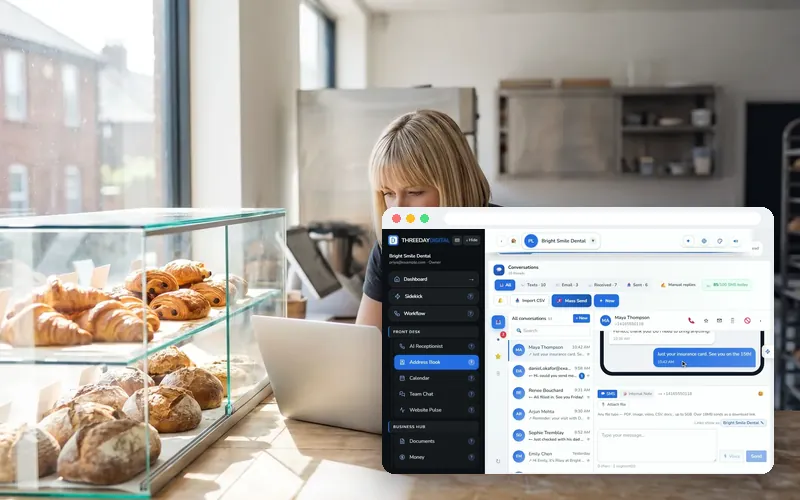
Every call, text and email with a customer sits in one thread, in order, so you read the whole relationship and reply from your own business line. Anyone who calls, texts or emails is added to your contacts by themselves, and your team has its own private chat.
14 days free · $0 today · no card needed

One thread per customer
Calls, texts and emails together, in order.
Contacts that build themselves
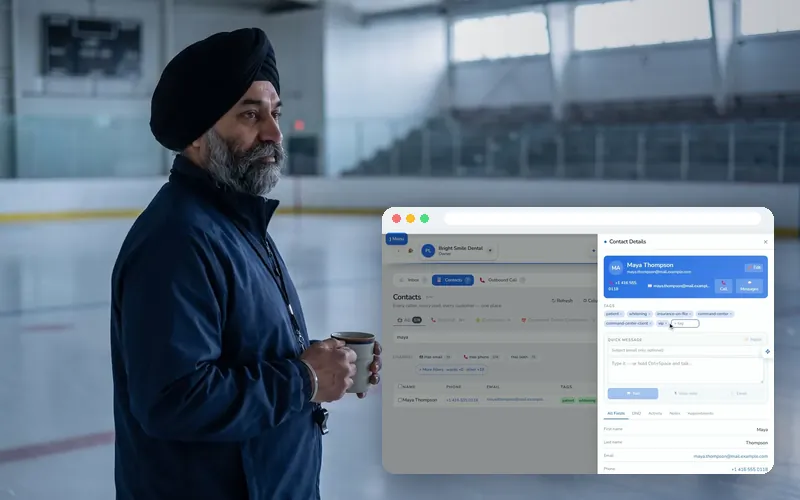
Anyone who calls, texts or emails is added automatically.
Tags that start follow-ups
Tag someone “hot” and a Workflow can text them ten minutes later.
Your team’s own chat
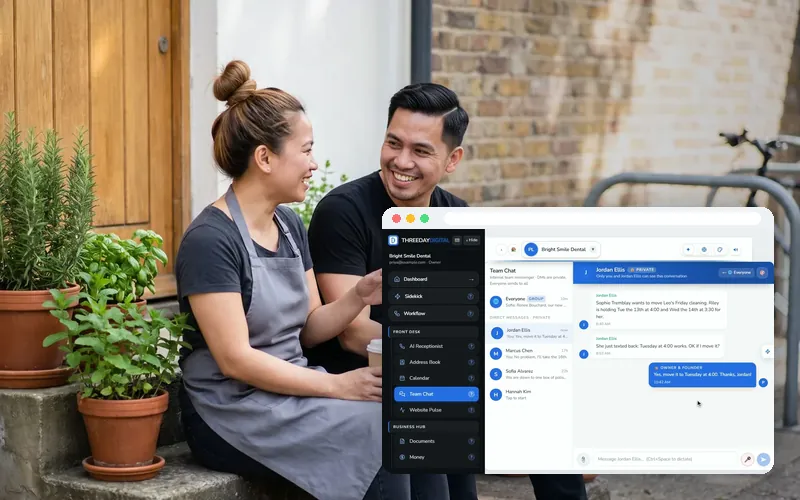
Questions and handoffs in one private thread.

Conversations, on screen.
Every recording below is the real ThreeDay app on a demo account — the names and numbers in it are made up.
What Conversations does
Texts and email in one inbox.
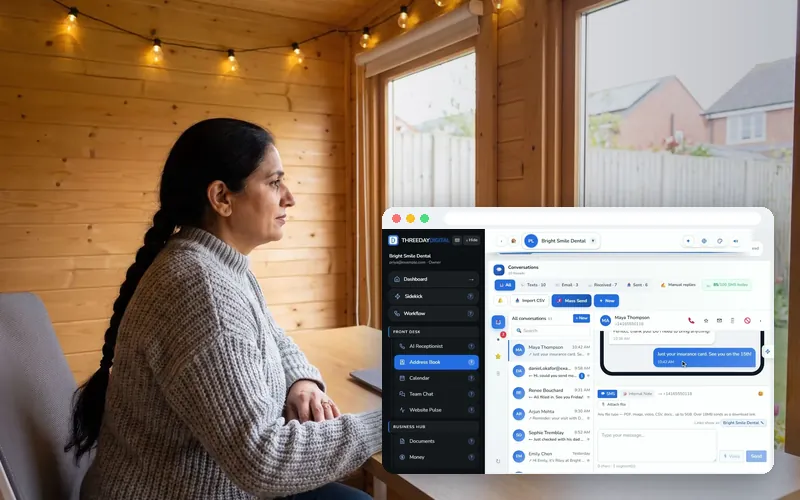
Every call, text and email with a customer sits in one thread, in order, so you read the whole relationship and reply from your own business line.
- One thread per customer
- Reply by text right there
- Unanswered messages sit on top
A contact list that builds itself.
Anyone who calls, texts or emails is added automatically. Open a person to see their calls, messages, bookings and notes together.
- Added from real calls and texts
- Search by name or number
- Tags, history and notes
The team’s own chat.
Questions, handoffs and updates in one private thread inside the app, instead of scattered texts.
- Private to your team
- Photos and files
- An unread count on the tab



What it costs
Included in Front Desk (from $149/mo with 300 receptionist minutes) and Front Desk Pro (from $224/mo, with the whole Business Hub). USD, month to month, $0 setup, 14 days free.
Learn it, step by step
Questions about Conversations
Can it text customers too?
Yes. Two-way texting lives in your Address Book inbox alongside email — send confirmations, follow-ups and review requests from your business number. Mass texting with daily-limit smarts is built in.
Can my team use it too?
Yes — invite teammates with their own logins and roles, chat internally in Team Chat, and hand off conversations without forwarding screenshots around.
Can she text a booking link?
Yes. On the Texting tab you set what she should say, what she must never quote and where to send a booking link; in Agent Studio “text a link” is one of the things you can let her do on a call.
Works with the rest of ThreeDay
Try Conversations on your own business.
14 days free, $0 today, no card. Cancel in a click.