
Follow-ups
that send themselves.
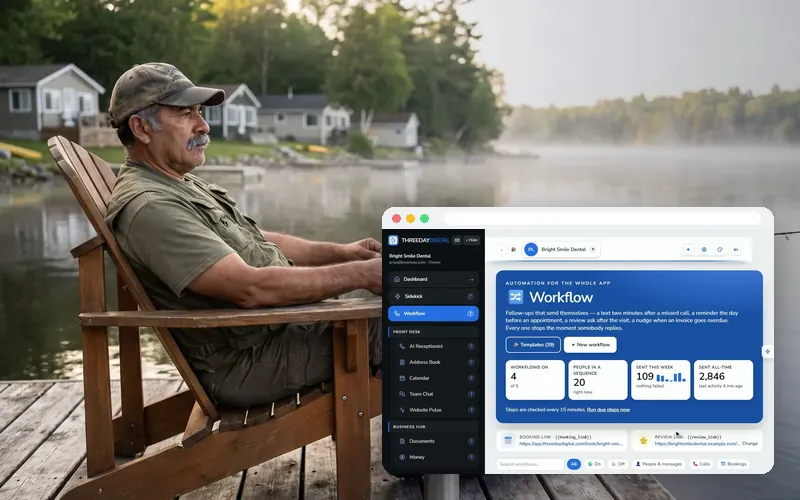
Pick what starts it — a missed call, a new contact, a booking, a tag, a text — then list what should happen: text them, email them, have your receptionist ring them, tag them, alert you. Ten real templates to start from, “Test on me” before a customer sees anything, and every one stops the moment they reply.
14 days free · $0 today · no card needed
Ten real templates
Missed-call text back, new-lead follow-up, reminders, review requests, recalls.
Five kinds of start
A missed call, a new contact, a booking, a tag or a text.
Texts, emails and calls
From your number and inbox — or your receptionist rings them.
Stops when they reply
Nobody gets chased after they answer.

Workflows, on screen.
Every recording below is the real ThreeDay app on a demo account — the names and numbers in it are made up.
What Workflows does
Follow-ups that send themselves.
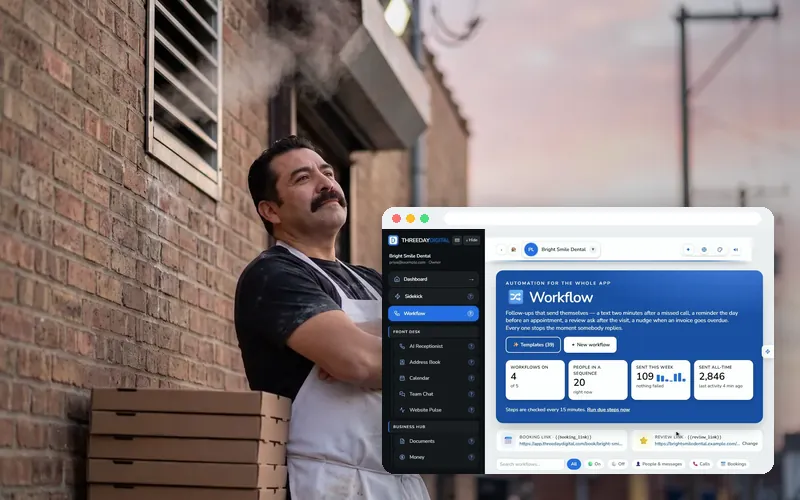
Pick what starts it — a missed call, a new contact, a booking — then what should happen: a text, an email, a call from your receptionist. Each one stops the moment they reply.
- Ready-made templates
- Texts, emails and calls
- Stops when they reply
She answers texts too.
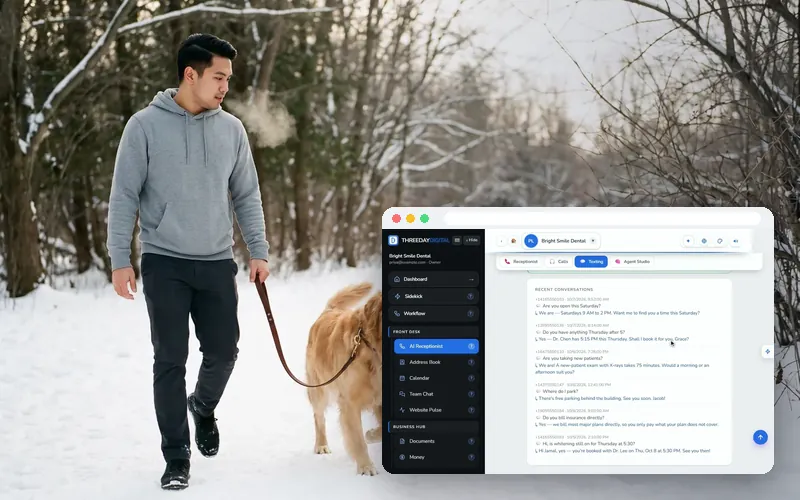
Customers text your business number and she replies with the same knowledge she uses on the phone, including the automatic text back to a call you missed.
- Replies on your business number
- Texts back missed callers
- Switch to answering by hand anytime
Texts and email in one inbox.
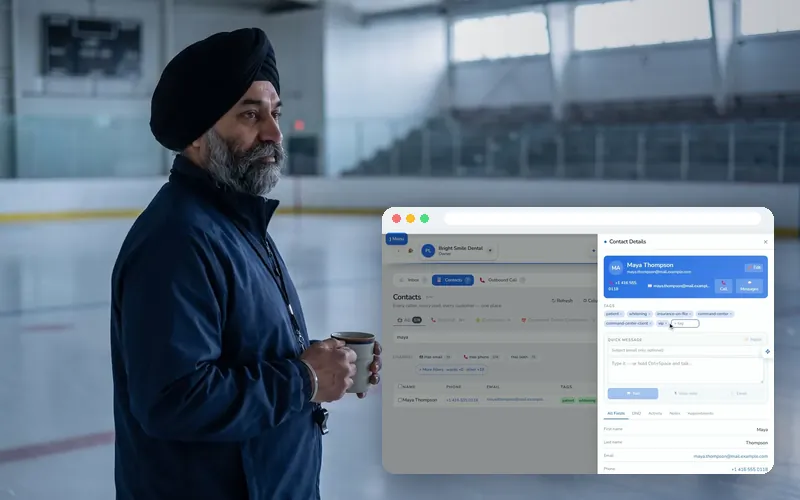
Every call, text and email with a customer sits in one thread, in order, so you read the whole relationship and reply from your own business line.
- One thread per customer
- Reply by text right there
- Unanswered messages sit on top
Call out from your business number.
Ring a customer yourself from the browser, or have your receptionist make the call for you once you tell her what it is about.
- Your number on their screen
- You, or your receptionist
- Out of the same minutes



What it costs
Included in Front Desk (from $149/mo with 300 receptionist minutes) and Front Desk Pro (from $224/mo, with the whole Business Hub). USD, month to month, $0 setup, 14 days free.
Learn it, step by step
Questions about Workflows
Can it text customers too?
Yes. Two-way texting lives in your Address Book inbox alongside email — send confirmations, follow-ups and review requests from your business number. Mass texting with daily-limit smarts is built in.
Can she make outbound calls?
Yes. Besides answering, she calls people for you: she calls back missed calls, follows up new leads that haven’t booked, chases quotes, calls clients due for a recall and reminds them about overdue invoices. Pick a ready-made Workflow, switch it on, and it stops the moment they reply or book. She calls from your business number, on the same minutes, and every call is on your Calls page with its recording and summary.
Does it make outbound calls too, or only answer them?
Both, and out of the same bucket of minutes at the same rate — there is no separate outbound plan and no second bill. It calls people back, chases quotes and confirmations, runs follow-up campaigns from a list you import, and dials on a schedule you set. Inbound and outbound share one balance, so a busy week of callbacks simply draws on the minutes you already have.
Can she text a booking link?
Yes. On the Texting tab you set what she should say, what she must never quote and where to send a booking link; in Agent Studio “text a link” is one of the things you can let her do on a call.
Works with the rest of ThreeDay
Try Workflows on your own business.
14 days free, $0 today, no card. Cancel in a click.