
All resources
Every course, tutorial, use case and on-demand session for ThreeDay Digital and ThreeDay Realtor, in one place — 107 in all, with screen recordings of the real app.
Start here
107 resources
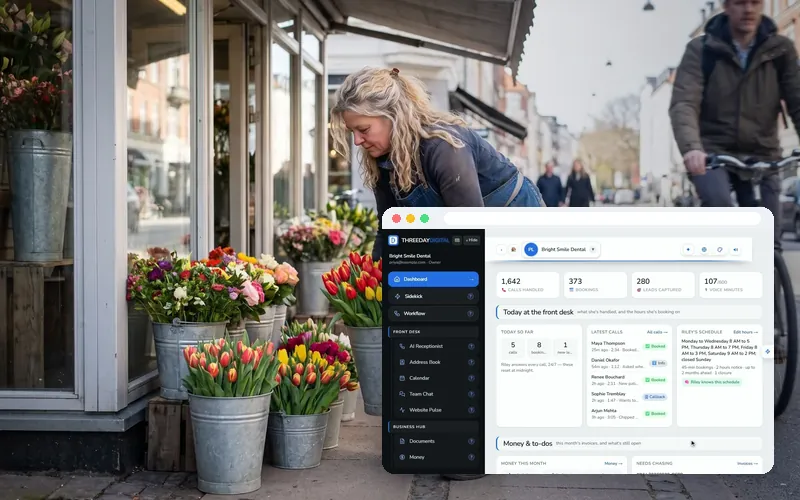 ThreeDay 101From sign-up to a line that answers, books and follows up: the whole platform in the order you’ll use it.Course · 7 lessons · 1 quiz · 28 min
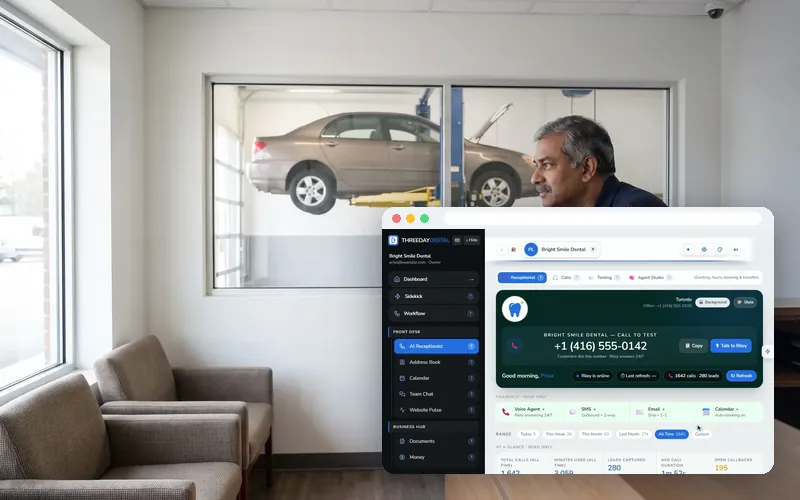 The AI Front DeskYour receptionist in depth: setup, reading calls, texting, outbound calls and the follow-ups she runs.Course · 5 lessons · 1 quiz · 17 min
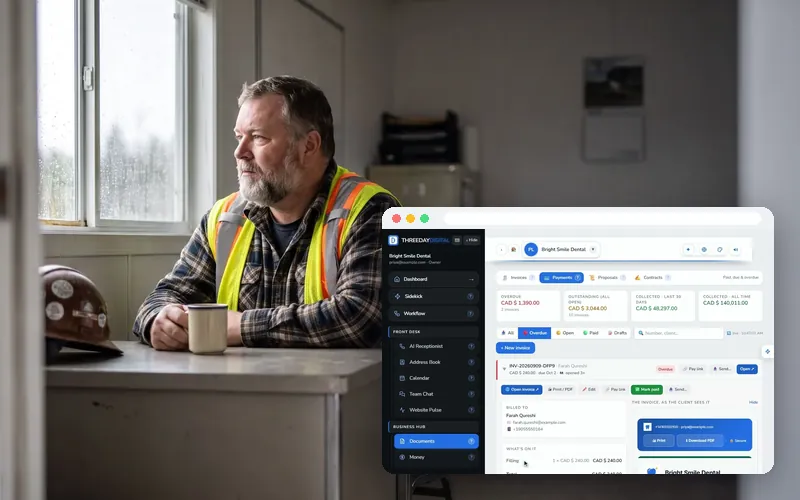 The Business HubInvoices, payments, proposals, contracts with e-sign, money reports, projects and files.Course · 4 lessons · 1 quiz · 15 min
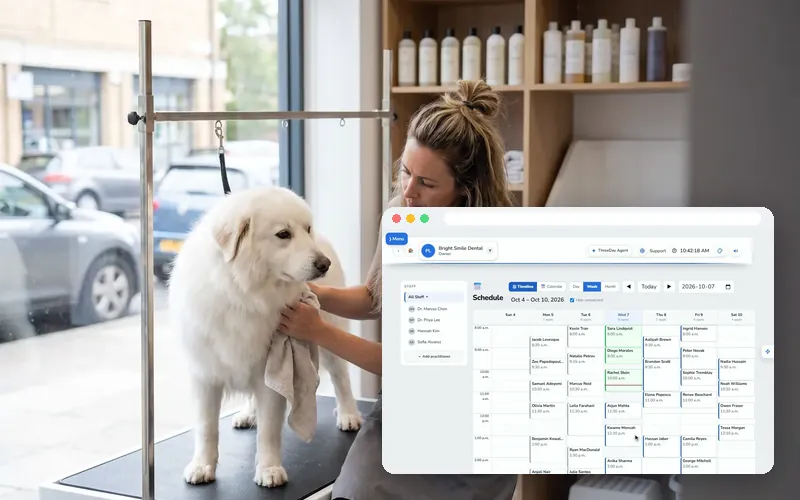 Command CenterThe operations desk for a clinic, salon, shop or crew: schedule, clients, waitlist, recalls, services, stock and staff.Course · 3 lessons · 1 quiz · 13 min
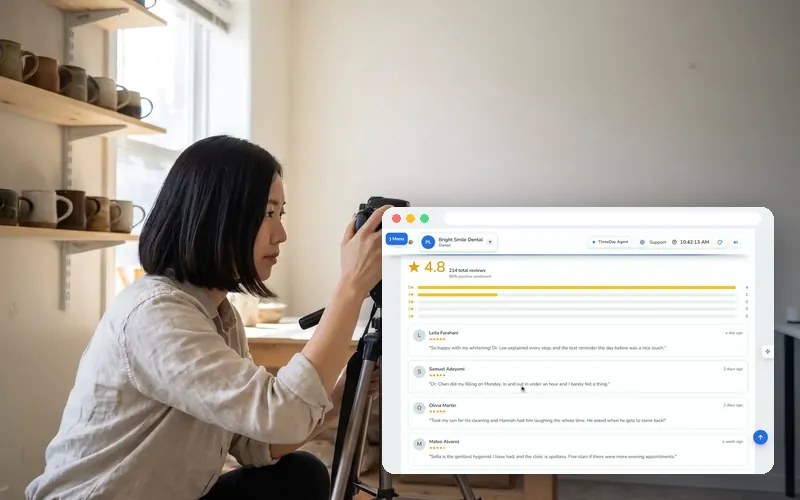 Grow online: websites and Website PulseHow a ThreeDay website build works, and how to read your site’s speed, visitors, reviews and search.Course · 3 lessons · 1 quiz · 13 min
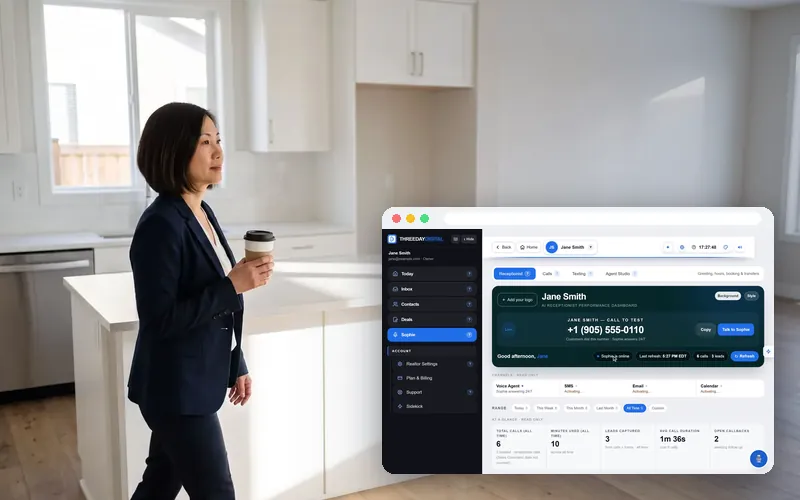 ThreeDay Realtor 101Every tab of ThreeDay Realtor: your plate, follow-ups, approvals, contacts, deals, e-sign, showings and your phone assistant.Course · 8 lessons · 1 quiz · 25 min
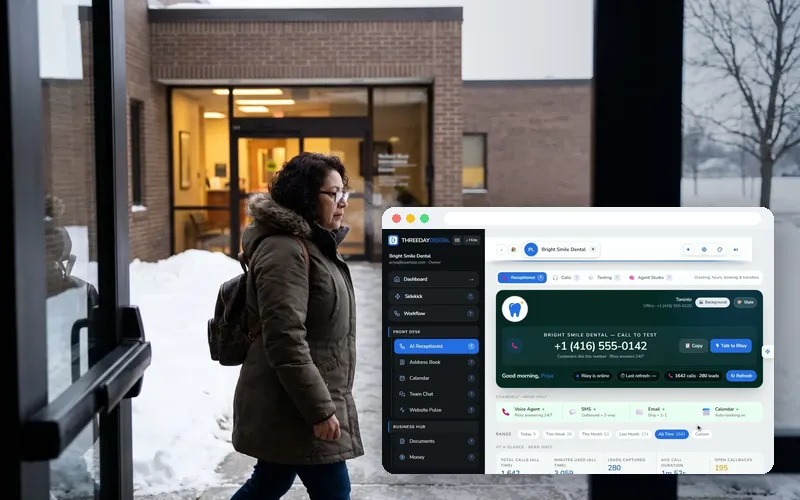 The clinic playbookFor dental, medical, physio, chiro, med spa and every clinic: new patients booked at lunch, recalls back on the schedule.Course · 5 lessons · 1 quiz · 29 min
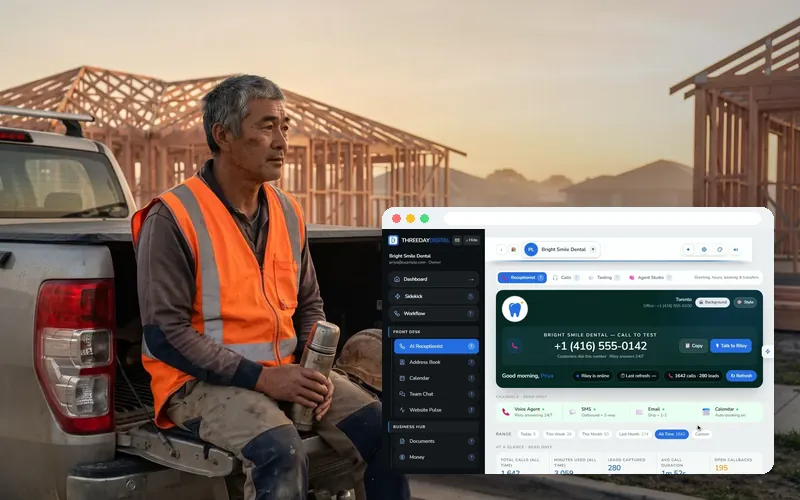 The trades playbookFor roofing, HVAC, plumbing, electrical and every home service: the phone answered while both hands are on the job.Course · 6 lessons · 1 quiz · 32 min
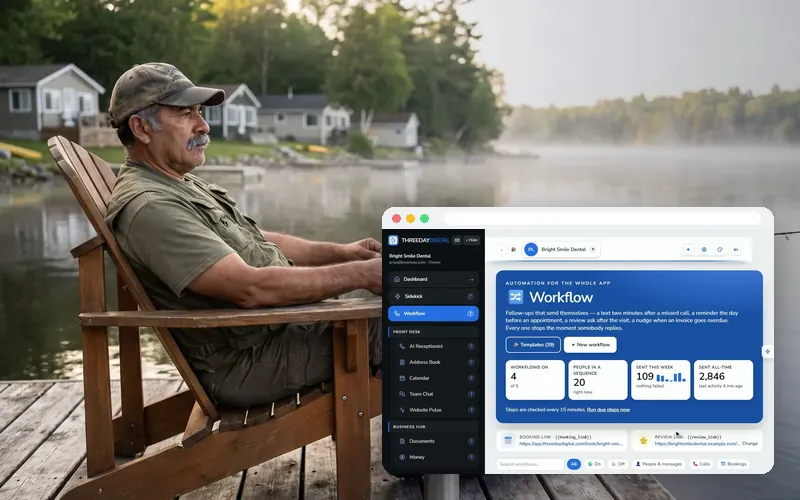 Follow-ups that run themselvesMissed-call text backs, reminders, quote chasers, review requests and outbound calls — set once, stopping the moment they reply.Course · 7 lessons · 1 quiz · 28 min
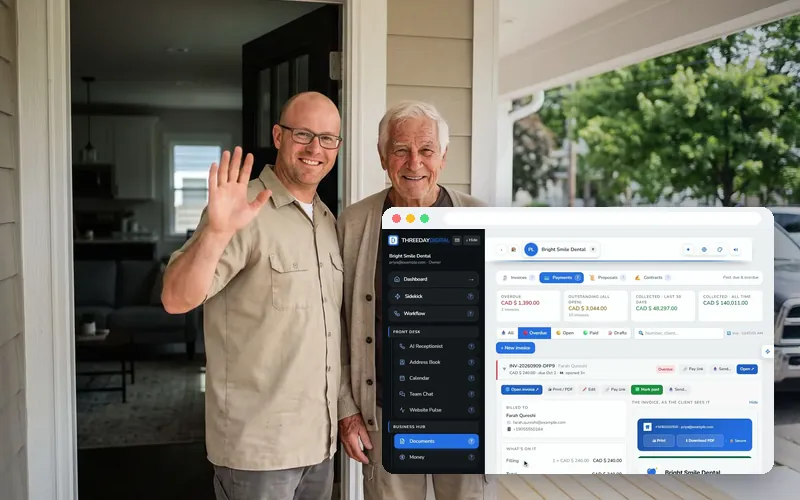 Get paid: invoices, recurring billing and quotesFrom the quote to the money in the bank: proposals, contracts, invoices with a pay link, recurring billing and reports.Course · 6 lessons · 1 quiz · 22 min
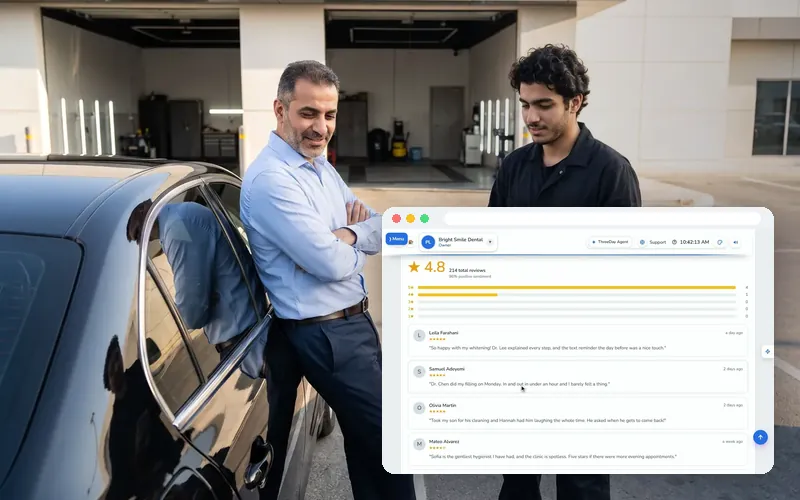 Reputation and SEOMore reviews, better answers to them, a faster site and the search words your customers really use.Course · 4 lessons · 1 quiz · 16 min
 Your team and your dayTeammates and permissions, Team Chat, Sidekick notes and planner, the ThreeDay Agent, client projects and the iPhone app.Course · 6 lessons · 1 quiz · 20 min
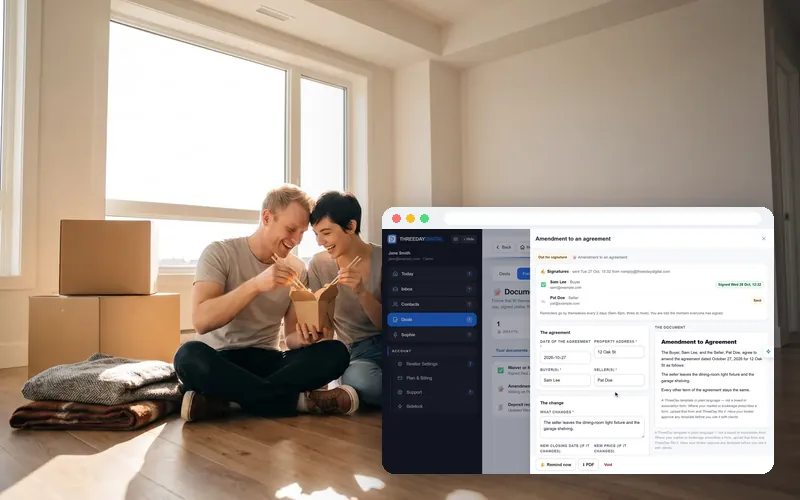 ThreeDay Realtor: deals and documentsConditions to the hour, closing checklists, client files that sort themselves, forms that fill themselves and e-signatures that chase.Course · 4 lessons · 1 quiz · 11 min
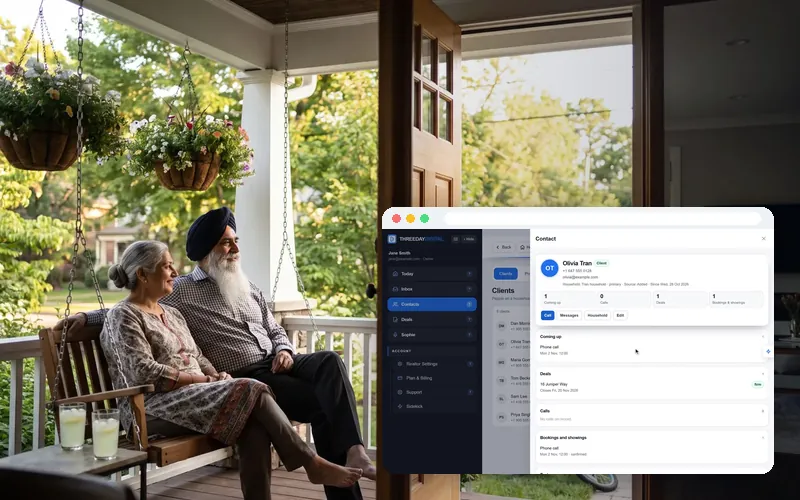 ThreeDay Realtor: clients for lifeImport your book, keep consent on file, never miss a date, and run your day by voice — with every message waiting for your OK.Course · 6 lessons · 1 quiz · 24 min
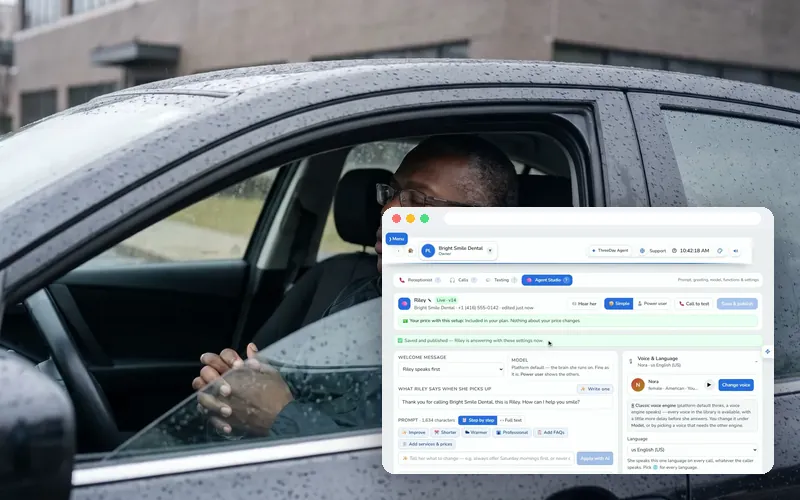 The professional services playbookFor law firms, accountants and insurance brokers: the new client who calls once, booked on that call — with no advice given.Course · 6 lessons · 1 quiz · 30 min
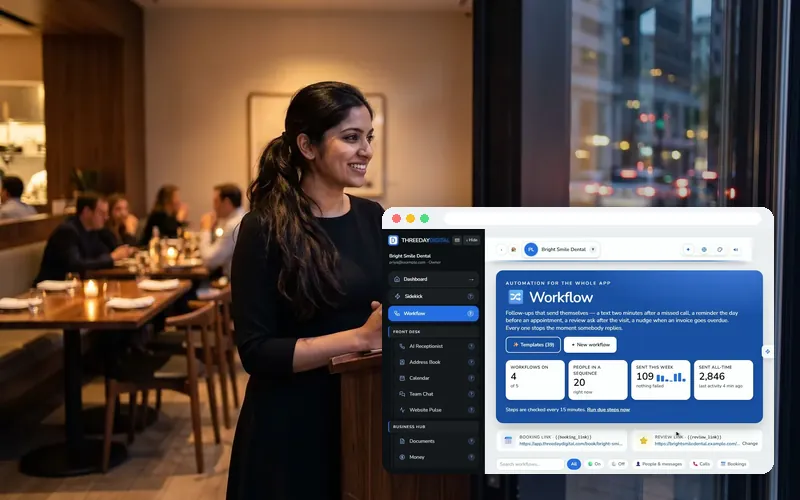 The hospitality, beauty and care playbookFor restaurants, salons, fitness studios and daycares: the phone answered exactly when the room is busiest.Course · 6 lessons · 1 quiz · 33 min
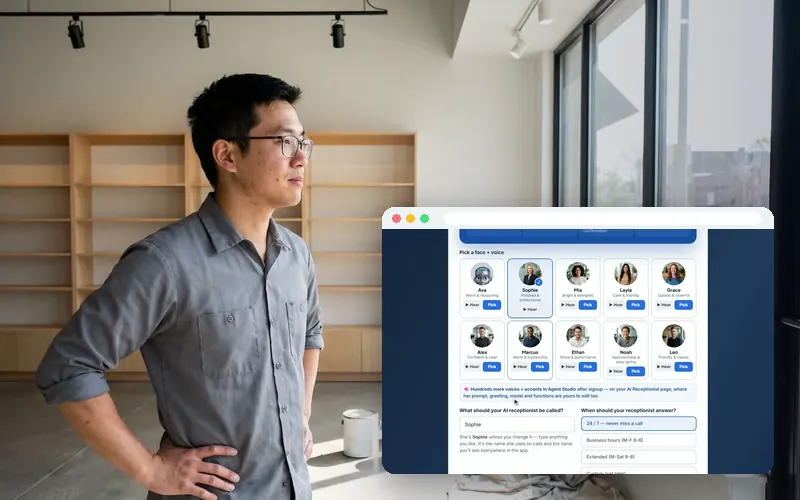 Getting started with ThreeDaySign up, meet your receptionist, read your dashboard and ask the Agent your first question. Everything you do in your first ten minutes.Tutorial · 5 min · 4 recordings
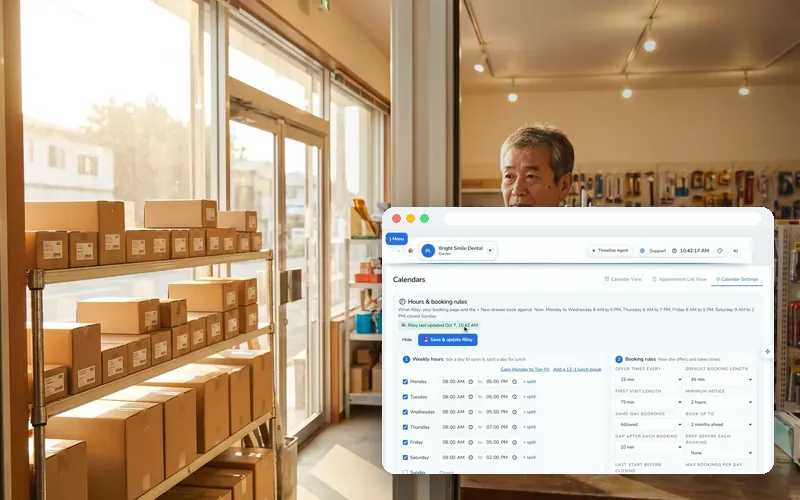 Set up your AI receptionistHer greeting, your hours, what she may book and who she transfers to — then her voice and knowledge in Agent Studio. Publish, and your line is live.Tutorial · 4 min · 4 recordings
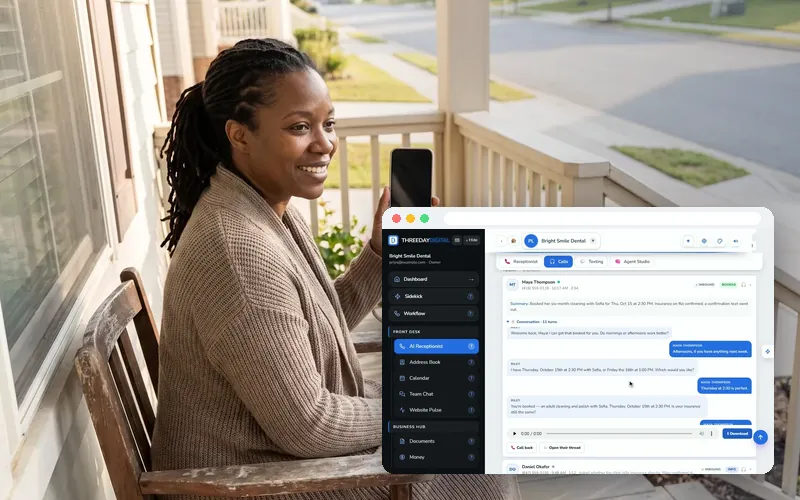 Read every call: recordings, transcripts, summariesEvery call she takes comes with the recording, the whole conversation written out and a one-line summary. Here is how to read them fast.Tutorial · 3 min · 3 recordings
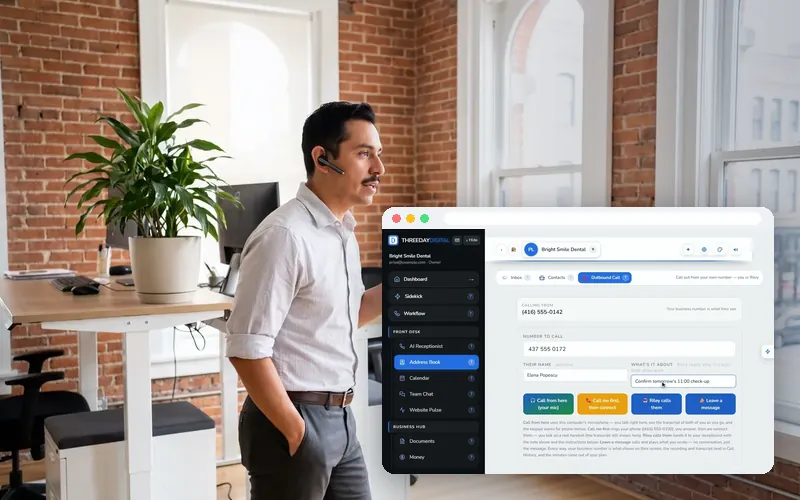 Outbound calling: call out from your business numberRing a customer yourself from the browser with a live transcript, have your receptionist make the call for you, or play a recorded message.Tutorial · 3 min · 3 recordings
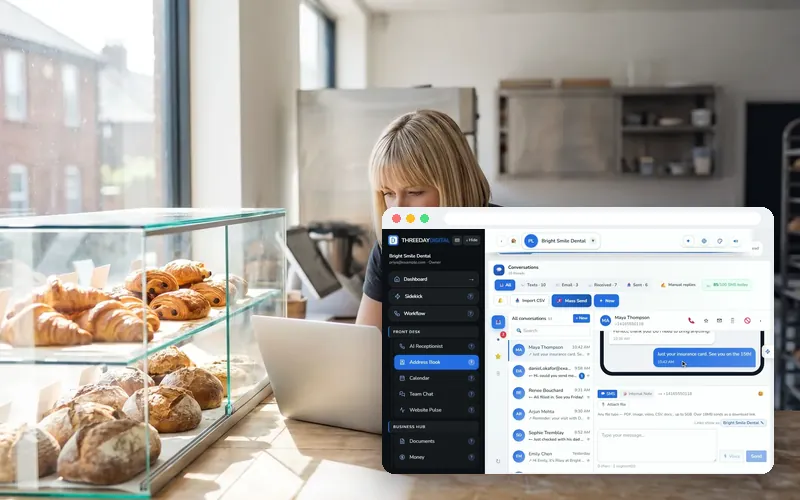 Conversations: one inbox for every customerEvery call, text and email with a customer in one thread, answered from your business number — plus contacts and your team’s own chat.Tutorial · 3 min · 3 recordings
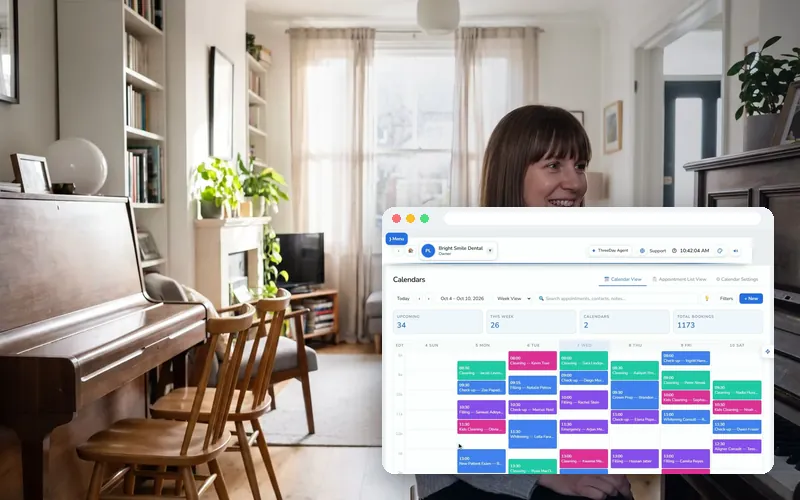 Calendar & bookingAppointments she books land on your calendar on their own. Set the rules she books by, add your own, and send confirmations in a click.Tutorial · 3 min · 4 recordings
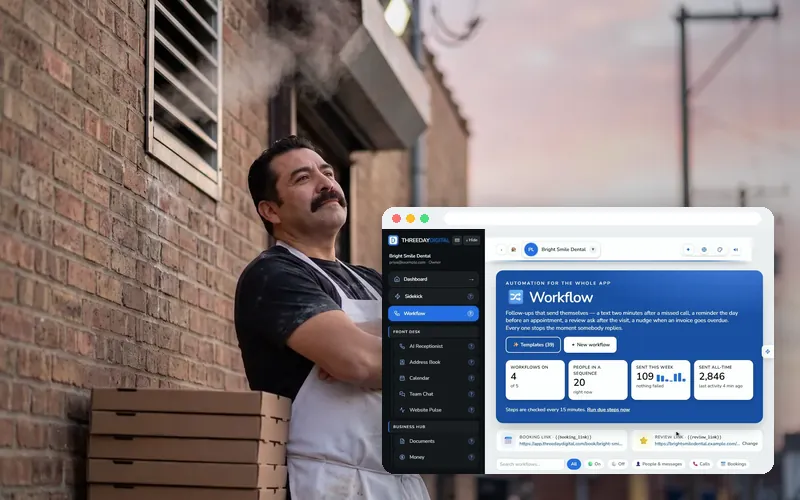 Workflows: follow-ups that send themselvesPick what starts it — a missed call, a new contact, a booking, a tag — then what happens: a text, an email, a call. It stops the moment they reply.Tutorial · 3 min · 3 recordings
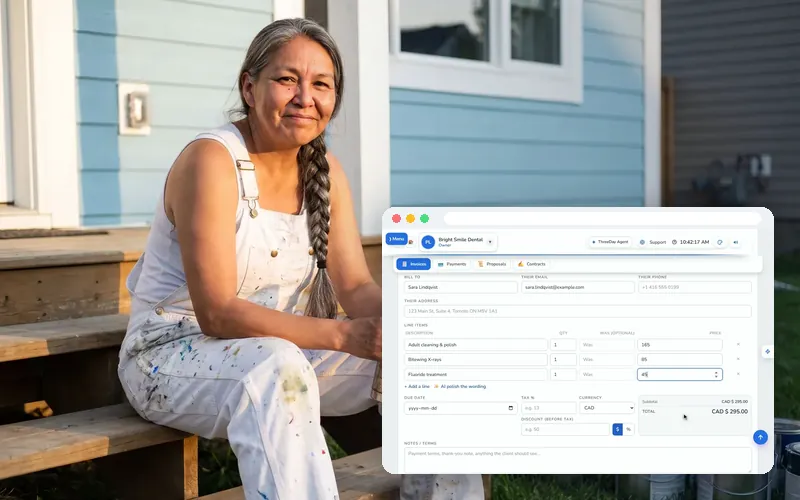 Send your first invoice and get paidA branded invoice in about a minute, sent by email or text with a link the client can pay on. Record payments as they land.Tutorial · 4 min · 4 recordings
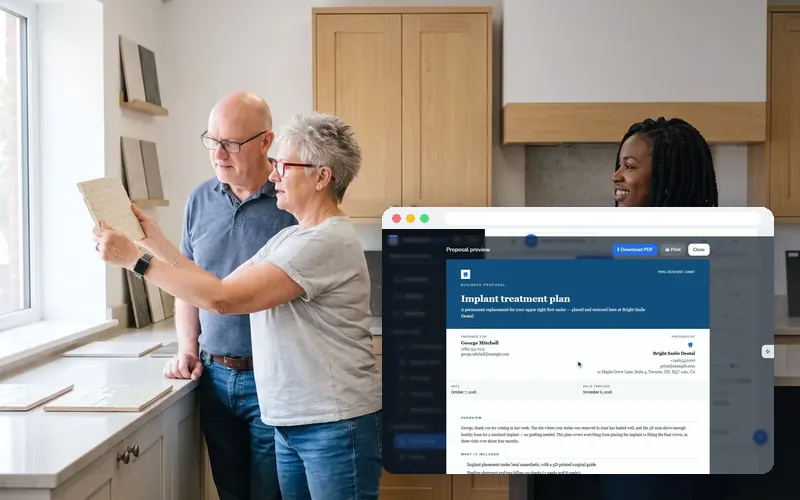 Proposals and contracts with e-signaturesWin the work with a proposal on your letterhead, then get it signed on their phone. An accepted proposal becomes the invoice.Tutorial · 3 min · 2 recordings
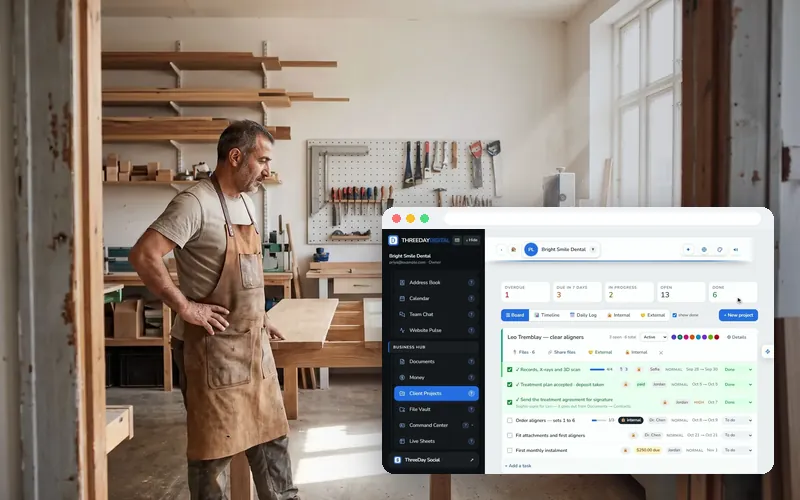 Client projects, the File Vault and Live SheetsA board for every client job, one vault for every file with share links, and your spreadsheets live inside the app.Tutorial · 3 min · 3 recordings
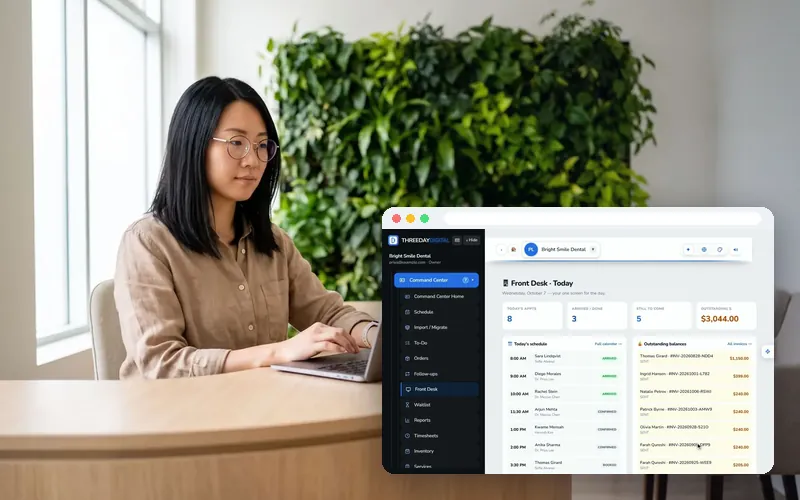 Command Center: run the front deskToday’s schedule, clients, waitlist and recalls on one desk — for a clinic, a salon, a shop or a crew.Tutorial · 4 min · 5 recordings
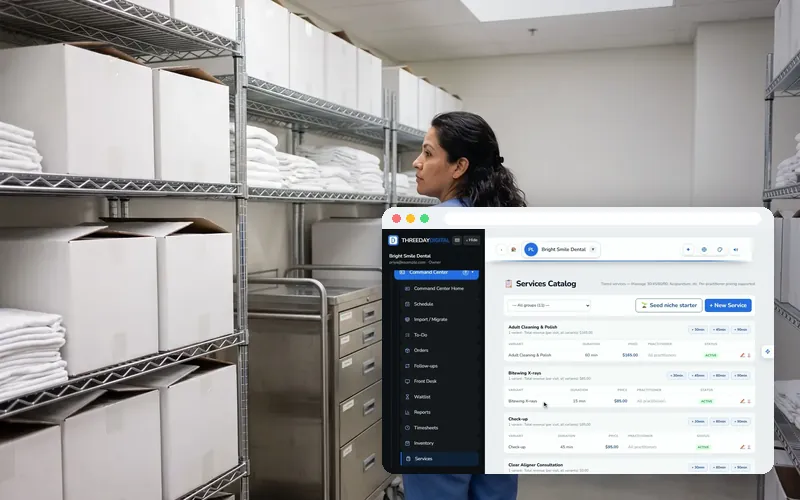 Command Center: services, stock, staff and reportsYour price list, inventory, timesheets, to-dos and the reports that add it all up — without a spreadsheet.Tutorial · 3 min · 5 recordings
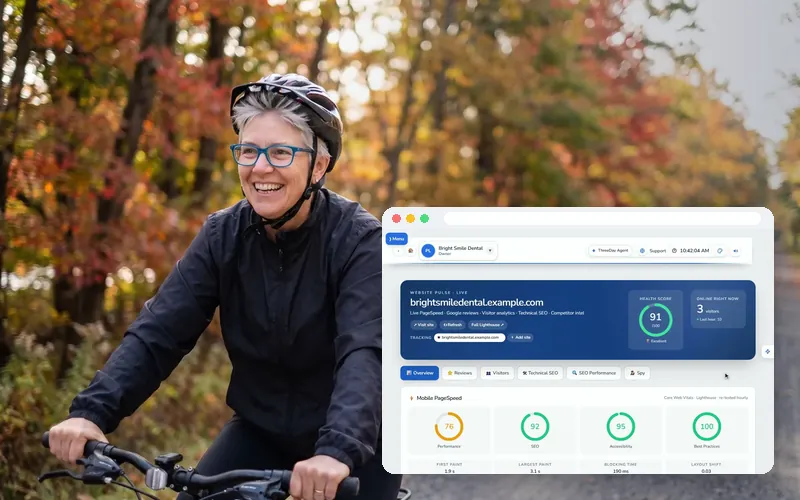 Website Pulse: a health check on your websiteSpeed and a health score, your Google reviews, live visitors, ten technical checks, your search queries and a look at the competition.Tutorial · 5 min · 6 recordings
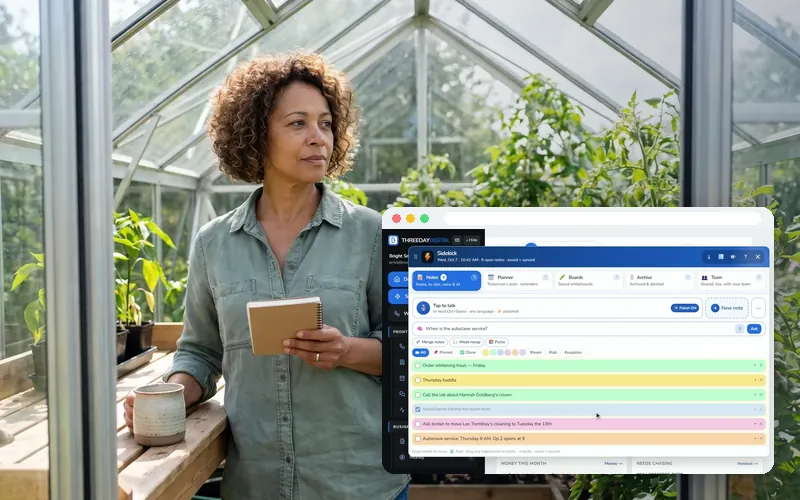 Sidekick: notes, planner and boards on every pageA notepad pinned to the right of every page: typed notes, voice notes written out, tomorrow’s plan, whiteboards and shared team notes.Tutorial · 4 min · 5 recordings
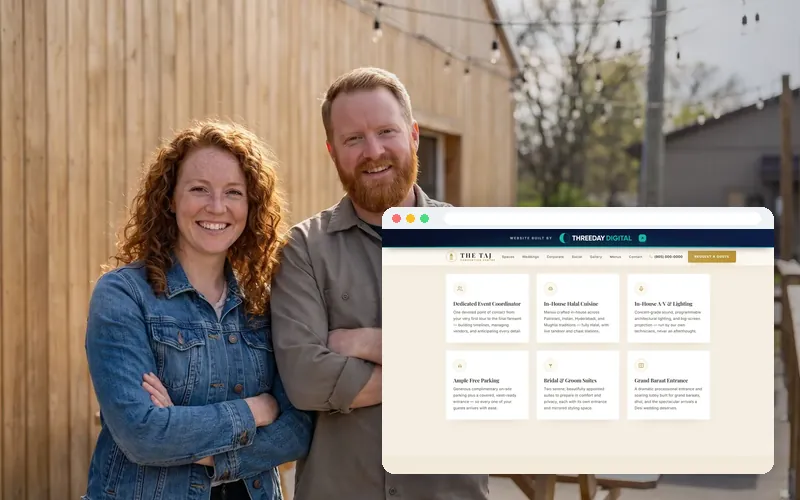 Order a website from ThreeDayA fixed price in writing before we start, live in about three to five days, and yours forever. How a website build works, step by step.Tutorial · 3 min · 3 steps
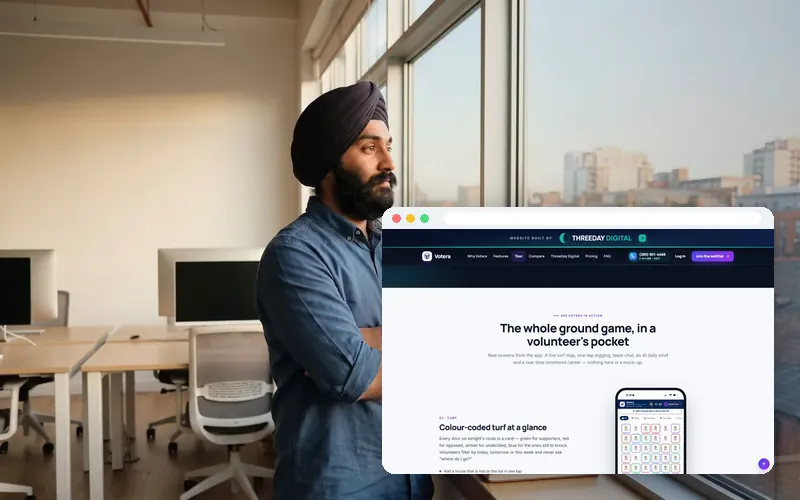 Custom builds: from an idea to software in daysWeb apps, mobile apps, AI voice agents, dashboards and campaign tech. A fixed proposal within 48 hours, and you own everything.Tutorial · 3 min · 3 steps
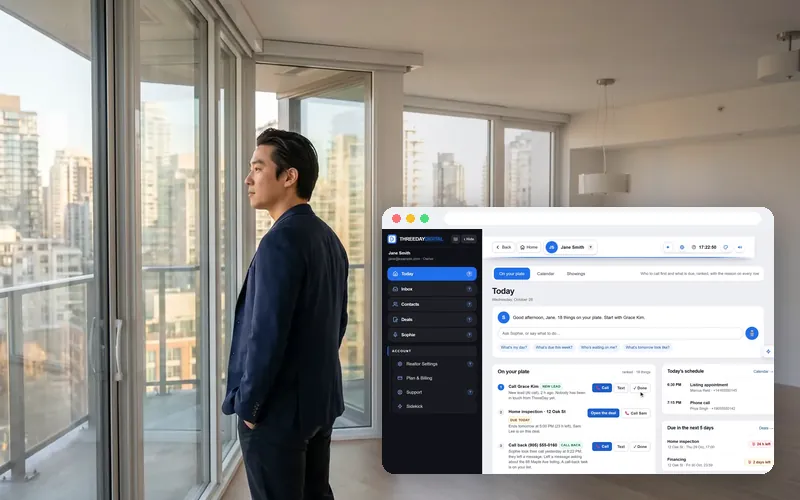 Getting started with ThreeDay RealtorYour day starts on your plate: who to call first, ranked, with your schedule beside it — and your phone assistant on her own line.Tutorial · 3 min · 3 recordings
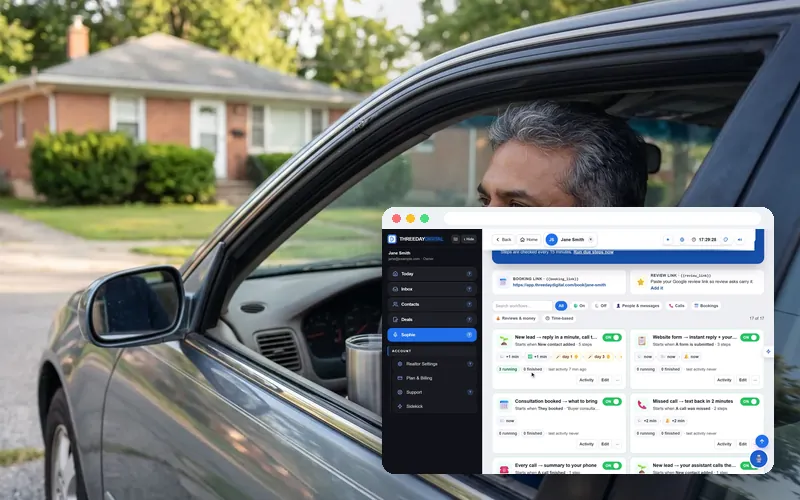 ThreeDay Realtor: follow-ups and approvalsFollow-ups run for you, and every message the AI writes waits for your OK. Approve, edit or reject in one tap.Tutorial · 3 min · 3 recordings
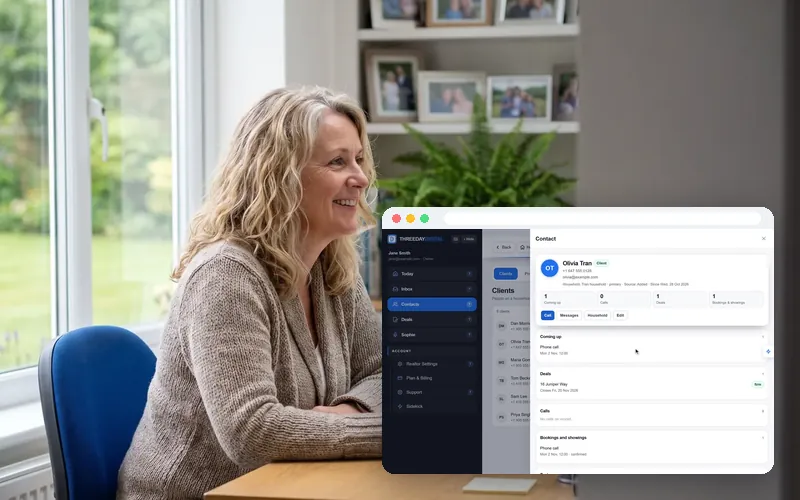 ThreeDay Realtor: clients, prospects and householdsImport your whole book from any file, keep households with consent on file, and never miss a birthday or a home anniversary.Tutorial · 3 min · 4 recordings
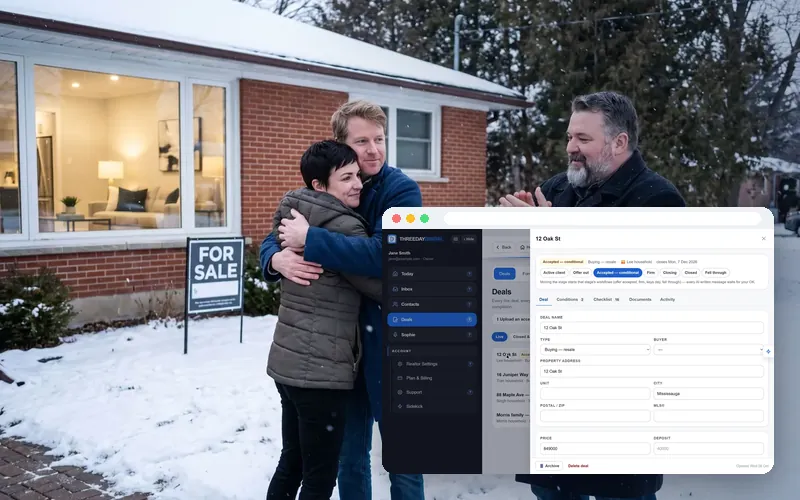 ThreeDay Realtor: deals, conditions and e-signUpload the accepted agreement and every condition counts down to the hour. Forms fill themselves from the client’s files and go out for signature.Tutorial · 3 min · 2 recordings
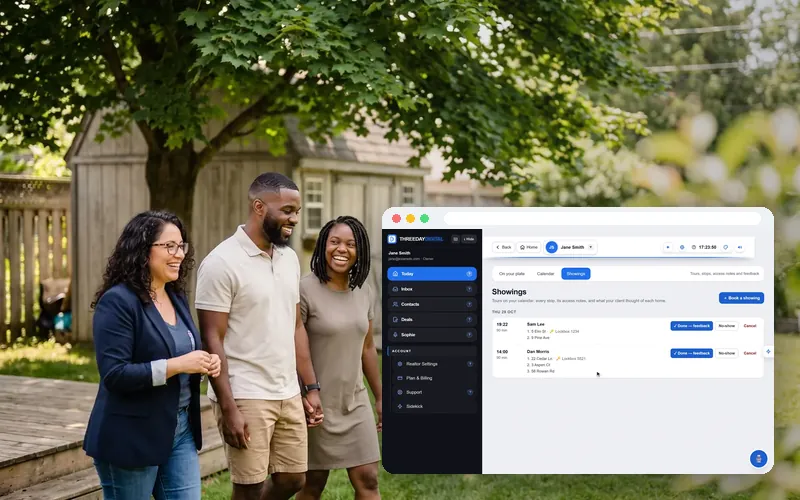 ThreeDay Realtor: showings and your calendarOne booking with every home on it, access notes per stop, feedback after — on the same calendar Sophie books into.Tutorial · 3 min · 2 recordings
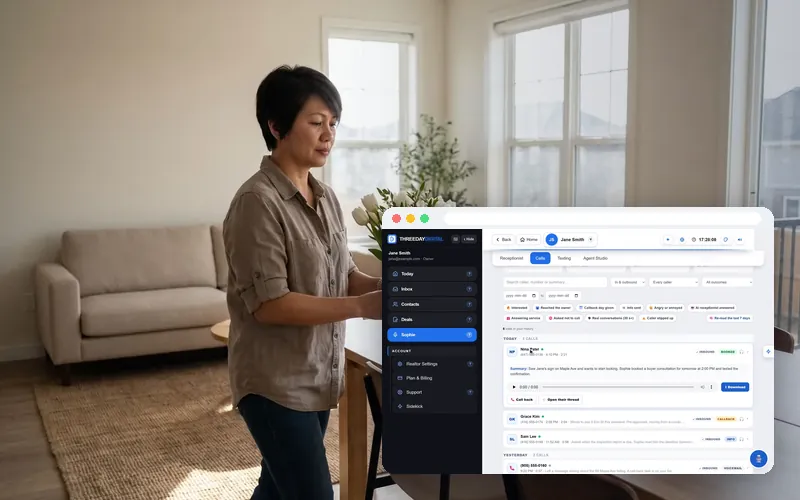 ThreeDay Realtor: your phone assistantEvery call she takes written out, the texts she answers, and her voice and script in Agent Studio — yours to change.Tutorial · 3 min · 3 recordings
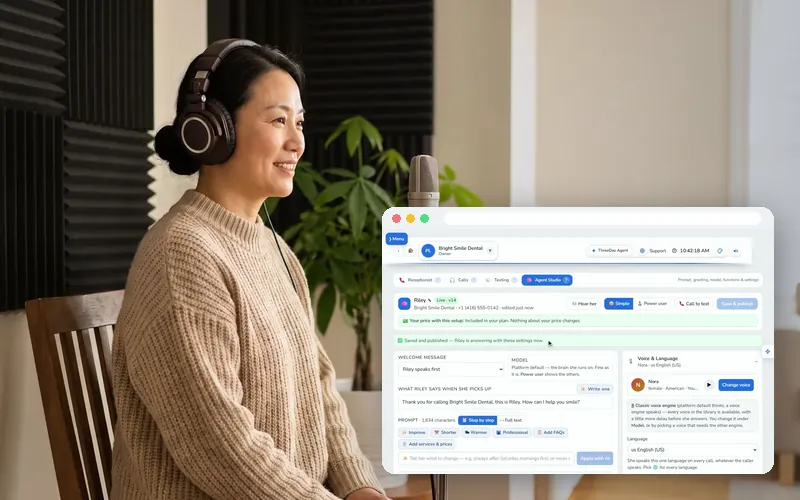 Agent Studio, in depthEvery control behind your receptionist: her instructions, the things she may do on a call, her voice, her knowledge, and publishing safely.Tutorial · 4 min · 5 recordings
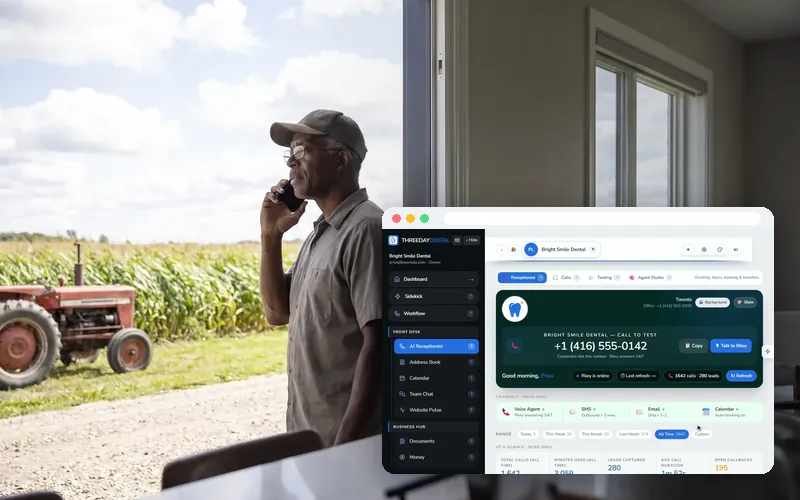 Live transfers, messages and emergenciesWhat happens to the calls that need you: a live transfer to your phone, a detailed message, or a booked call-back — by your rules.Tutorial · 3 min · 3 recordings
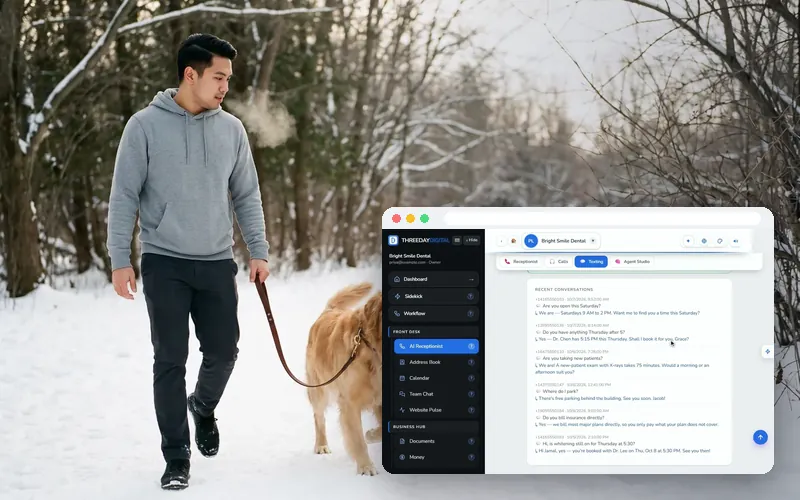 Set up the missed-call text backThe single highest-return automation a small business can run: a text two minutes after a call you missed, and the reply in one inbox.Tutorial · 3 min · 4 recordings
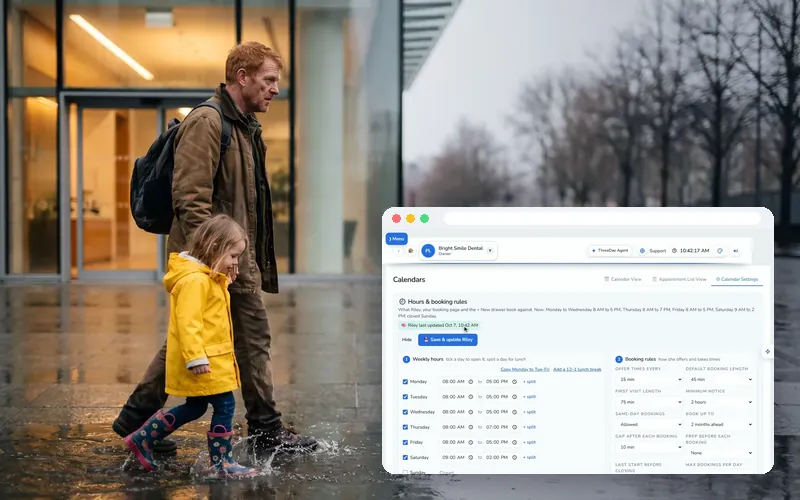 Set up appointment remindersA reminder the day before and two hours before, changes handled on the spot, and a review request after the visit.Tutorial · 3 min · 4 recordings
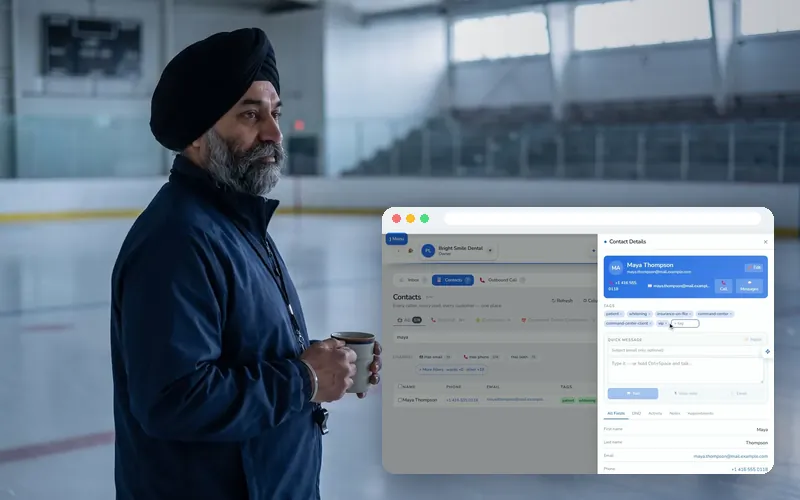 Contacts: tags, history and importing your listYour contact list builds itself from calls, texts and emails. Here is how to search it, tag people, import an old list and stop texting someone.Tutorial · 3 min · 4 recordings
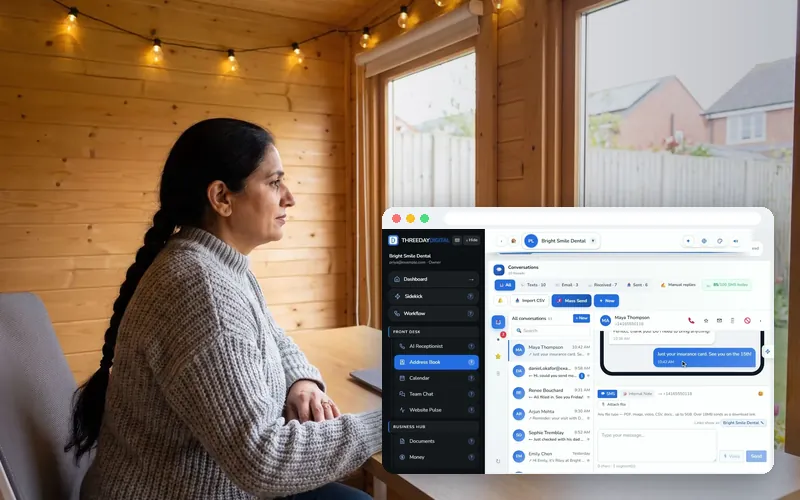 Business email in your inboxYour business mailbox in the same inbox as calls and texts — and, on Front Desk Pro, your own domain.Tutorial · 3 min · 2 recordings
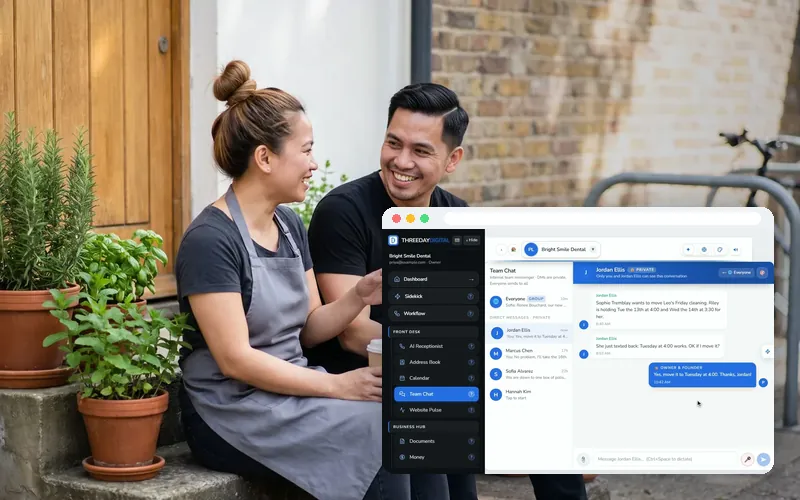 Your team: logins, permissions and Team ChatInvite teammates with their own logins, control what each person can open, and keep handoffs in one private chat.Tutorial · 3 min · 3 recordings
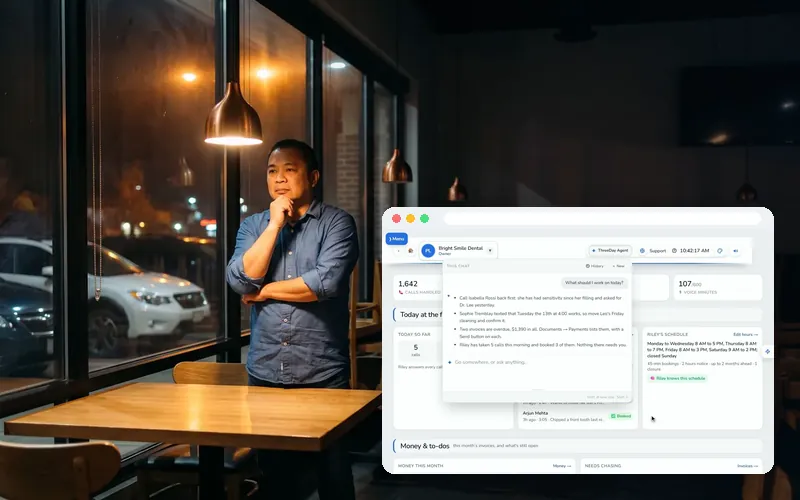 The ThreeDay Agent: ask your business anythingThe AI inside the app that knows your account — your calls, invoices, contacts, projects and files — and points you to the page you need.Tutorial · 3 min · 2 recordings
 ThreeDay on your iPhoneCalls, bookings, invoices and your Command Center in your pocket, with a push alert the moment a call is booked.Tutorial · 3 min · 4 steps
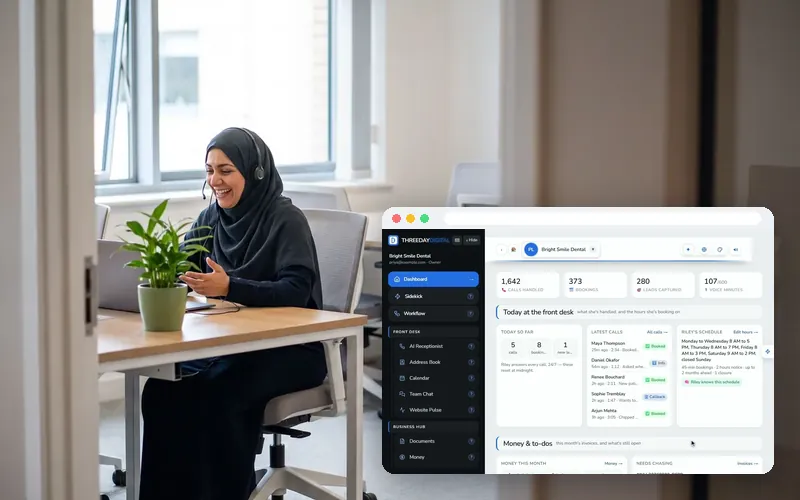 Getting help from the ThreeDay teamA real person within 24 hours: tickets, live chat and strategy calls from inside the app, and the ways to reach us from outside it.Tutorial · 3 min · 2 recordings
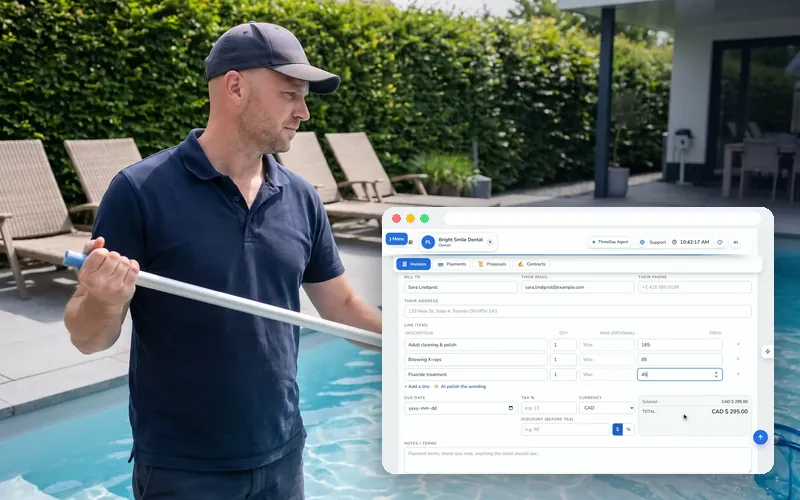 Recurring billing: invoices that send themselvesAnything you bill on a schedule, on autopilot: the invoice creates itself on the bill day, reminders chase it, and nothing bills twice in a month.Tutorial · 3 min · 3 recordings
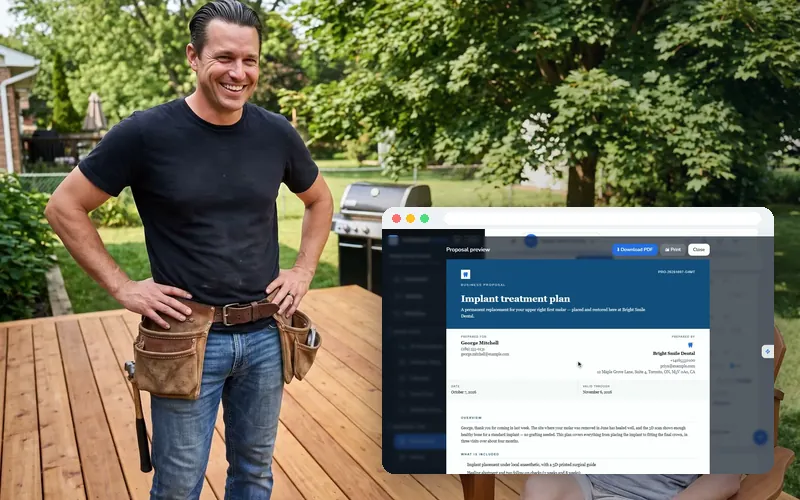 From quote to cash in one placeThe whole money trail of a job: the proposal, the signed contract, the invoice made from it, the payment, and the follow-up when a quote goes quiet.Tutorial · 3 min · 5 recordings
 Reviews and reputation with Website PulseRead your Google rating and newest reviews without opening Google, answer them, and ask happy customers for more.Tutorial · 3 min · 3 recordings
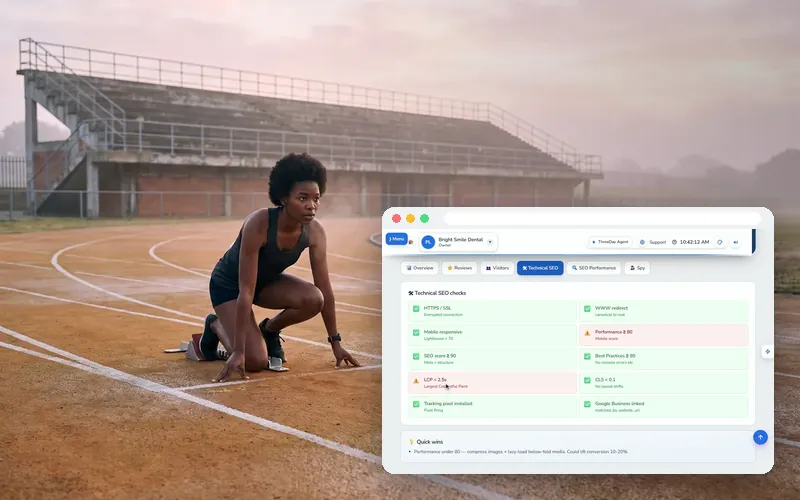 SEO and speed: get found, load fastTen technical checks in plain English, the search queries that bring people in, and what your competitors run.Tutorial · 3 min · 4 recordings
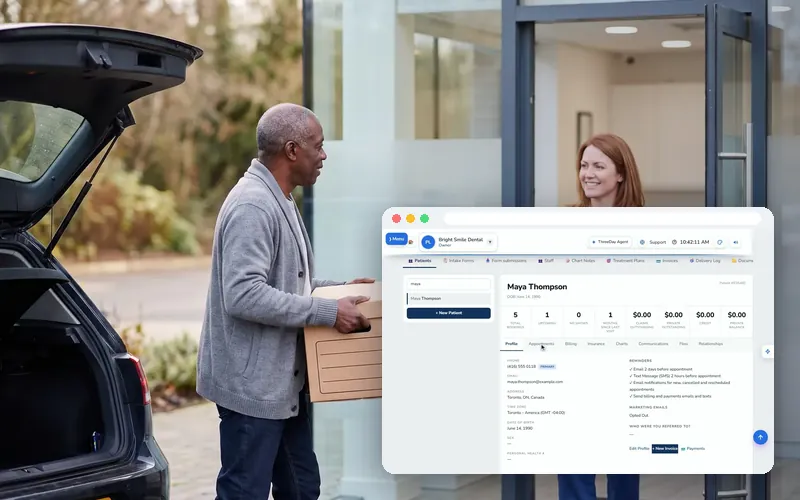 Bring your client list into Command CenterDay one: import your existing client list from a spreadsheet, map the columns, and every client has a record.Tutorial · 3 min · 3 recordings
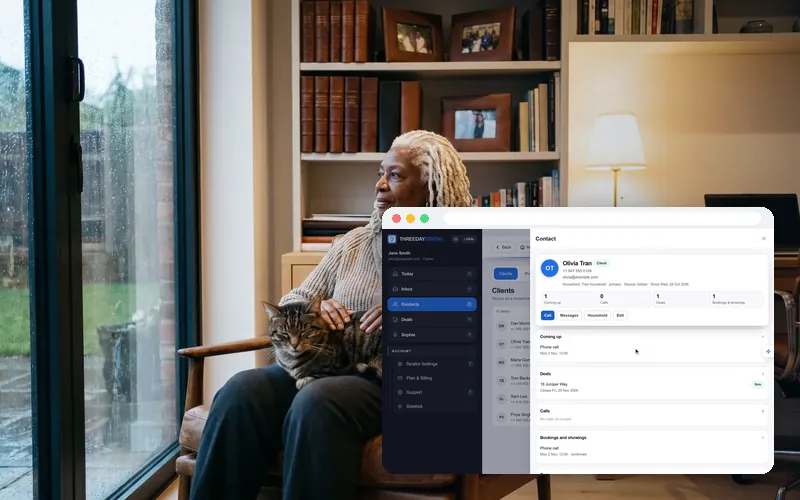 ThreeDay Realtor: import your whole bookExcel, CSV, a phone export, your old CRM, a PDF list, even photos of a printed list — checked by you before anything is saved, and nobody contacted.Tutorial · 3 min · 3 recordings
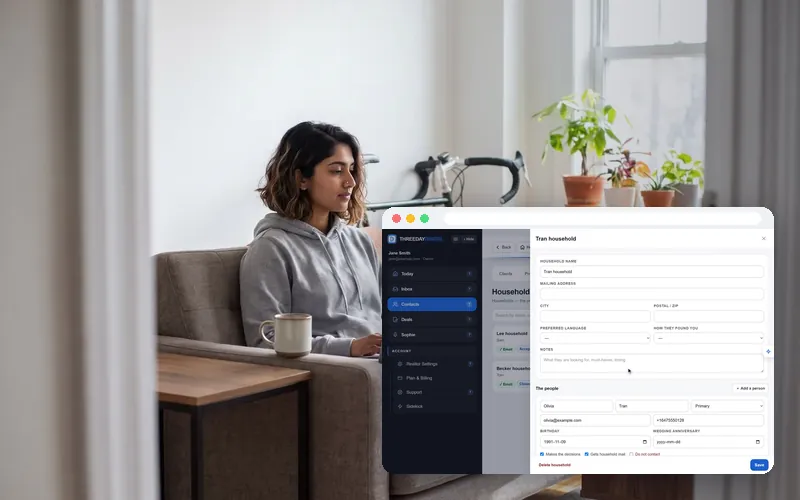 ThreeDay Realtor: forms that fill from client filesIDs, pre-approvals and pay stubs filed by themselves into each household’s Files — then a form that fills itself from them, signed online.Tutorial · 3 min · 3 recordings
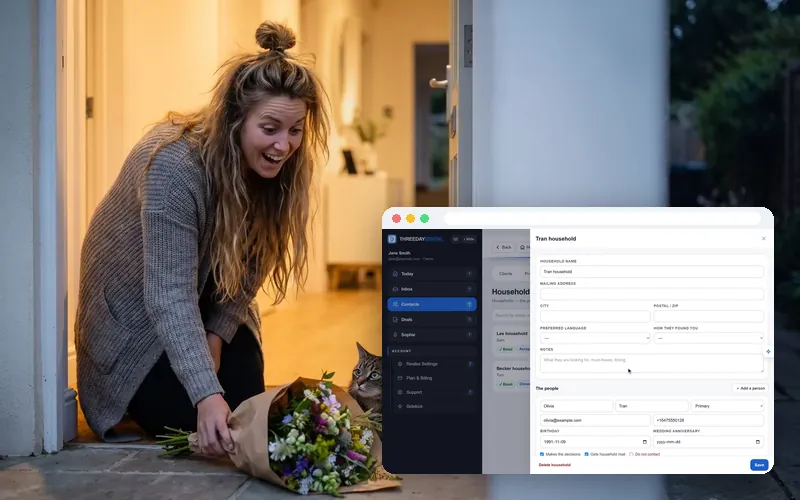 ThreeDay Realtor: dates that bring the next dealBirthdays, anniversaries, home anniversaries and check-ins after closing, drafted in your voice for your OK — only where they agreed to hear from you.Tutorial · 3 min · 3 recordings
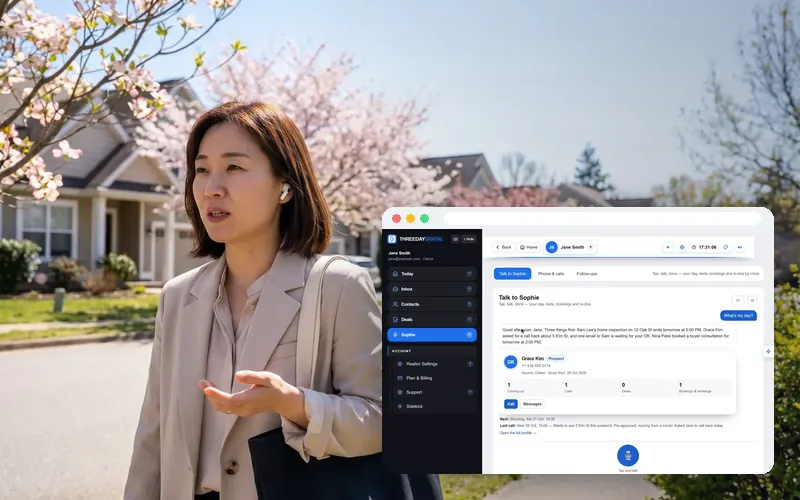 ThreeDay Realtor: run your day by voiceTap the mic between showings: ask for your day, text a client, book a showing, add a to-do — every action comes back as a card you tap to confirm.Tutorial · 3 min · 3 recordings
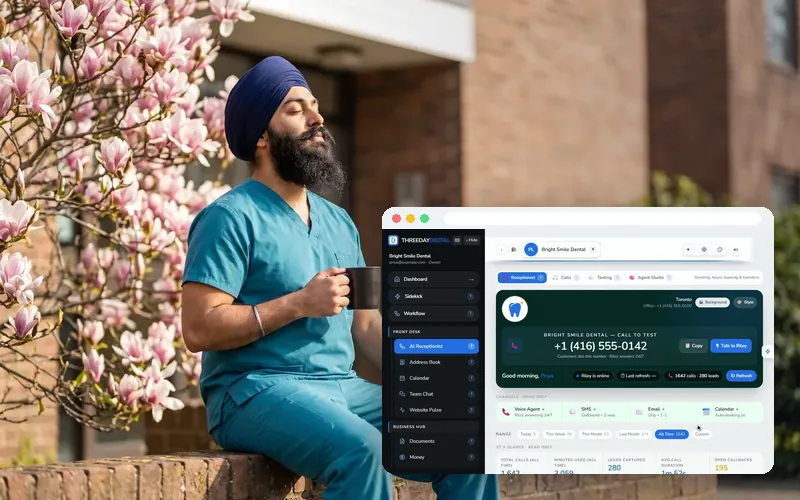 ThreeDay for dental officesNew patients call when they can: at lunch, after work, on Saturday. Riley, your AI receptionist, picks up on the first ring, books the appointment into your schedule and texts the confirmation.Use case · Health & wellness
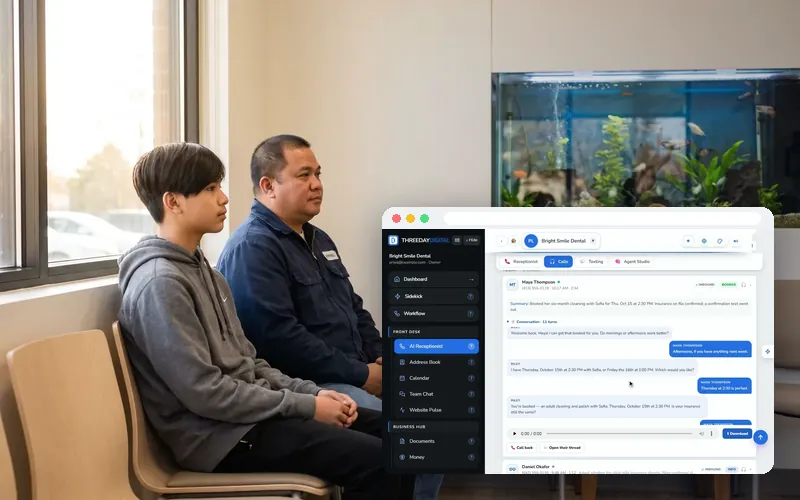 ThreeDay for orthodontic practicesParents call about braces and aligners when the school day ends, which is when your chairs are full. Riley picks up on the first ring, books the consultation and texts the confirmation.Use case · Health & wellness
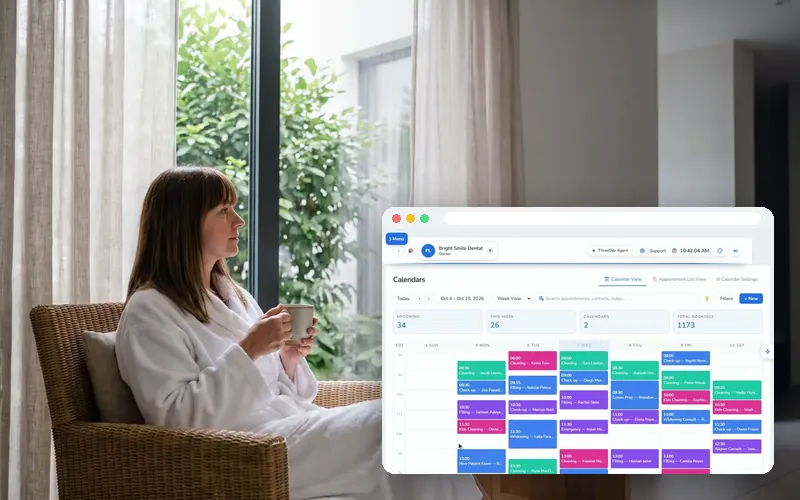 ThreeDay for med spasPeople think about injectables, laser and skin treatments at night and on weekends, when nobody is at your desk. Riley answers on the first ring, books the consult and texts the confirmation.Use case · Health & wellness
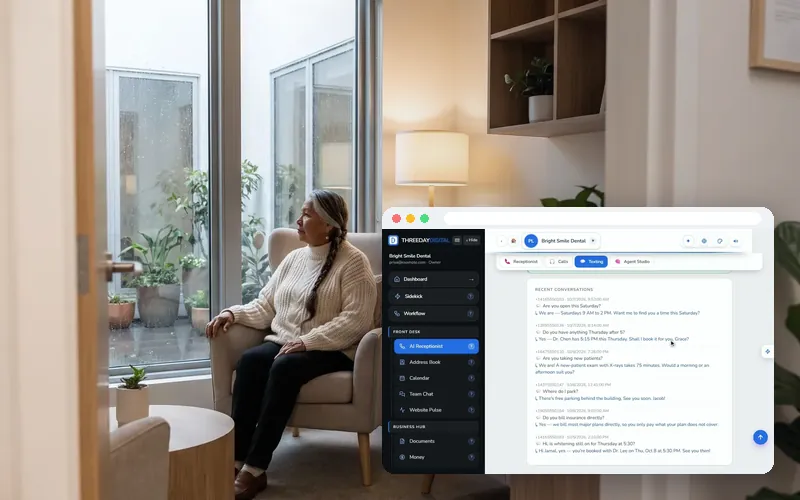 ThreeDay for plastic surgery clinicsSomeone who has finally decided to call about a procedure calls once. Riley answers day or night, takes their details with care, books the consultation and texts the confirmation.Use case · Health & wellness
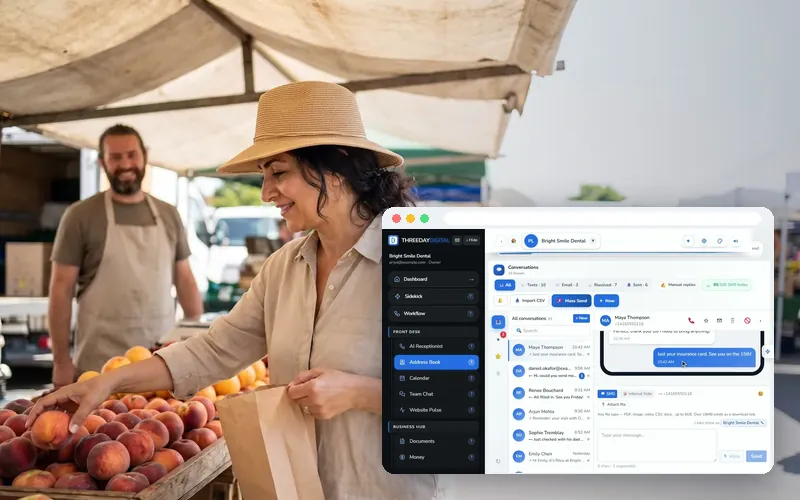 ThreeDay for dermatology clinicsYour desk is busy from open to close, and the new-patient and cosmetic calls are the first to hit voicemail. Riley answers every call, books the right kind of visit and texts the confirmation.Use case · Health & wellness
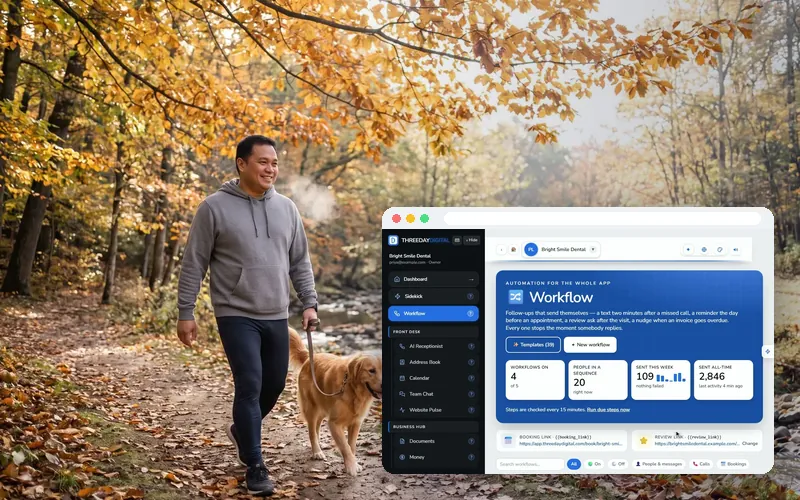 ThreeDay for weight-loss clinicsCalling a weight-loss clinic takes nerve, and people do it on a lunch break or late at night. Riley answers every call warmly, explains how your program starts and books the consultation.Use case · Health & wellness
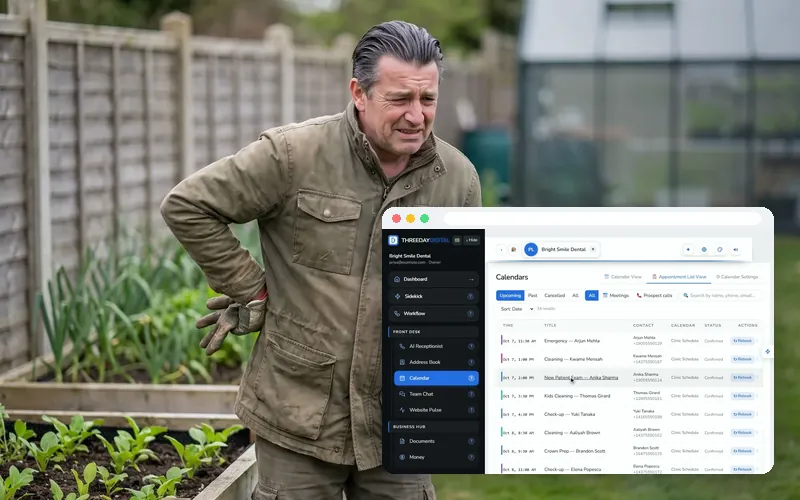 ThreeDay for chiropractic clinicsYou can’t pick up mid-adjustment, and a new patient with a sore back calls the next clinic on the list. Riley answers on the first ring, books the visit and texts the confirmation.Use case · Health & wellness
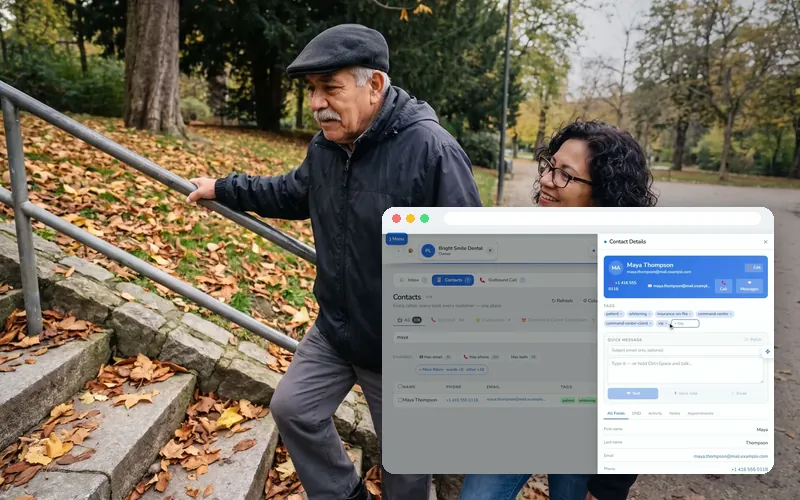 ThreeDay for physiotherapy clinicsWhen every therapist is in a session and the desk is on another line, the next caller gets voicemail. Riley answers on the first ring, books the assessment and texts the confirmation.Use case · Health & wellness
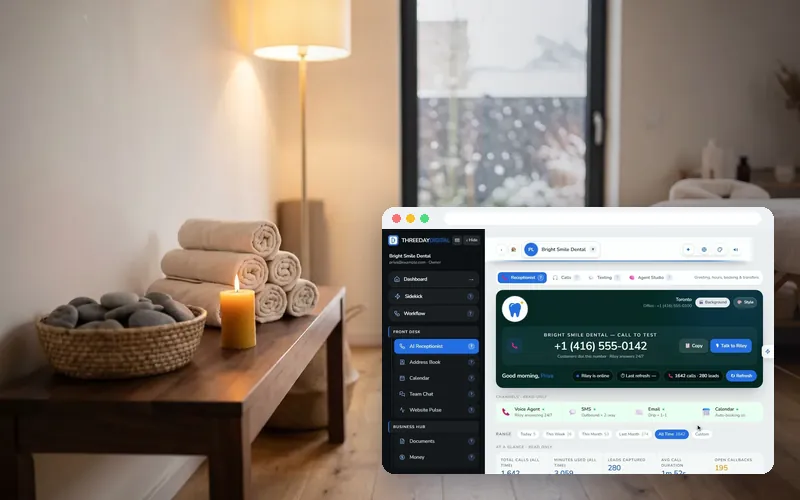 ThreeDay for massage therapy clinicsA phone that rings during a treatment either breaks the quiet of the room or goes to voicemail. Riley answers it for you, books the session and texts the confirmation.Use case · Health & wellness
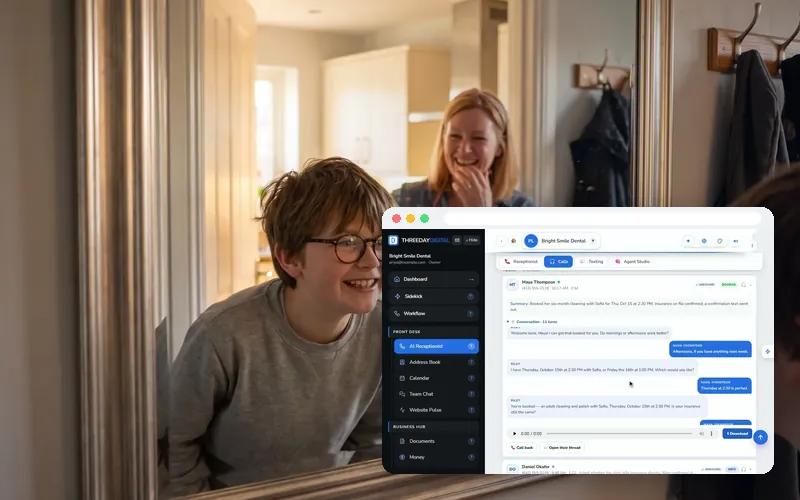 ThreeDay for optometry clinicsBetween pre-tests, frame fittings and pickups, the phone is the first thing to wait. Riley answers every call, books the eye exam and texts the confirmation.Use case · Health & wellness
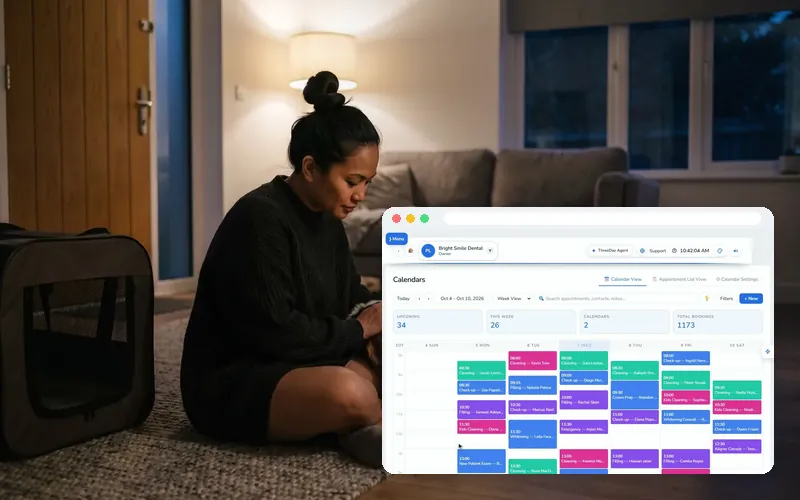 ThreeDay for veterinary clinicsMornings, the phones stack up while the desk is checking animals in. Riley answers every call, asks what’s going on, books the visit and puts a true emergency through.Use case · Health & wellness
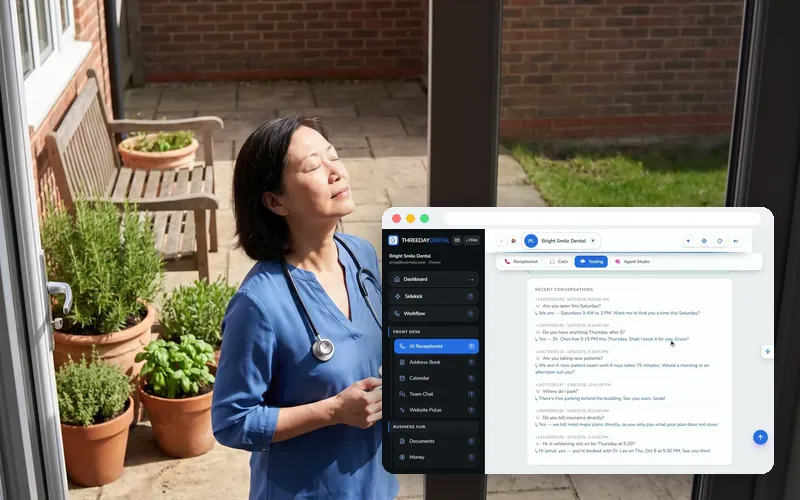 ThreeDay for medical clinicsA full waiting room and a phone that never stops ringing: one of them always waits. Riley answers every call, books the visit, answers the practical questions and takes a clear message for the doctor.Use case · Health & wellness
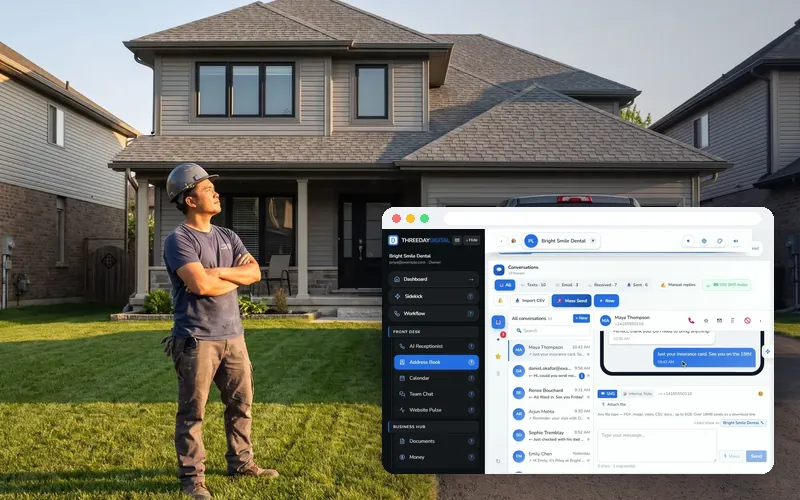 ThreeDay for roofing contractorsA homeowner with a leak keeps calling until someone answers. Riley picks up on the first ring, takes the address and what’s wrong, books the estimate and texts you the details.Use case · Home services
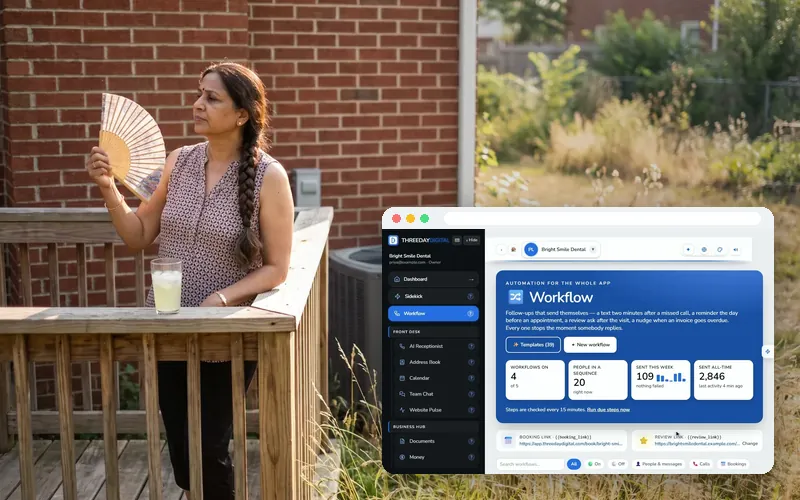 ThreeDay for HVAC contractorsA furnace quits at night and the homeowner calls until someone picks up. Riley answers every call, takes the address and the problem, books the service call and puts a true emergency through to your on-call tech.Use case · Home services
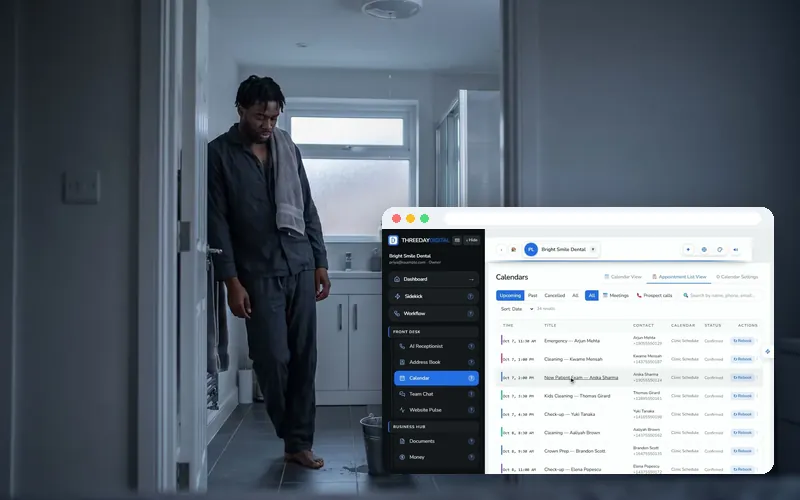 ThreeDay for plumbersA homeowner with water on the floor calls until someone answers. Riley picks up on the first ring, takes the address and the problem, books the job and puts a true emergency through to you.Use case · Home services
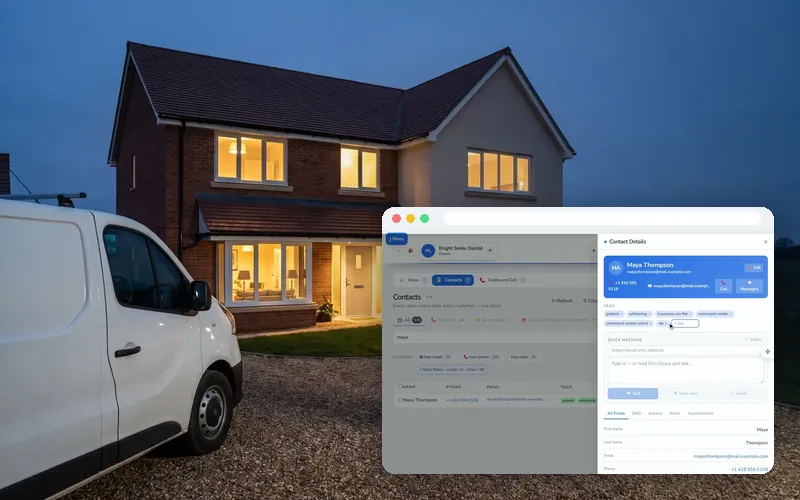 ThreeDay for electriciansYou can’t answer with both hands in a panel, and the caller with a tripping breaker tries the next electrician. Riley picks up on the first ring, books the job and texts you the details.Use case · Home services
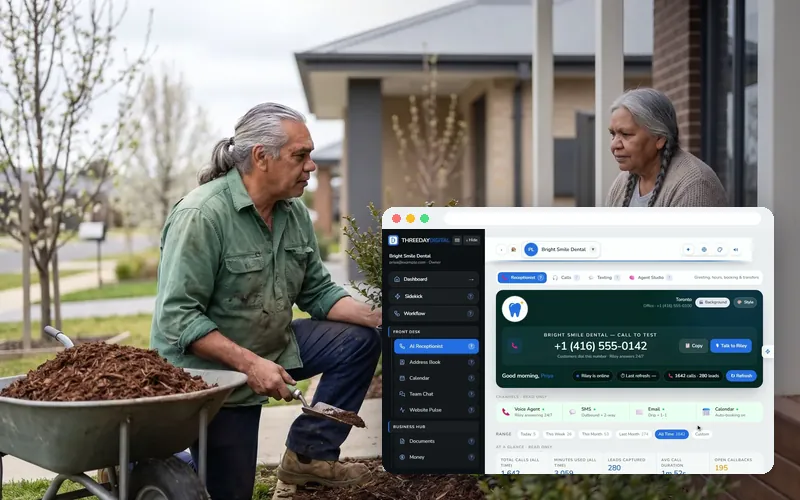 ThreeDay for home-service businessesLandscaping, moving, cleaning, pest control, garage doors, appliance repair, detailing: whatever the work is, the phone rings while you’re doing it. Riley answers every call, books the job and texts you the details.Use case · Home services
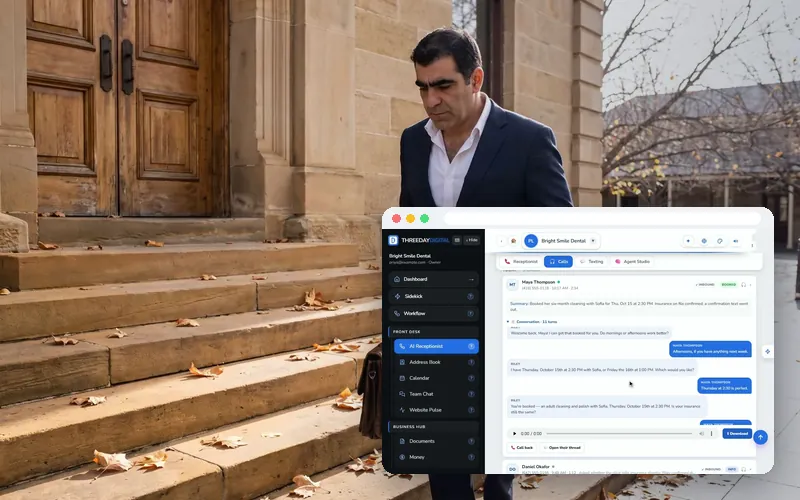 ThreeDay for law firmsPeople call a lawyer when they finally have a private minute: in the evening, at lunch, on the weekend. Riley answers every call, takes the intake the way you want it asked and books the consultation.Use case · Professional services
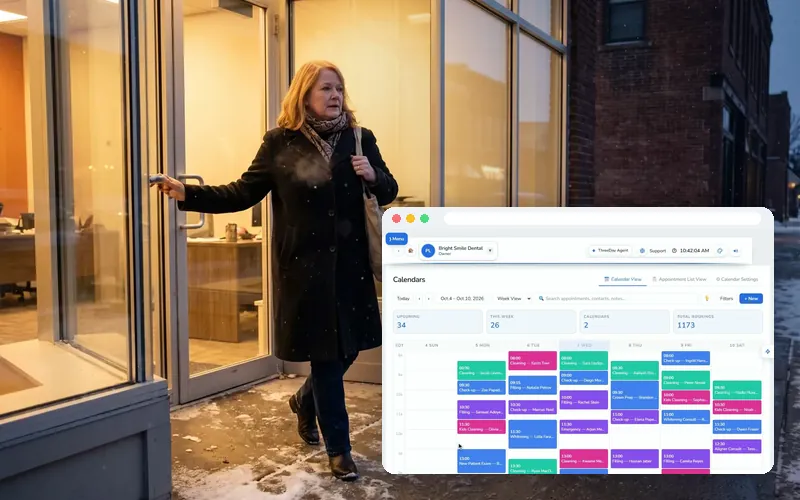 ThreeDay for accounting firmsIn tax season the phone rings most when you can least afford to pick it up. Riley answers every call, books the meeting, takes a clear message and chases the documents you’re waiting on.Use case · Professional services
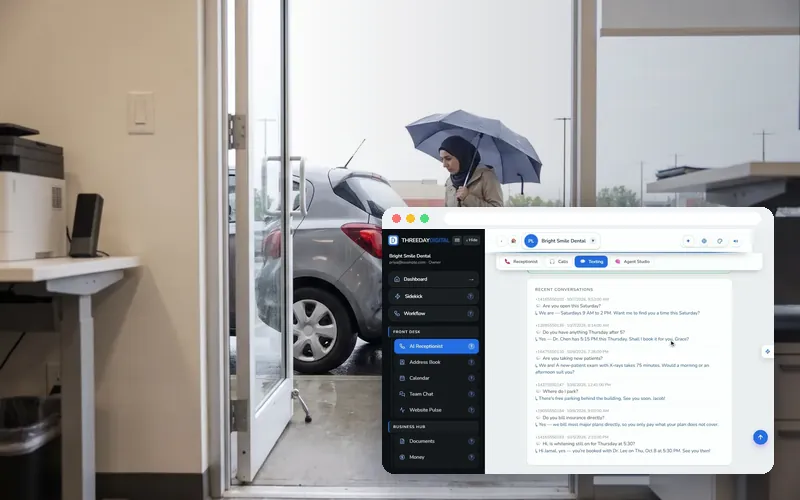 ThreeDay for insurance brokeragesSomeone shopping for home, auto or business insurance calls down a list. Riley answers on the first ring, takes the details your brokers need and books the call, and she never quotes or binds anything herself.Use case · Professional services
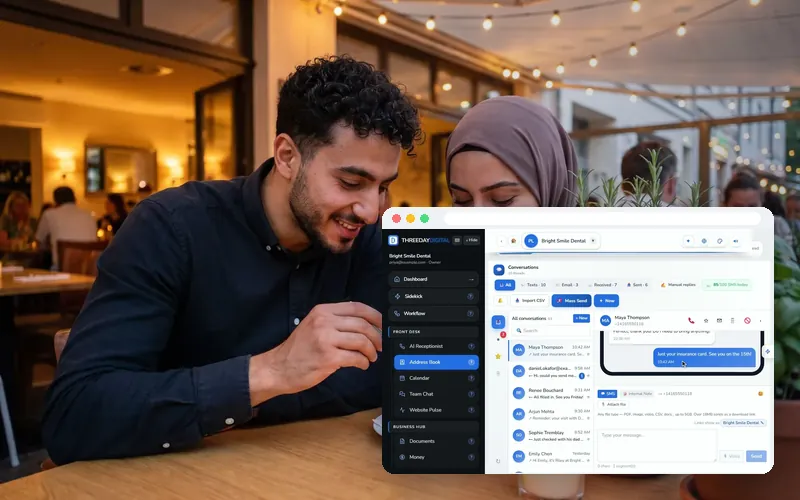 ThreeDay for restaurantsThe phone rings most when the room is full. Riley answers every call, takes the reservation, answers the questions about hours, parking and the menu, and sends large orders and event enquiries to you.Use case · Hospitality, beauty & care
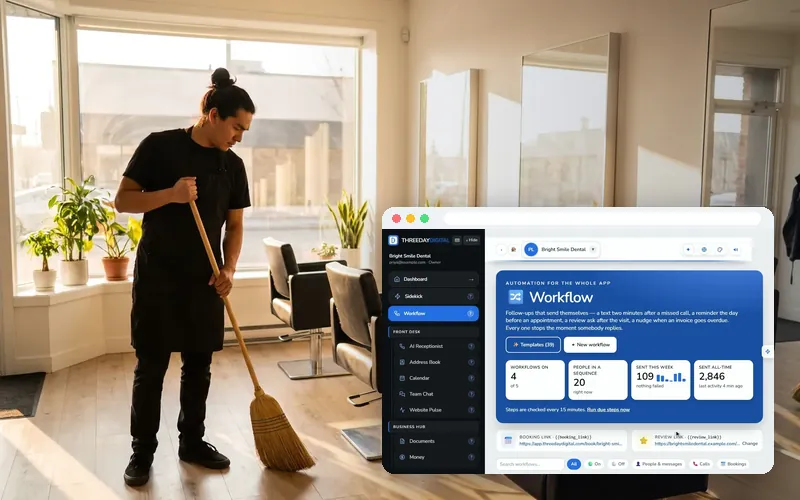 ThreeDay for salonsA stylist can’t put down the colour brush to book a haircut. Riley answers every call for your salon, nail spa or barbershop, books the appointment with the right person and texts the confirmation.Use case · Hospitality, beauty & care
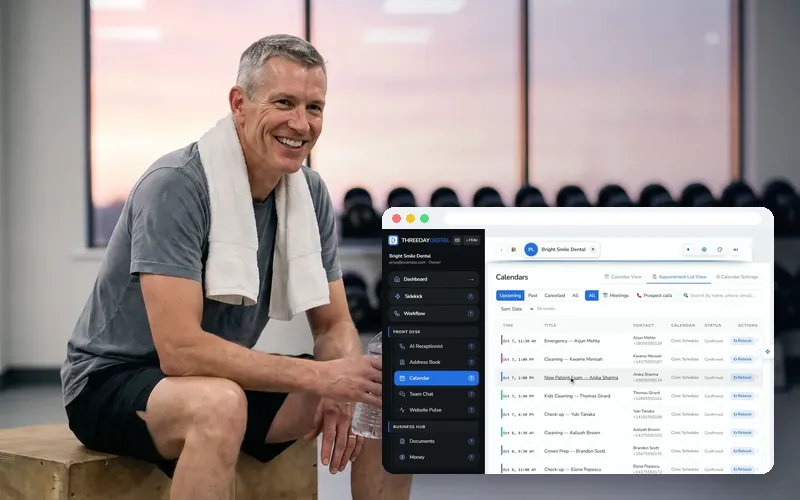 ThreeDay for fitness studiosThe person who finally calls about joining calls while you’re on the floor. Riley answers every call for your gym, yoga or pilates studio, books the trial class or the tour and texts the confirmation.Use case · Hospitality, beauty & care
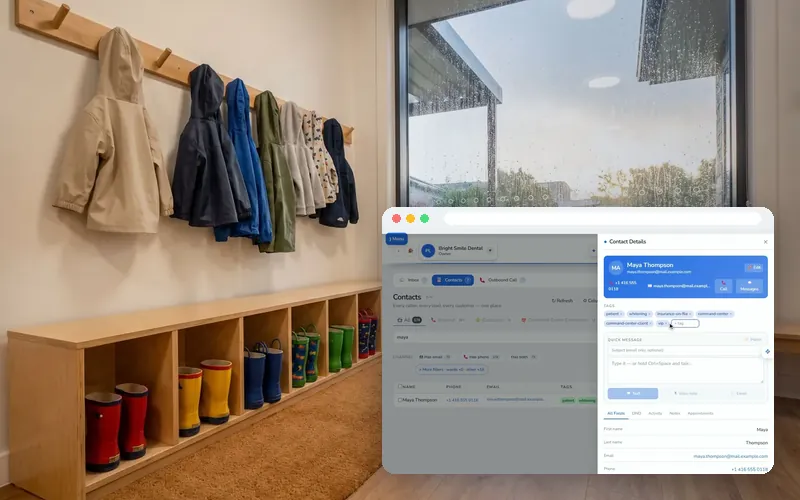 ThreeDay for daycaresA parent looking for a spot calls during the day, which is when nobody can leave the room. Riley answers every call, books the tour, answers the questions about ages, hours and fees, and gets a parent’s message to you.Use case · Hospitality, beauty & care
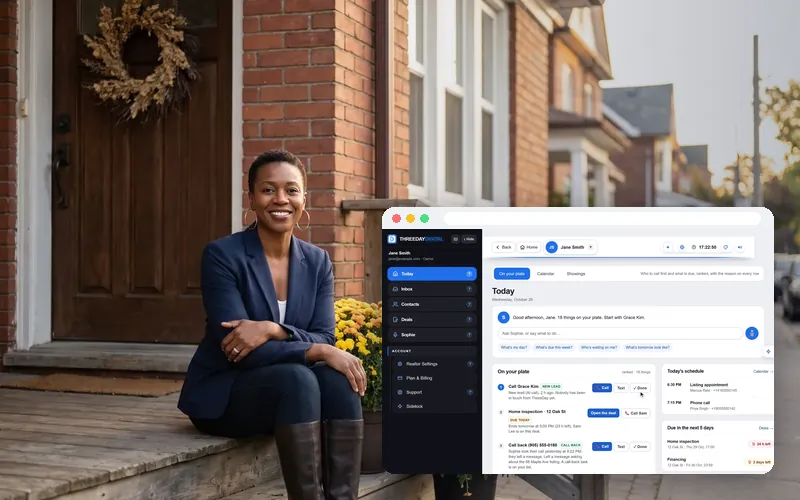 ThreeDay for real estate agentsFollow-ups done for you, every missed call answered, conditions counted down and forms that fill themselves — with every message waiting for your OK.Use case · Real estate
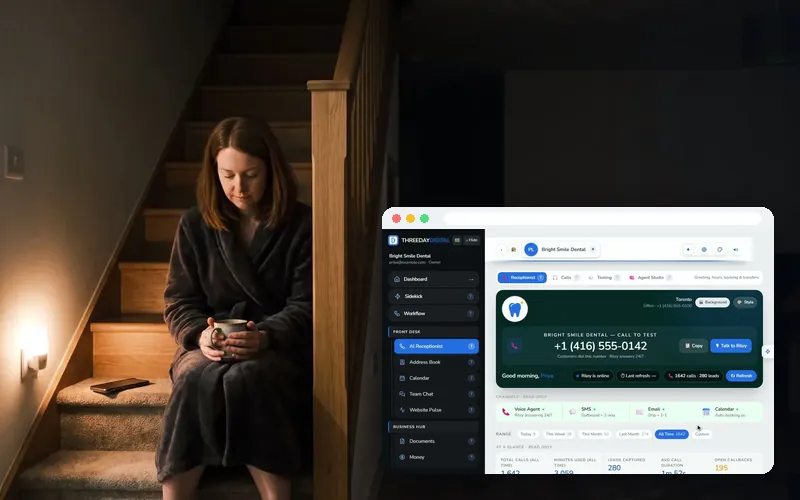 Answer every call after hoursNights, weekends, lunch rushes and snowstorms: every call answered, every lead captured, and you open to bookings instead of voicemails.Use case · Every business
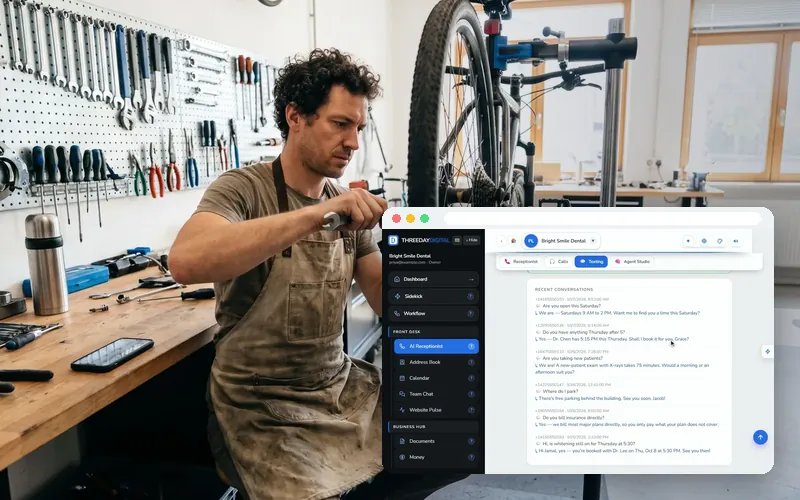 Text back every missed callWhen a call slips past, a text goes out on its own a couple of minutes later — and the reply lands in one inbox.Use case · Every business
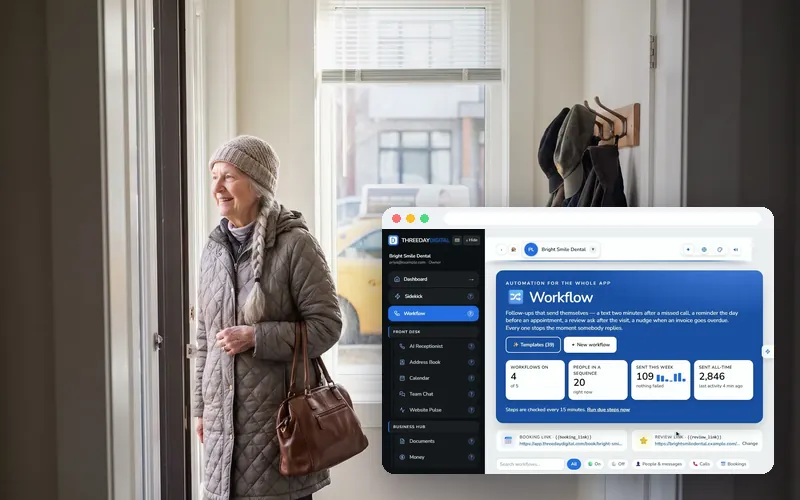 Cut no-shows with remindersA reminder the day before and two hours before, changes handled by phone or text, and the freed slot filled from the waitlist.Use case · Every business
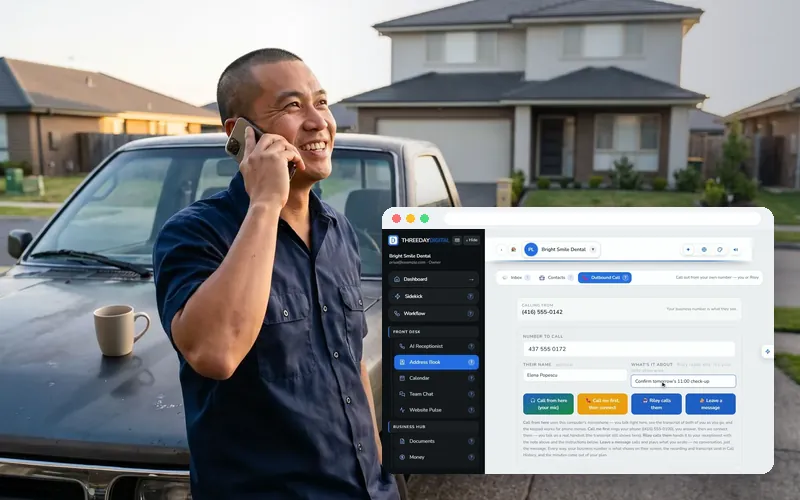 Call every new lead in minutesA form fill or a missed call becomes a call from your receptionist a few minutes later, from your business number.Use case · Every business
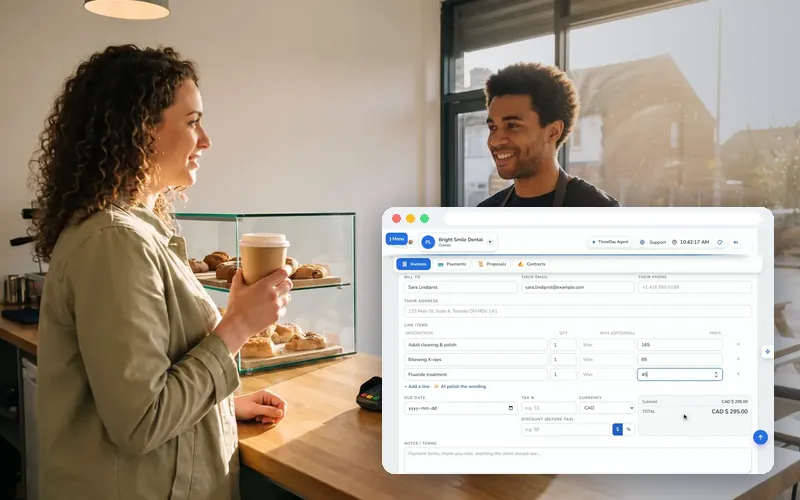 Get paid fasterInvoices with a pay link the day the job wraps, overdue first in one list, and reminders that chase for you.Use case · Every business
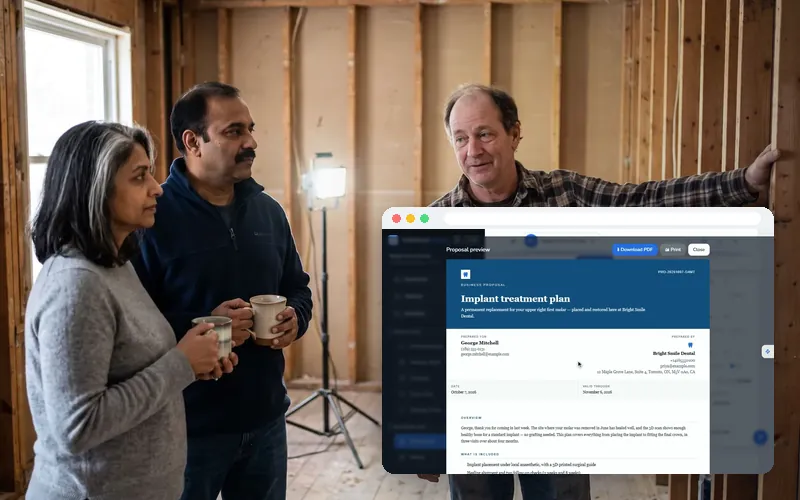 From quote to signatureA proposal on your letterhead, accepted and signed online, a contract countersigned, and the invoice made from the accepted proposal.Use case · Every business
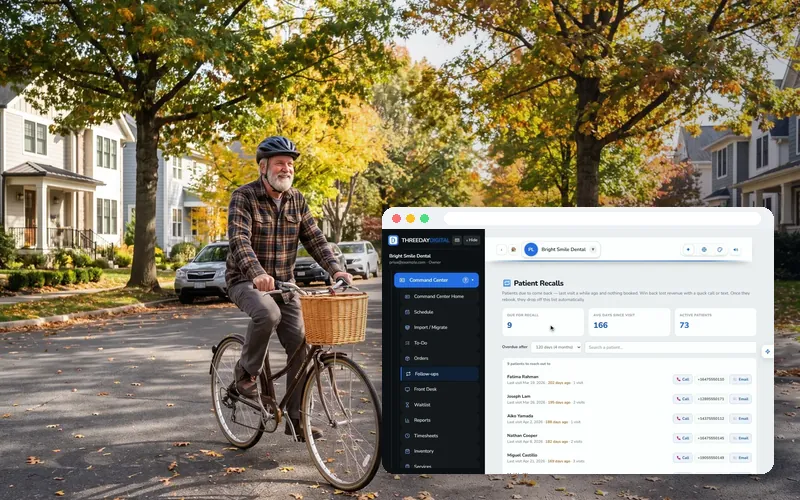 Bring past clients backRecall lists, a call or text from your receptionist to everyone due back, and the follow-up booked instead of forgotten.Use case · Every business
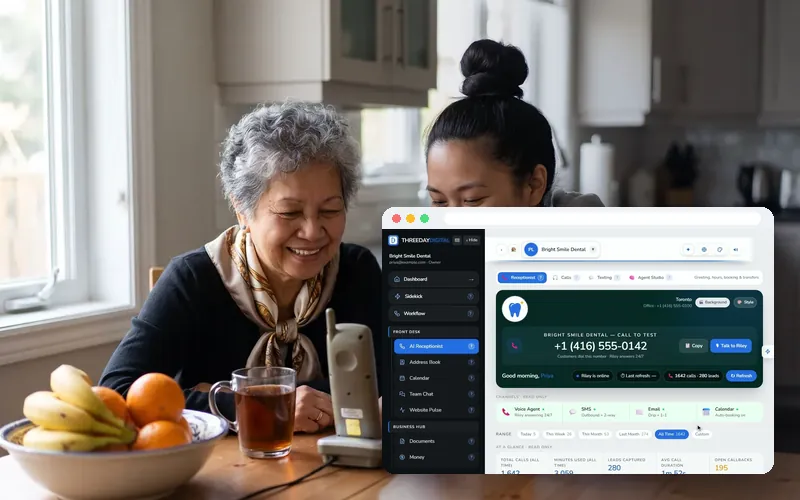 Serve callers in their own languageShe greets and handles callers in 30+ languages and switches on the fly — and every call is still written out for you.Use case · Every business
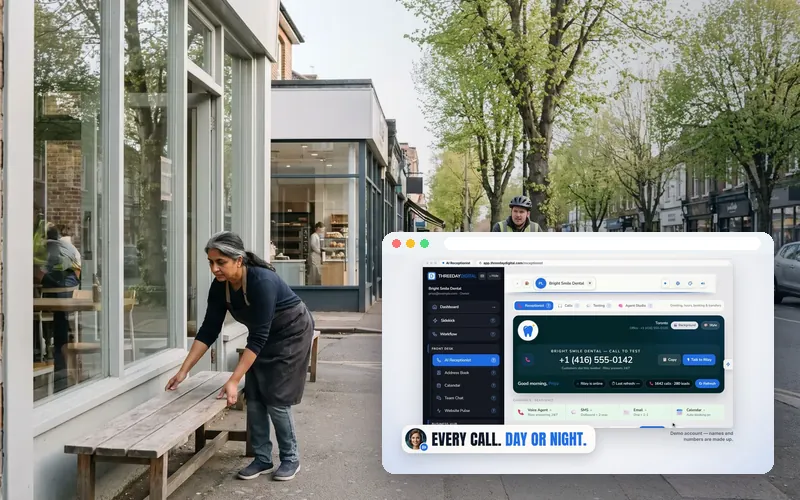 ThreeDay Digital in 60 secondsThe whole platform in a minute, with sound: the receptionist answering, the booking landing, the invoice going out.On demand · 1 min film, with sound
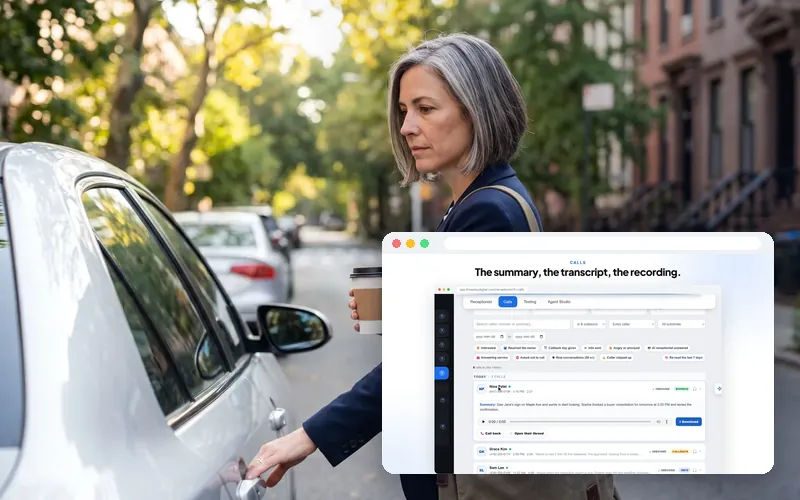 ThreeDay Realtor in a minuteA day with ThreeDay Realtor, start to finish, with sound.On demand · 1 min film, with sound
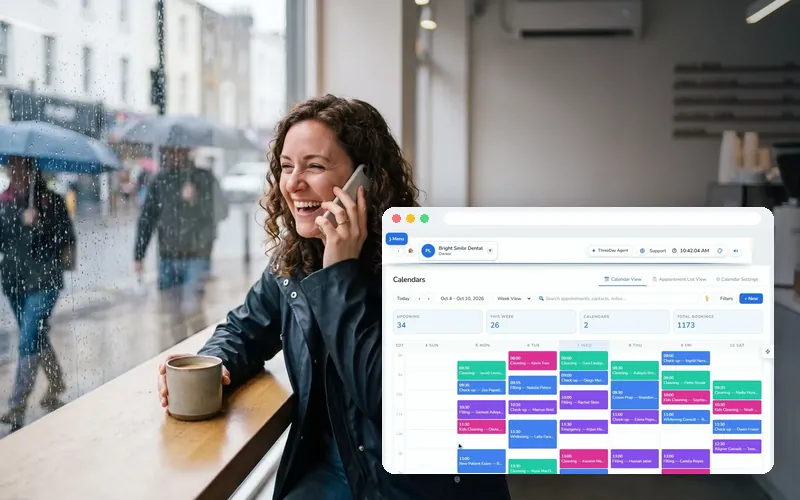 One call, start to finishFive chapters: she picks up, it’s on the calendar, the reply lands in the inbox, the invoice goes out, and the follow-up sends itself.On demand · 5 chapters · 1 min
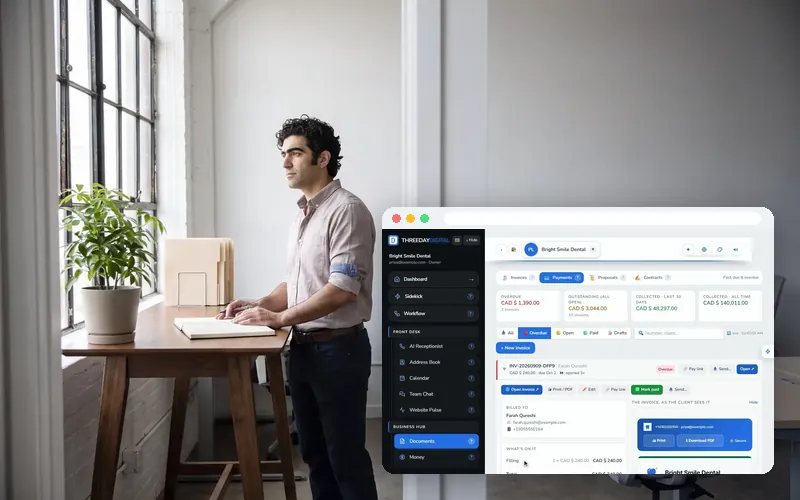 The Business Hub walkthroughEight chapters through the back office: invoices, payments, proposals, contracts, reports, expenses, projects and files.On demand · 8 chapters · 2 min
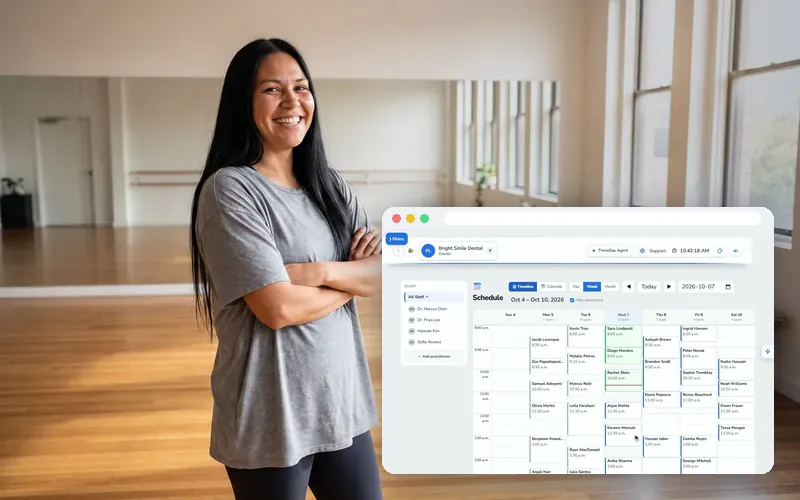 The Command Center walkthroughTen chapters through the operations desk, the way a front desk uses it in a day.On demand · 10 chapters · 3 min
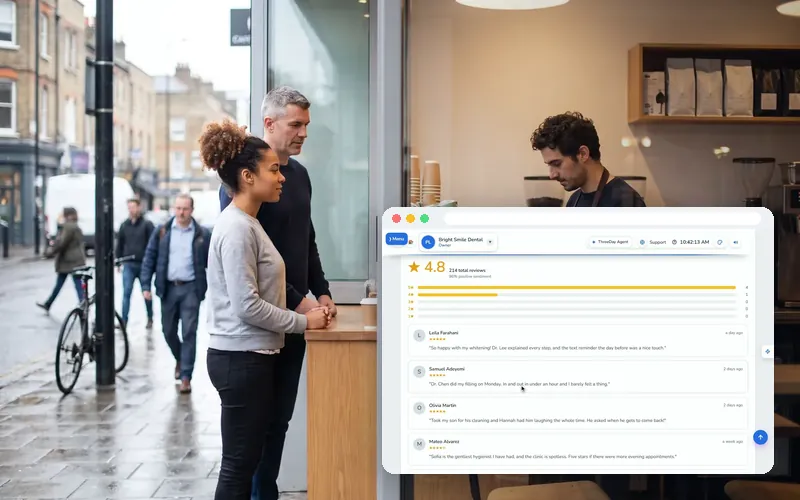 The Website Pulse walkthroughSix chapters: speed and health score, reviews, live visitors, ten technical checks, search queries and the competition.On demand · 6 chapters · 2 min
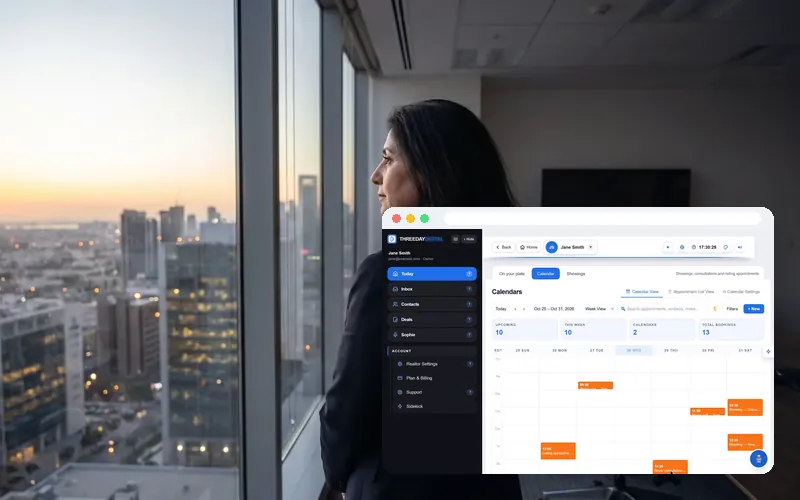 Every tab of ThreeDay RealtorSeventeen chapters, one per tab: your plate, calendar, showings, approvals, messages, contacts, deals, e-sign, Sophie and the phone line.On demand · 17 chapters · 3 min
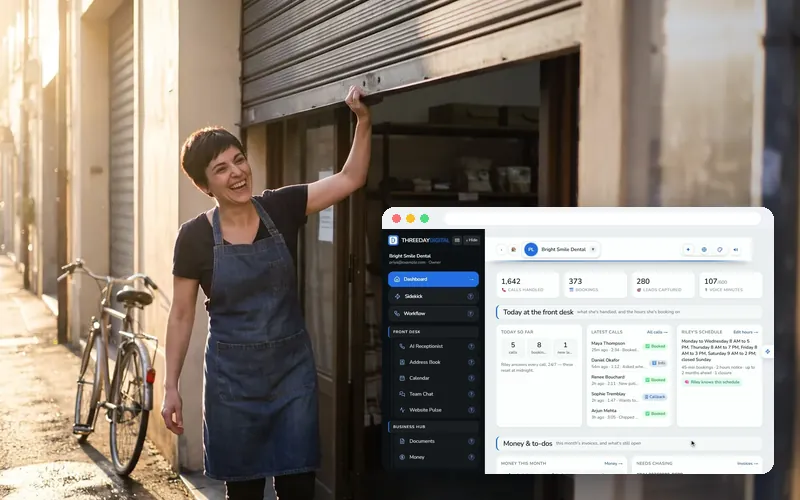 Your first day on ThreeDayFive chapters: sign up, the dashboard, the Agent, your receptionist’s page and the hours she books by.On demand · 5 chapters · 1 min
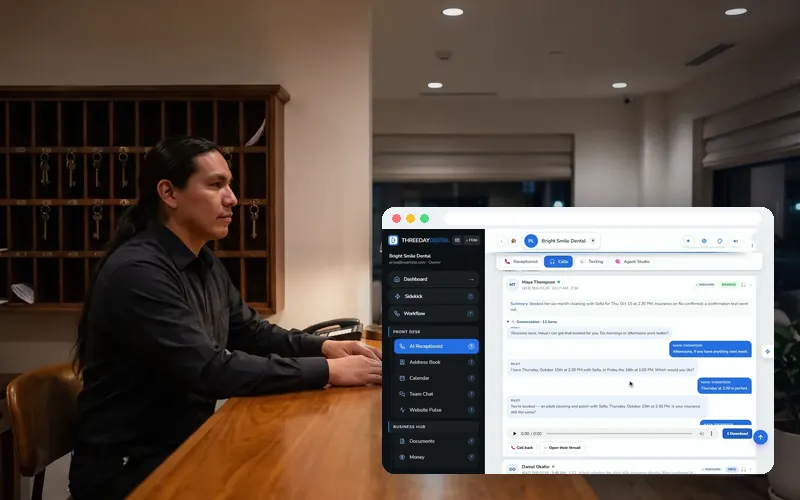 The AI Front Desk walkthroughSeven chapters through everything behind the phone: her page, calls, texting, Agent Studio, the calendar, its rules and calling out.On demand · 7 chapters · 2 min
 The inbox and contacts walkthroughFive chapters: one inbox for every call, text and email, contacts that build themselves, calling out, Team Chat and Workflows.On demand · 5 chapters · 1 min
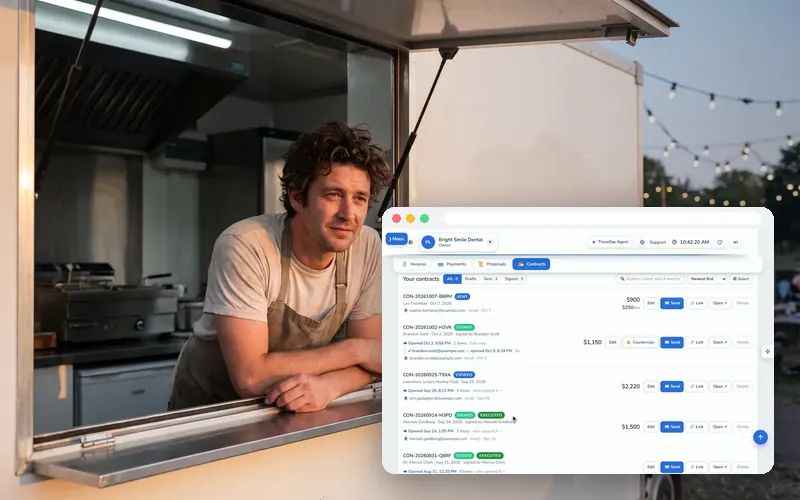 Get paid: the money walkthroughSix chapters from the quote to the report: proposal, contract, invoice, payments, expenses and the month’s numbers.On demand · 6 chapters · 1 min
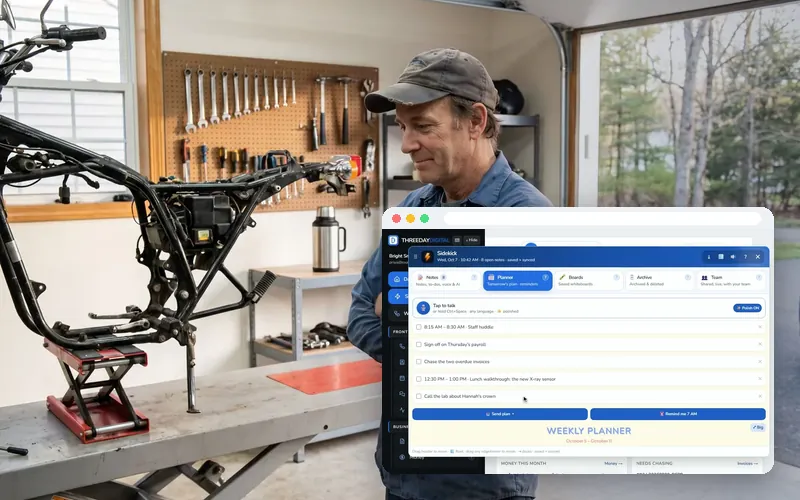 The Sidekick walkthroughFive chapters through the notepad on every page: notes, the planner, boards, the archive and team notes.On demand · 5 chapters · 1 min
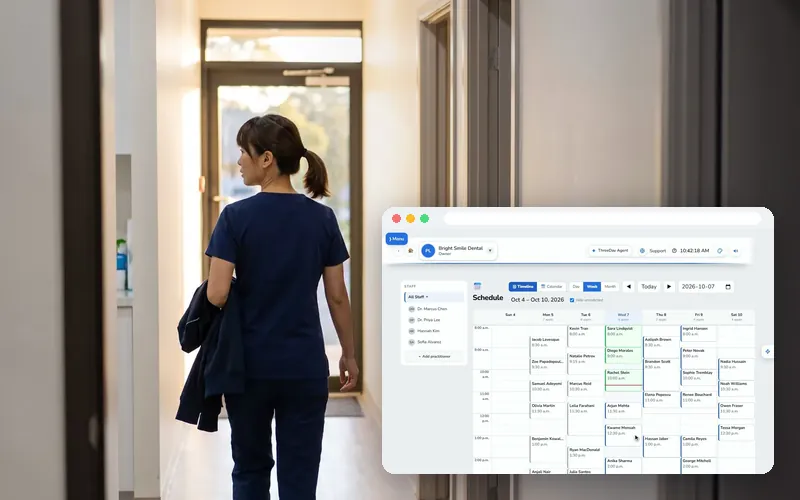 A day at the clinic deskSeven chapters through a clinic’s day: the front desk, the schedule, a patient record, the waitlist, recalls, the phone and the calls she took.On demand · 7 chapters · 2 min
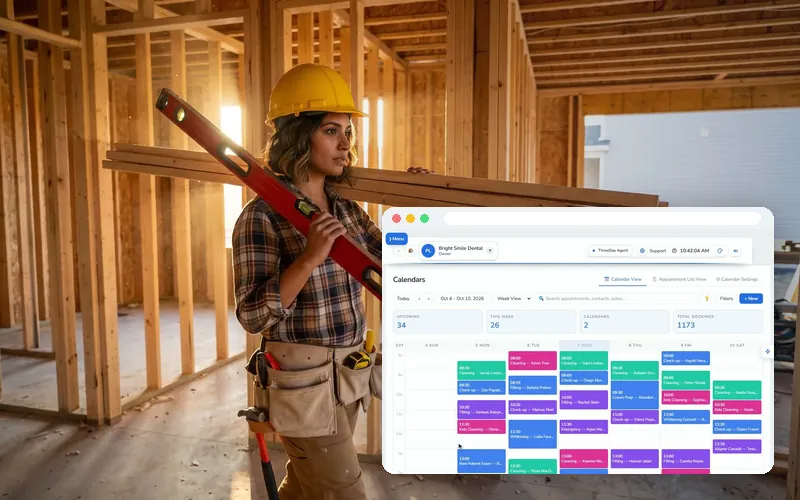 A day in the tradesSix chapters through a contractor’s day: the call she took on the roof, the estimate on the calendar, the quote, the signature, the invoice and the follow-up.On demand · 6 chapters · 2 min
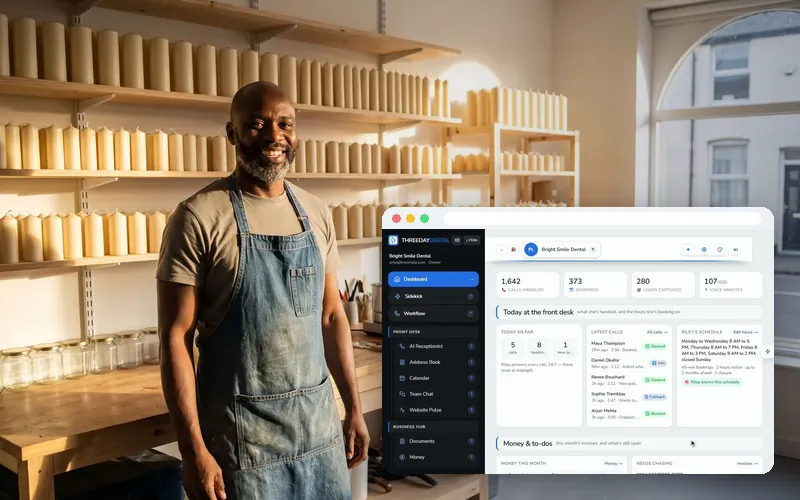 Every tab of ThreeDay DigitalThe complete tour: every page of the app and every tab inside it, one recording each, start to finish.On demand · 44 chapters · 11 min
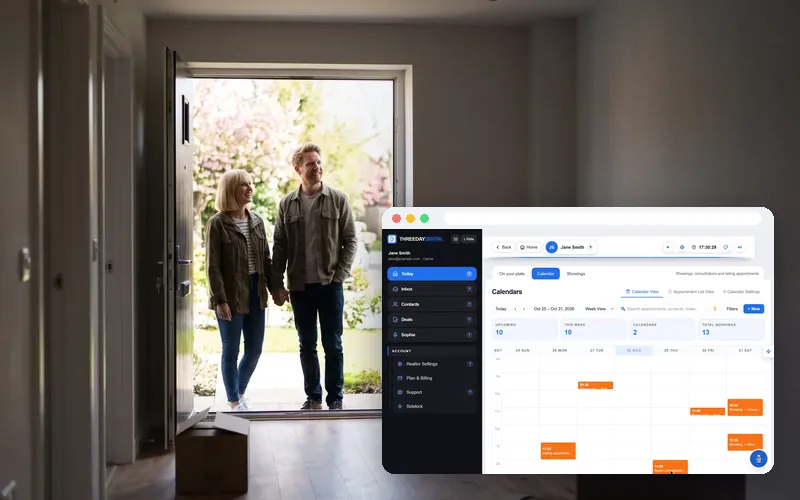 ThreeDay Realtor: one lead, start to finishSix chapters: Sophie picks up, it’s on your calendar, you approve the follow-up, the deal counts down, it’s signed, and you’re remembered for years.On demand · 6 chapters · 1 min
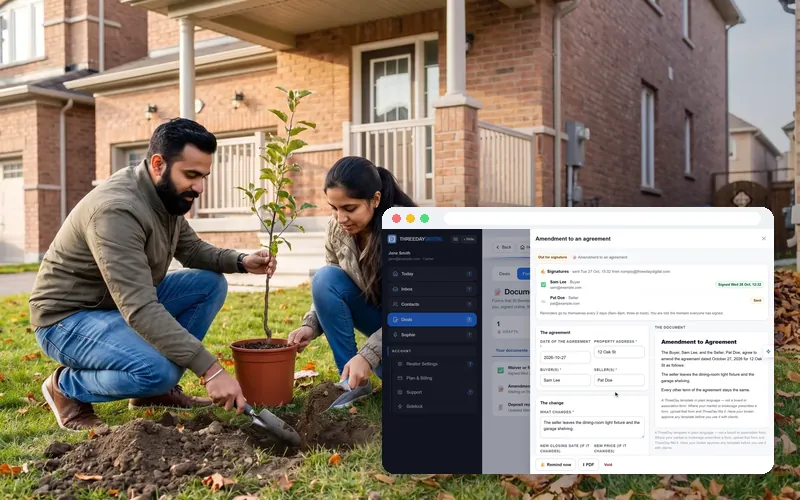 ThreeDay Realtor: deals and documentsFive chapters through the Deal Desk: deals, forms and e-sign, households and their files, dates to remember and approvals.On demand · 5 chapters · 1 min
Nothing matches that yet. Try fewer words, or ask us — a person answers.
Learn by doing.
Everything here works on the 14-day free trial. No card.