
Tutorials
41 step-by-step tutorials, each one task from start to finish with a screen recording of every step.
Start here

Getting started with ThreeDay
Sign up, meet your receptionist, read your dashboard and ask the Agent your first question. Everything you do in your first ten minutes.
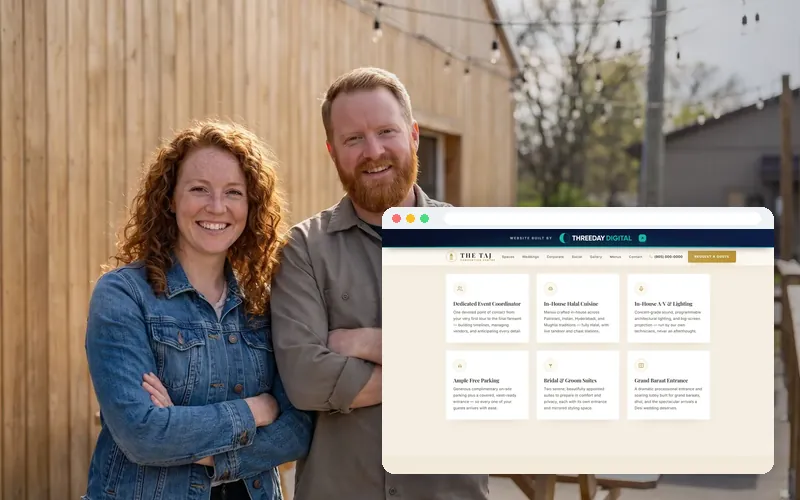
Order a website from ThreeDay
A fixed price in writing before we start, live in about three to five days, and yours forever. How a website build works, step by step.
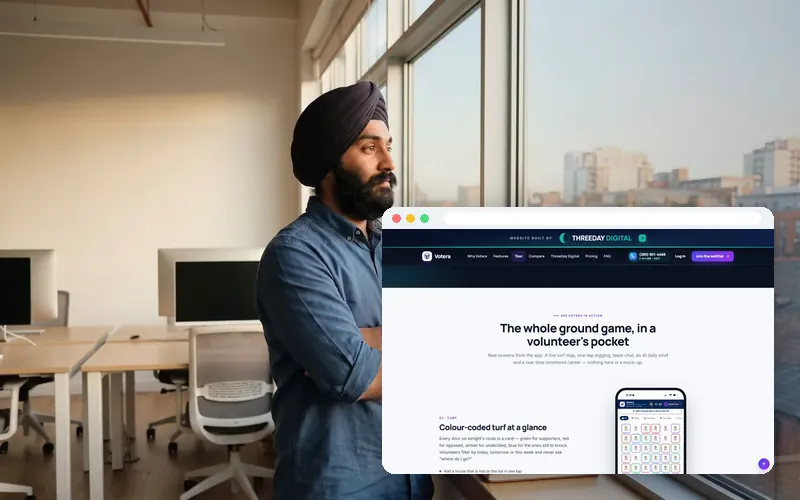
Custom builds: from an idea to software in days
Web apps, mobile apps, AI voice agents, dashboards and campaign tech. A fixed proposal within 48 hours, and you own everything.
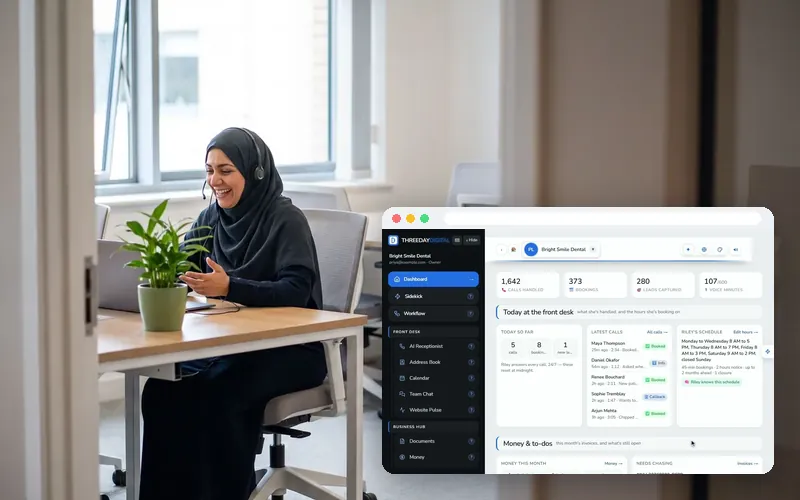
Getting help from the ThreeDay team
A real person within 24 hours: tickets, live chat and strategy calls from inside the app, and the ways to reach us from outside it.
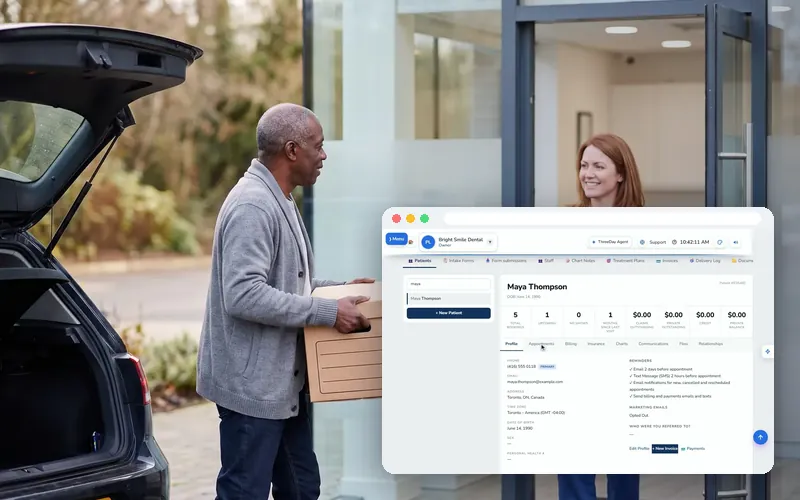
Bring your client list into Command Center
Day one: import your existing client list from a spreadsheet, map the columns, and every client has a record.
The phone and your customers
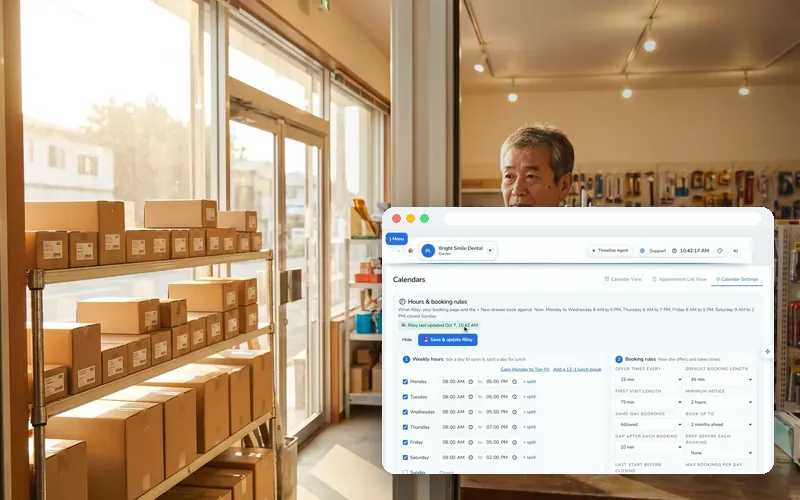
Set up your AI receptionist
Her greeting, your hours, what she may book and who she transfers to — then her voice and knowledge in Agent Studio. Publish, and your line is live.
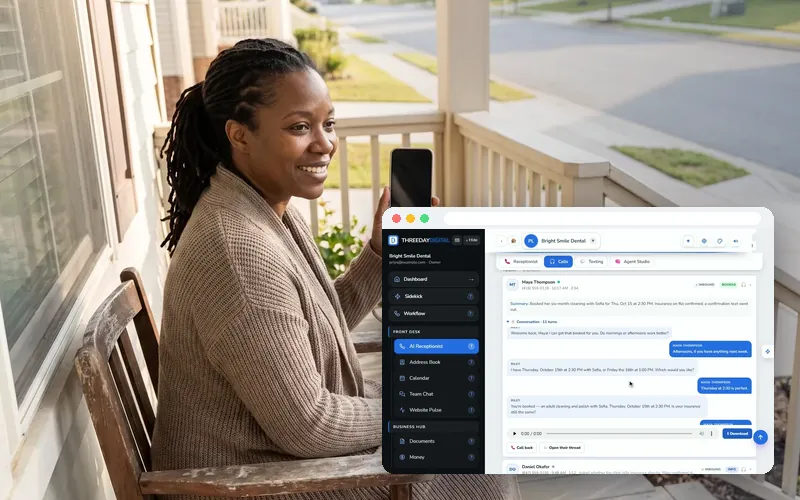
Read every call: recordings, transcripts, summaries
Every call she takes comes with the recording, the whole conversation written out and a one-line summary. Here is how to read them fast.
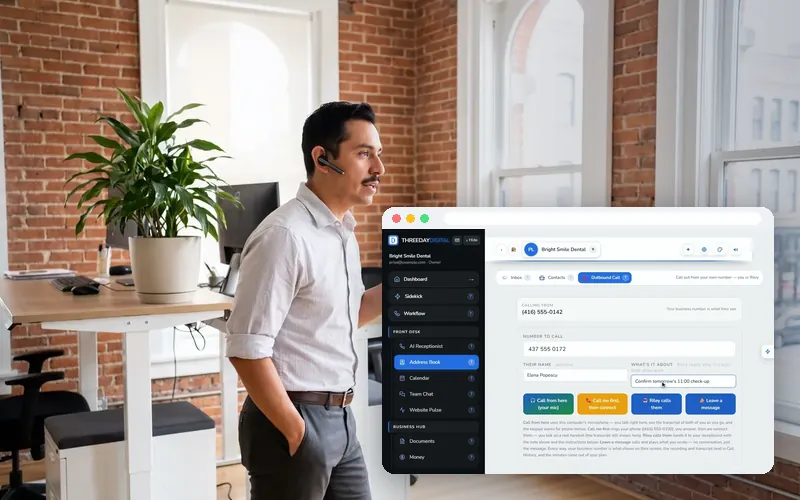
Outbound calling: call out from your business number
Ring a customer yourself from the browser with a live transcript, have your receptionist make the call for you, or play a recorded message.
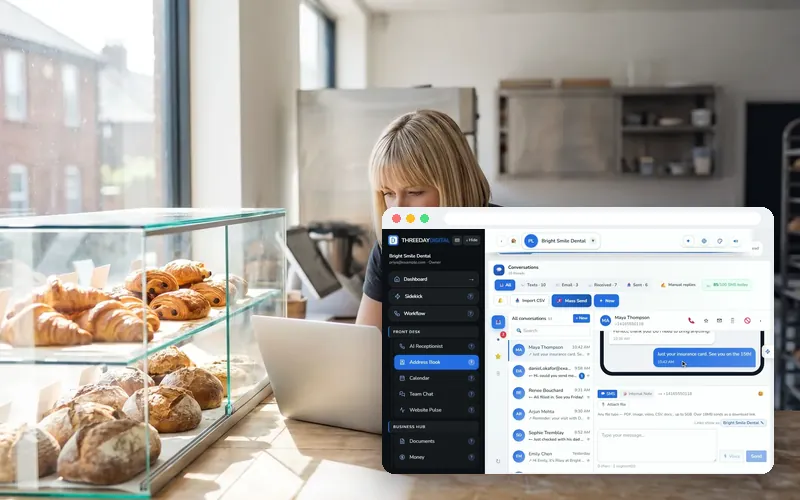
Conversations: one inbox for every customer
Every call, text and email with a customer in one thread, answered from your business number — plus contacts and your team’s own chat.
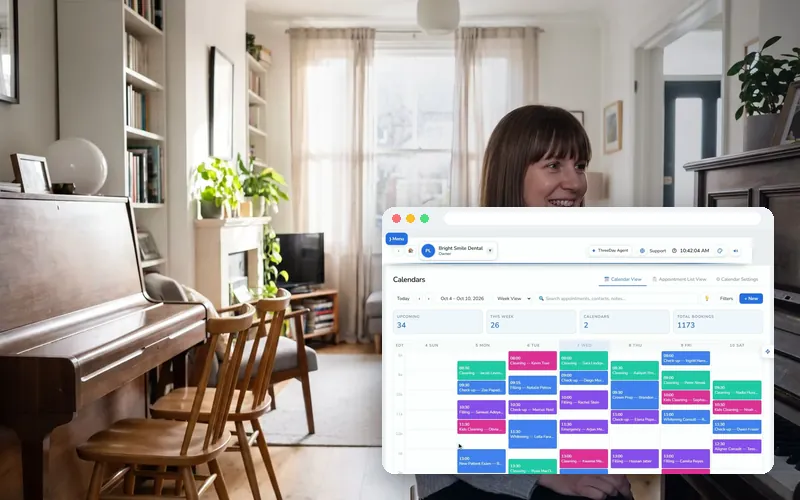
Calendar & booking
Appointments she books land on your calendar on their own. Set the rules she books by, add your own, and send confirmations in a click.
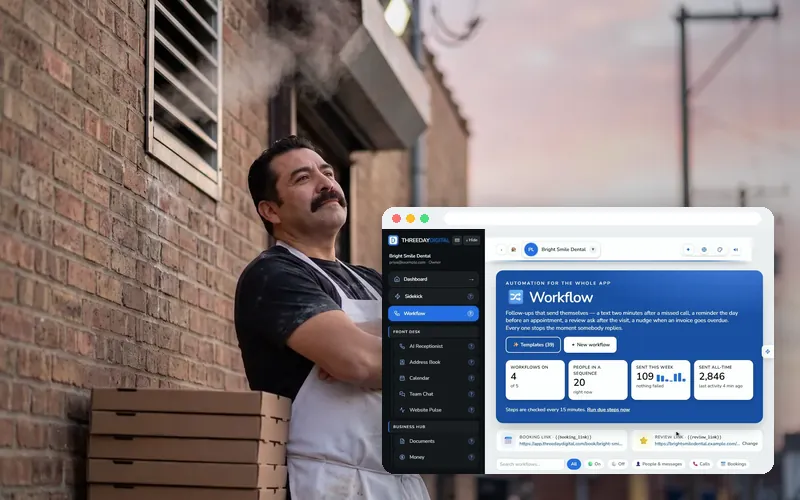
Workflows: follow-ups that send themselves
Pick what starts it — a missed call, a new contact, a booking, a tag — then what happens: a text, an email, a call. It stops the moment they reply.
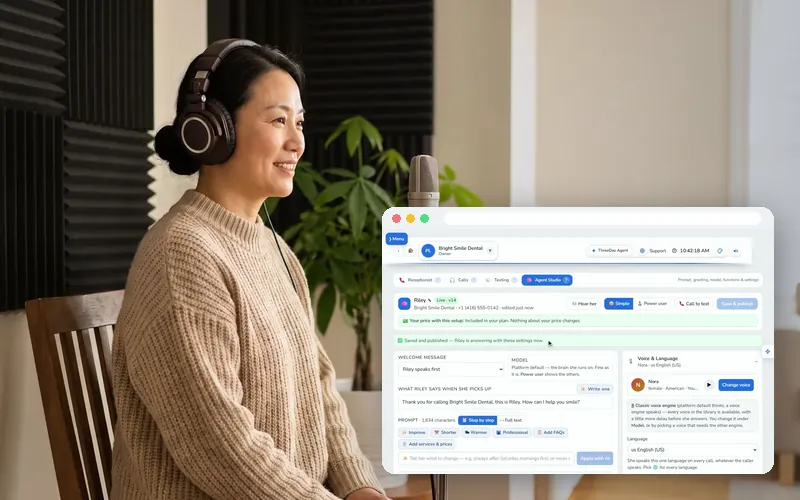
Agent Studio, in depth
Every control behind your receptionist: her instructions, the things she may do on a call, her voice, her knowledge, and publishing safely.
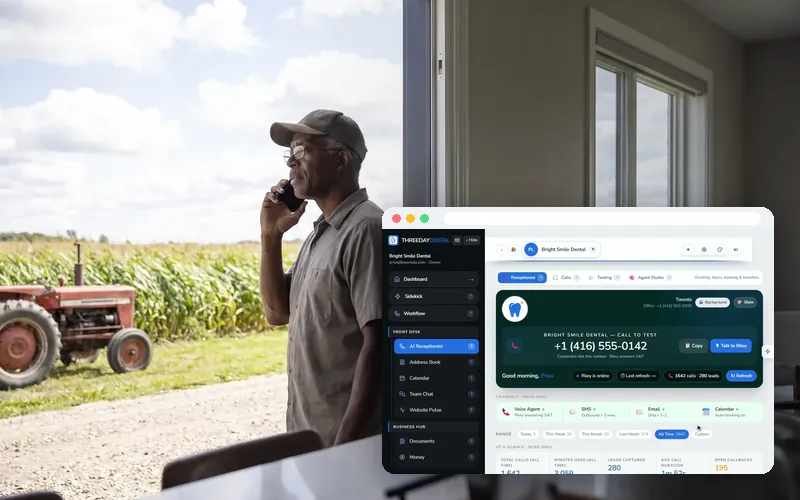
Live transfers, messages and emergencies
What happens to the calls that need you: a live transfer to your phone, a detailed message, or a booked call-back — by your rules.
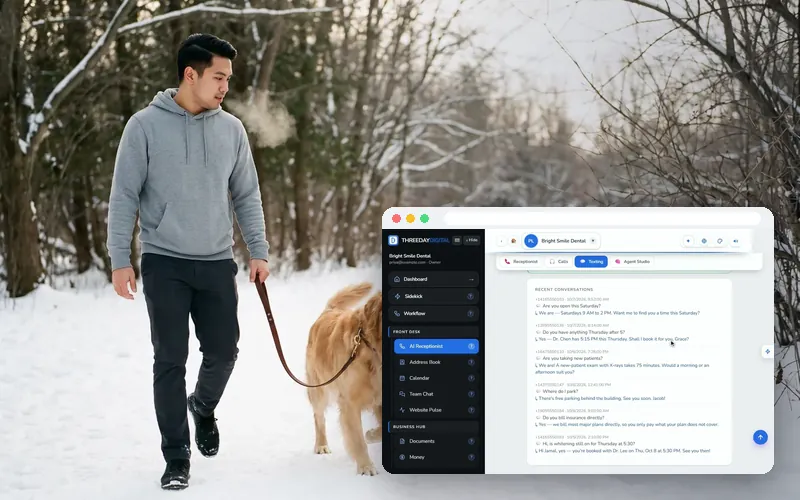
Set up the missed-call text back
The single highest-return automation a small business can run: a text two minutes after a call you missed, and the reply in one inbox.
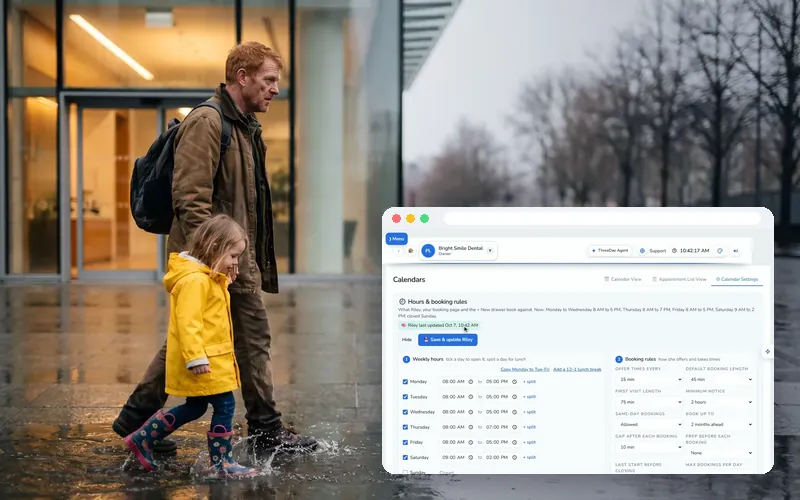
Set up appointment reminders
A reminder the day before and two hours before, changes handled on the spot, and a review request after the visit.
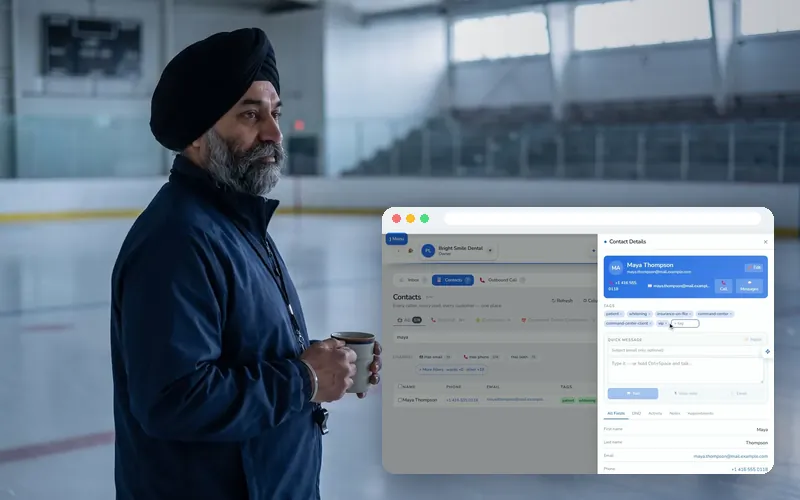
Contacts: tags, history and importing your list
Your contact list builds itself from calls, texts and emails. Here is how to search it, tag people, import an old list and stop texting someone.
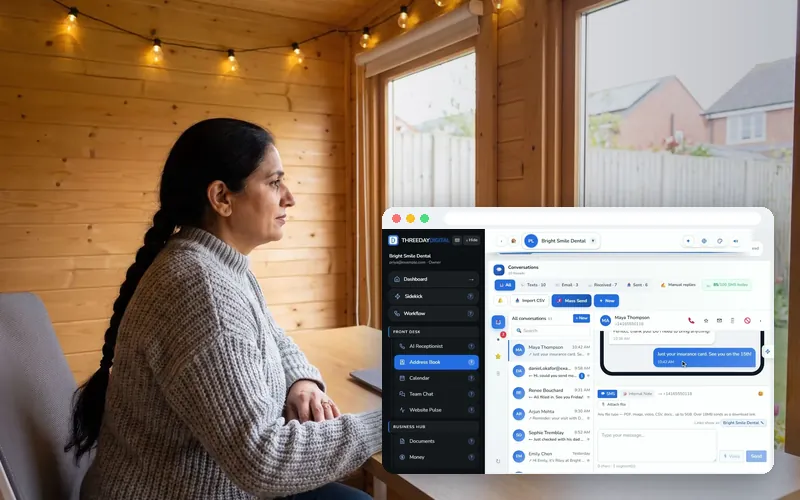
Business email in your inbox
Your business mailbox in the same inbox as calls and texts — and, on Front Desk Pro, your own domain.
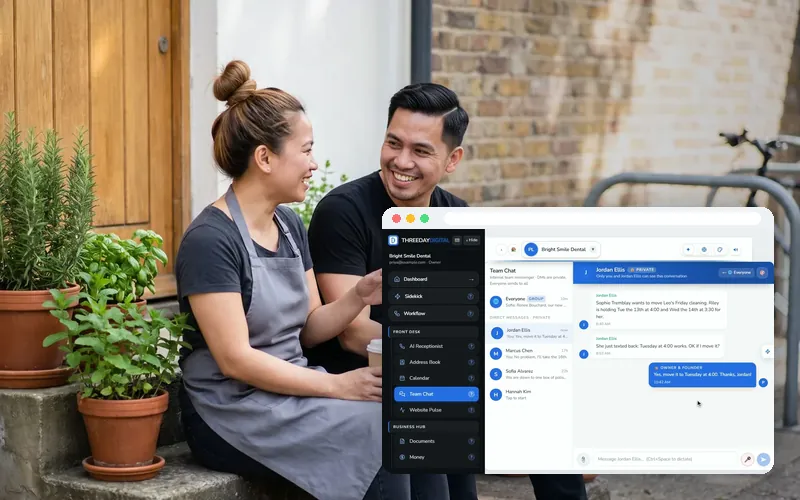
Your team: logins, permissions and Team Chat
Invite teammates with their own logins, control what each person can open, and keep handoffs in one private chat.

ThreeDay on your iPhone
Calls, bookings, invoices and your Command Center in your pocket, with a push alert the moment a call is booked.
The back office
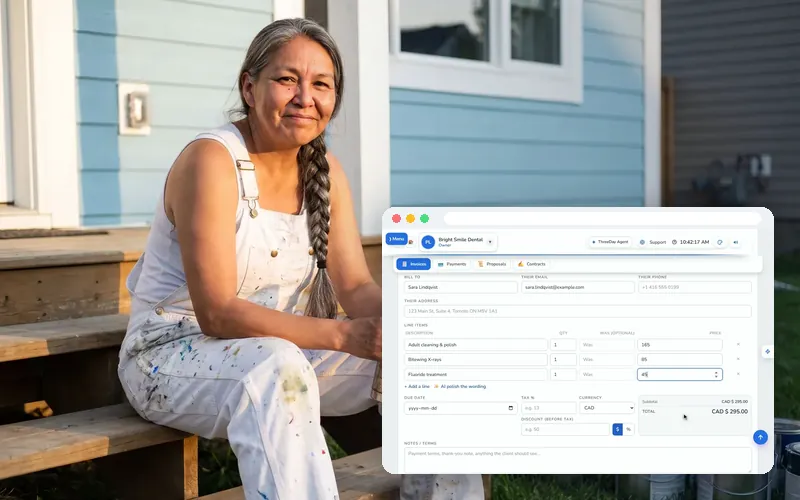
Send your first invoice and get paid
A branded invoice in about a minute, sent by email or text with a link the client can pay on. Record payments as they land.
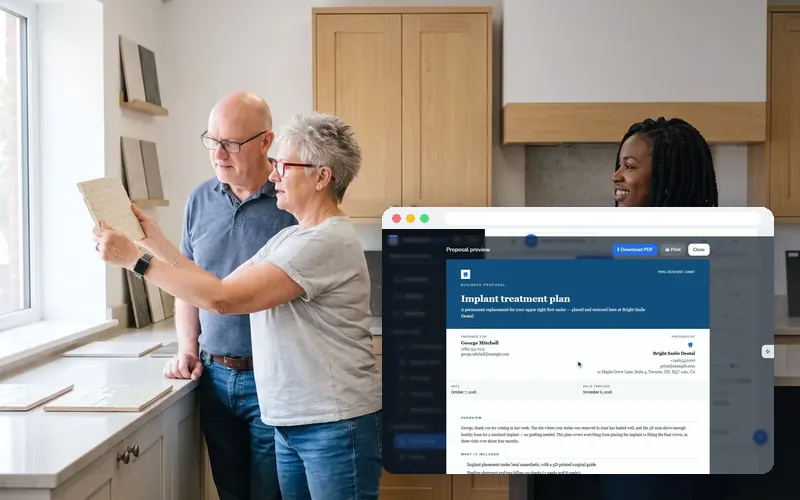
Proposals and contracts with e-signatures
Win the work with a proposal on your letterhead, then get it signed on their phone. An accepted proposal becomes the invoice.
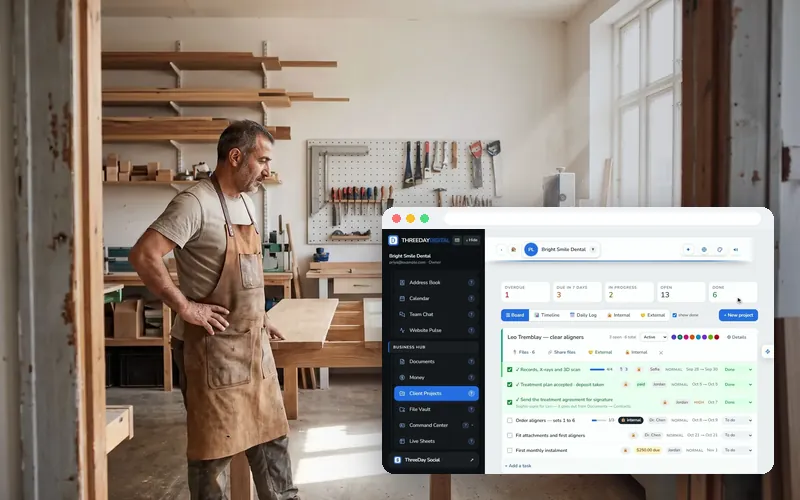
Client projects, the File Vault and Live Sheets
A board for every client job, one vault for every file with share links, and your spreadsheets live inside the app.
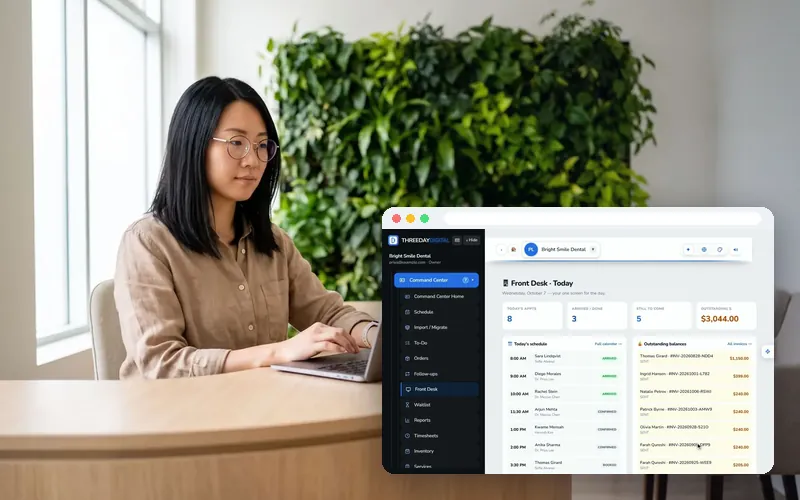
Command Center: run the front desk
Today’s schedule, clients, waitlist and recalls on one desk — for a clinic, a salon, a shop or a crew.
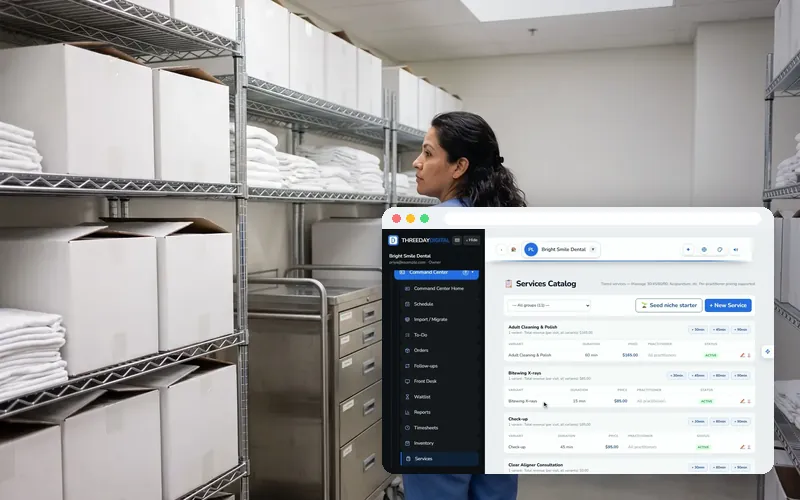
Command Center: services, stock, staff and reports
Your price list, inventory, timesheets, to-dos and the reports that add it all up — without a spreadsheet.
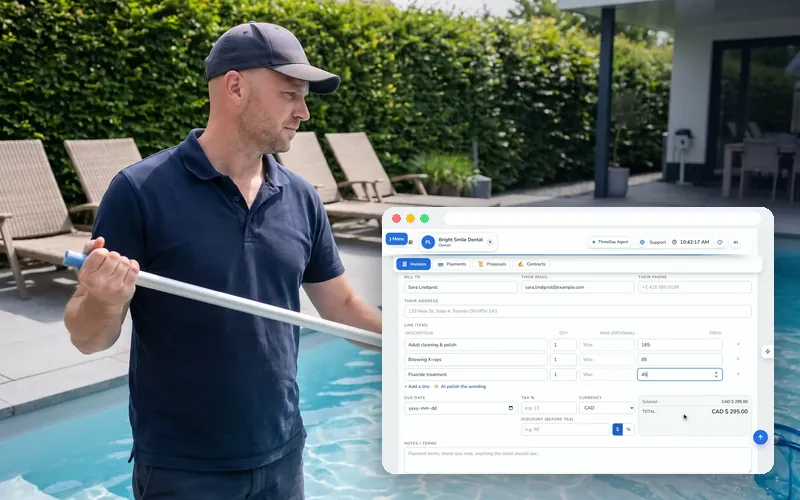
Recurring billing: invoices that send themselves
Anything you bill on a schedule, on autopilot: the invoice creates itself on the bill day, reminders chase it, and nothing bills twice in a month.
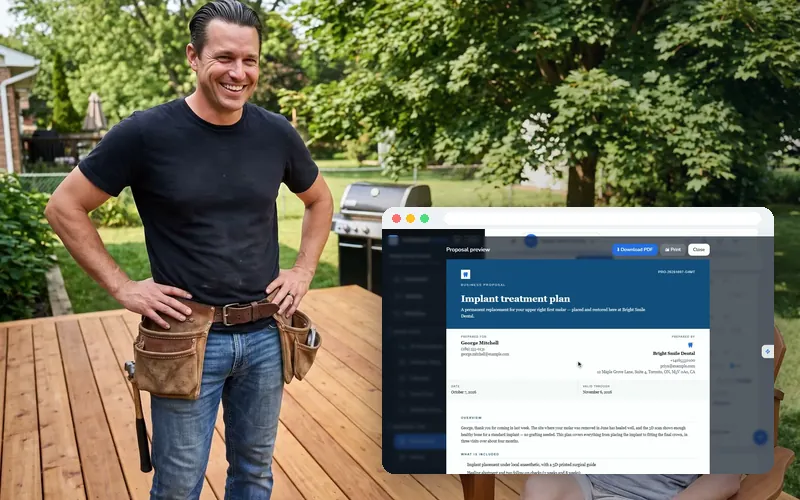
From quote to cash in one place
The whole money trail of a job: the proposal, the signed contract, the invoice made from it, the payment, and the follow-up when a quote goes quiet.
Online, your team and your day
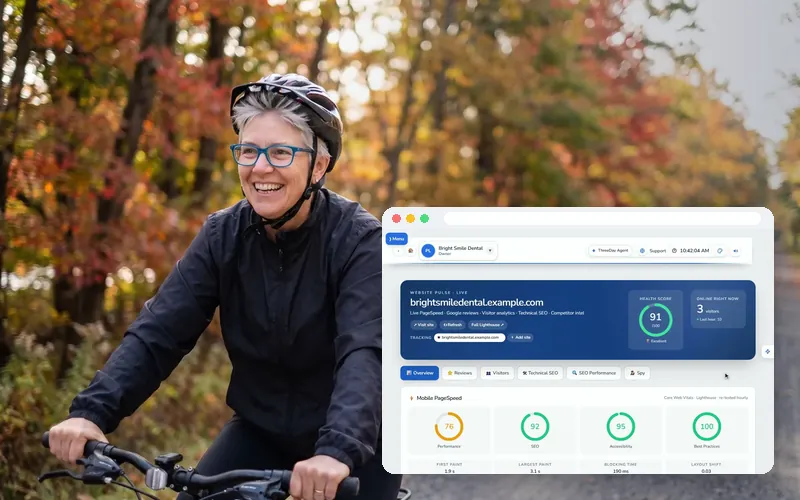
Website Pulse: a health check on your website
Speed and a health score, your Google reviews, live visitors, ten technical checks, your search queries and a look at the competition.
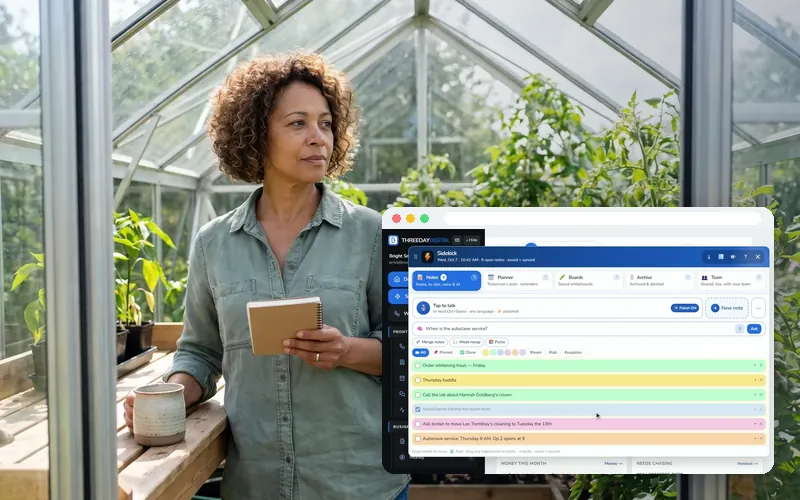
Sidekick: notes, planner and boards on every page
A notepad pinned to the right of every page: typed notes, voice notes written out, tomorrow’s plan, whiteboards and shared team notes.
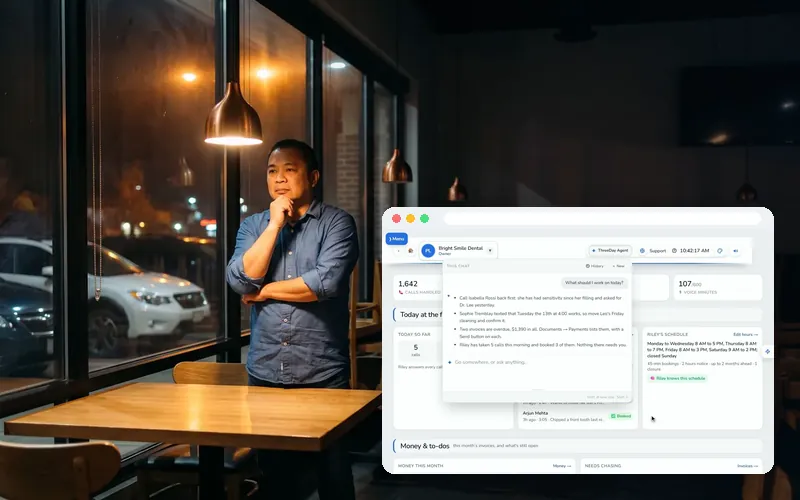
The ThreeDay Agent: ask your business anything
The AI inside the app that knows your account — your calls, invoices, contacts, projects and files — and points you to the page you need.

Reviews and reputation with Website Pulse
Read your Google rating and newest reviews without opening Google, answer them, and ask happy customers for more.
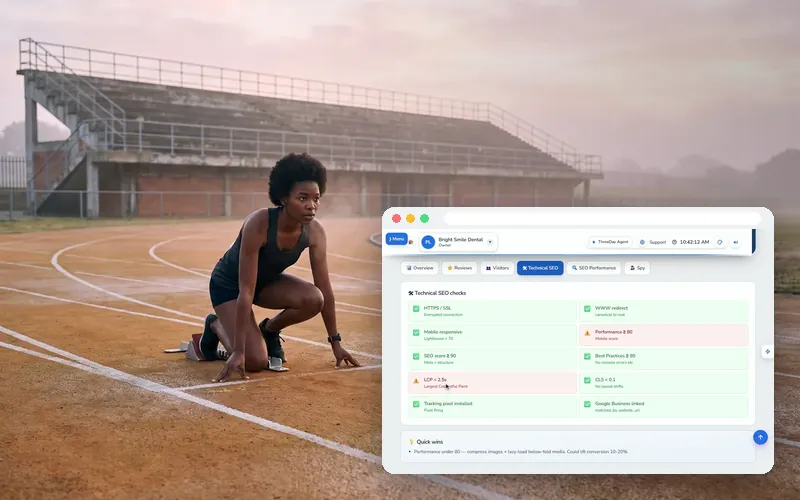
SEO and speed: get found, load fast
Ten technical checks in plain English, the search queries that bring people in, and what your competitors run.
ThreeDay Realtor
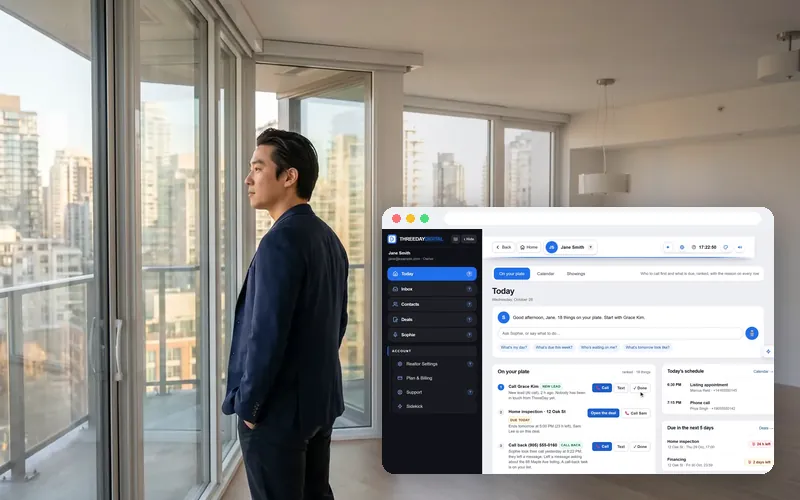
Getting started with ThreeDay Realtor
Your day starts on your plate: who to call first, ranked, with your schedule beside it — and your phone assistant on her own line.
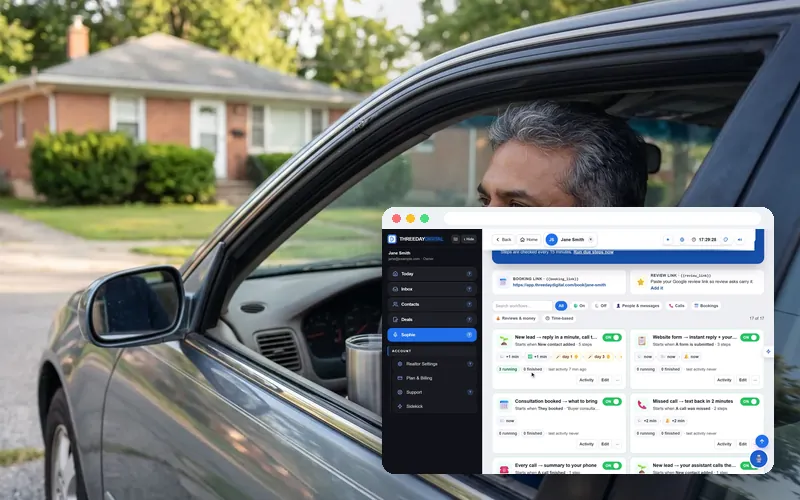
ThreeDay Realtor: follow-ups and approvals
Follow-ups run for you, and every message the AI writes waits for your OK. Approve, edit or reject in one tap.
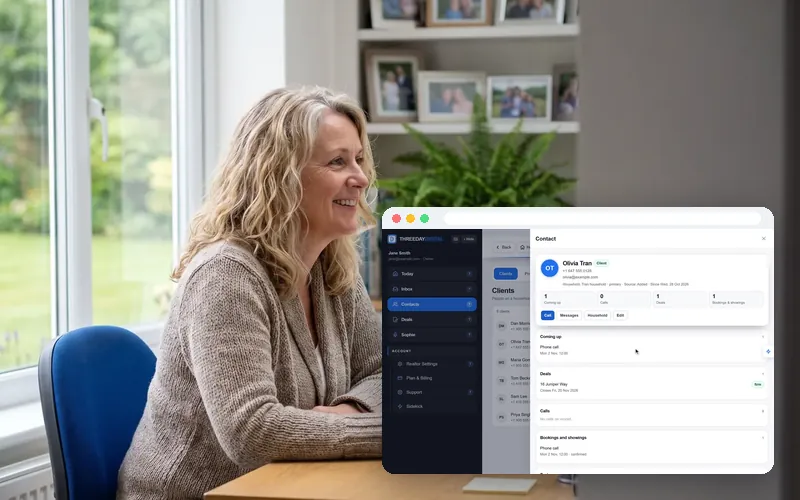
ThreeDay Realtor: clients, prospects and households
Import your whole book from any file, keep households with consent on file, and never miss a birthday or a home anniversary.
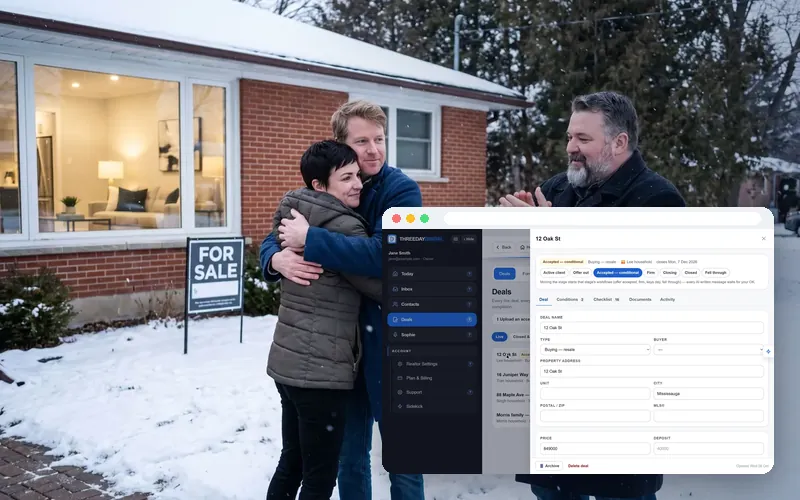
ThreeDay Realtor: deals, conditions and e-sign
Upload the accepted agreement and every condition counts down to the hour. Forms fill themselves from the client’s files and go out for signature.
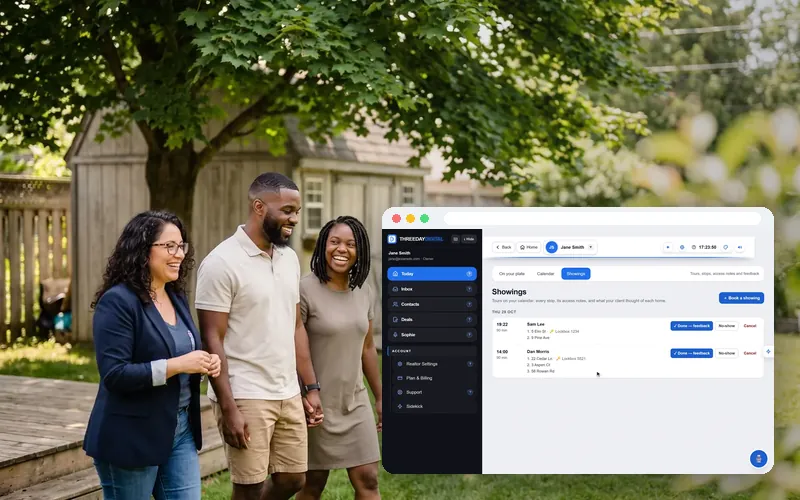
ThreeDay Realtor: showings and your calendar
One booking with every home on it, access notes per stop, feedback after — on the same calendar Sophie books into.
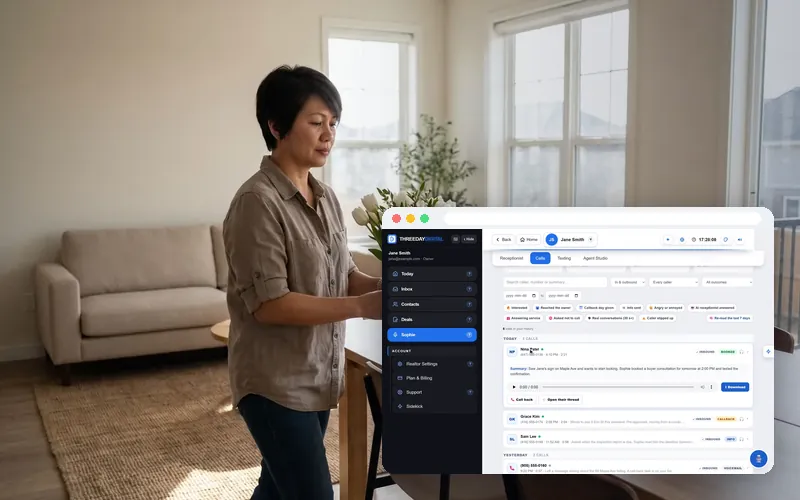
ThreeDay Realtor: your phone assistant
Every call she takes written out, the texts she answers, and her voice and script in Agent Studio — yours to change.
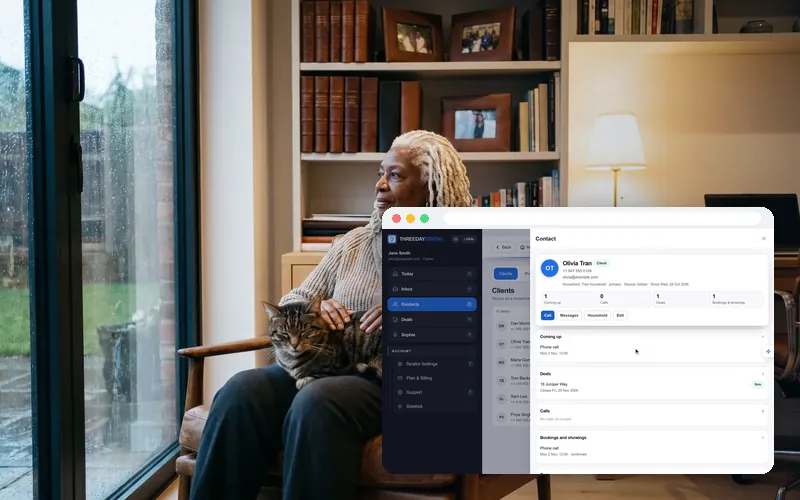
ThreeDay Realtor: import your whole book
Excel, CSV, a phone export, your old CRM, a PDF list, even photos of a printed list — checked by you before anything is saved, and nobody contacted.
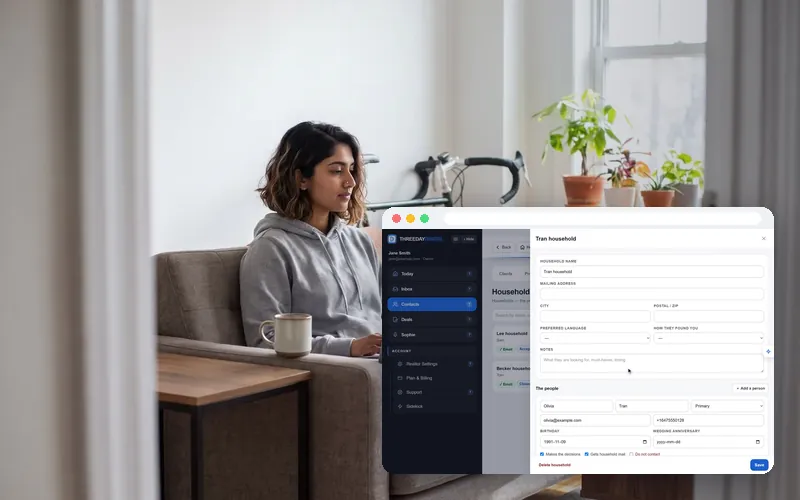
ThreeDay Realtor: forms that fill from client files
IDs, pre-approvals and pay stubs filed by themselves into each household’s Files — then a form that fills itself from them, signed online.
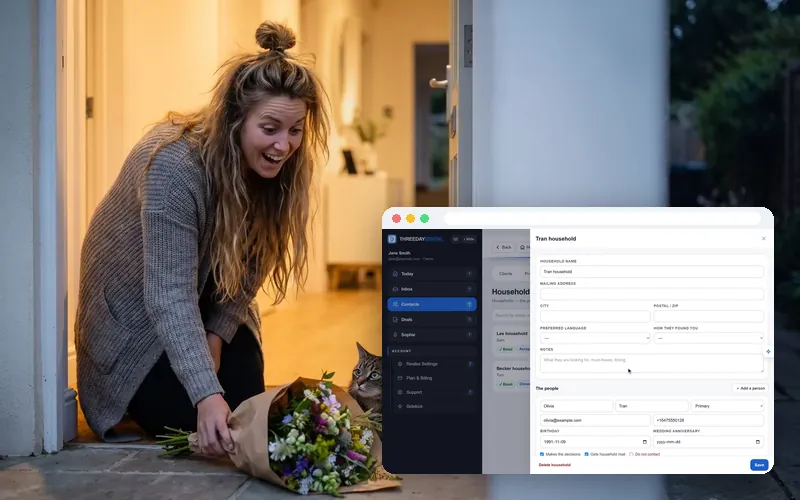
ThreeDay Realtor: dates that bring the next deal
Birthdays, anniversaries, home anniversaries and check-ins after closing, drafted in your voice for your OK — only where they agreed to hear from you.
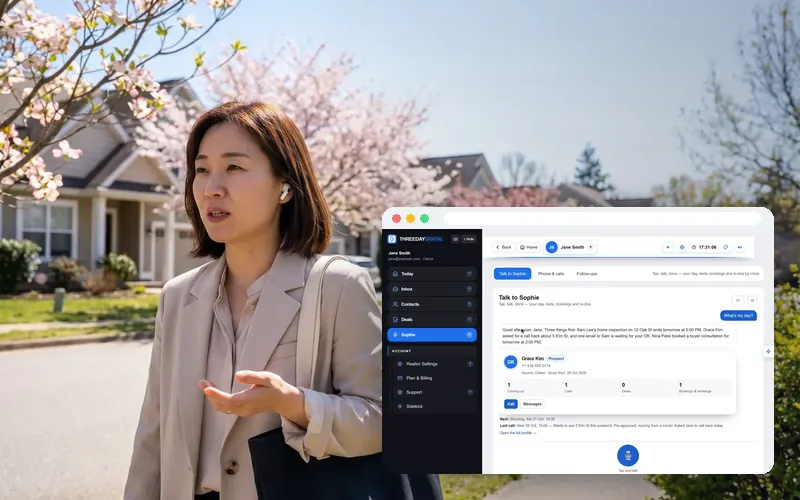
ThreeDay Realtor: run your day by voice
Tap the mic between showings: ask for your day, text a client, book a showing, add a to-do — every action comes back as a card you tap to confirm.
Follow along on your own account.
14 days free, no card. Everything in these tutorials works on the trial.