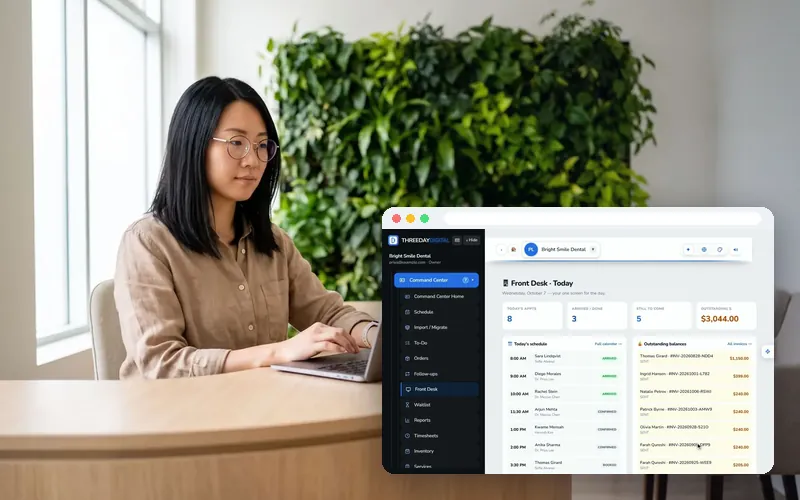
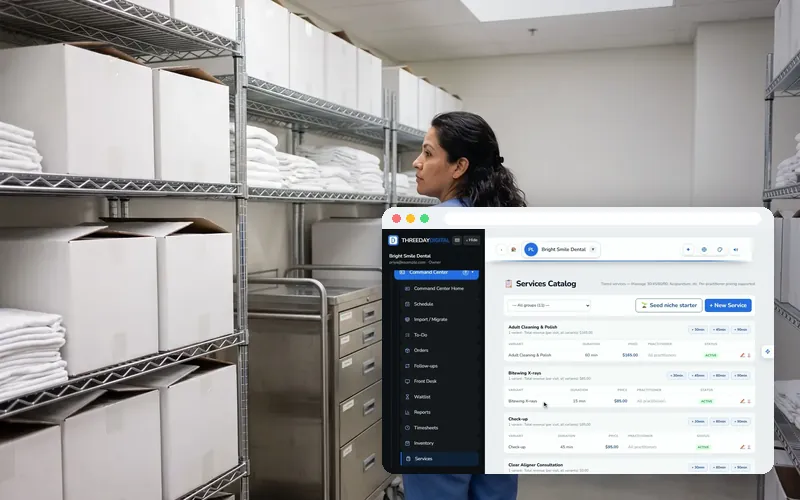
Import / Migrate pulls your existing client list in from wherever it lives today — import, map the columns, done. Start there on day one, so the schedule, invoices and recalls all have real people behind them.
Every recording here is the real ThreeDay app on a demo account: the names and numbers in it are made up.
Import and map the columns
Bring the file in and tell it which column is which.
How to do it
- Open Command Center → Import / Migrate.
- Upload your spreadsheet.
- Map the columns — name, phone, email and the rest.
- Import.
Check the records
Search a name and open their record.
How to do it
- Open Clients and search a name.
- Check their details, then add notes the desk can read.
Load your services
Your price list feeds invoices and bookings.
How to do it
- Open Services and add each service with price and duration.
Questions people ask
Can my team use it too?
Yes — invite teammates with their own logins and roles, chat internally in Team Chat, and hand off conversations without forwarding screenshots around.
I run multiple brands or client accounts — can I manage them all?
For social, yes — ThreeDay Social runs posting for every business you own — plus your agency clients — from one screen: each business gets its own prompt, AI model, reference images and history, one click generates for all of them at once, and one button publishes to all of their connected channels. No logging out, no switching accounts.
Can I resell ThreeDay to my own clients?
Yes, as an affiliate. Affiliates earn 15% of every payment the businesses they bring make — 20% once six are paying — and agency partners run each business from their own affiliate desk. It’s free to apply. How the affiliate program works →
More answers in the Help center, or ask the chat bubble.