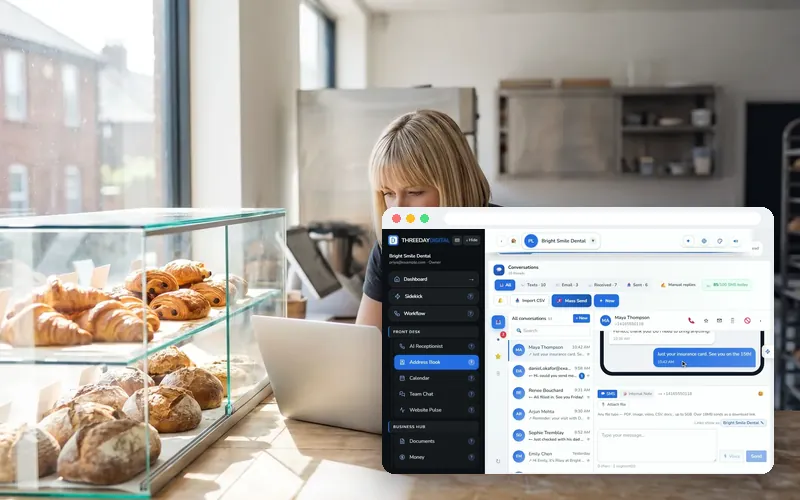
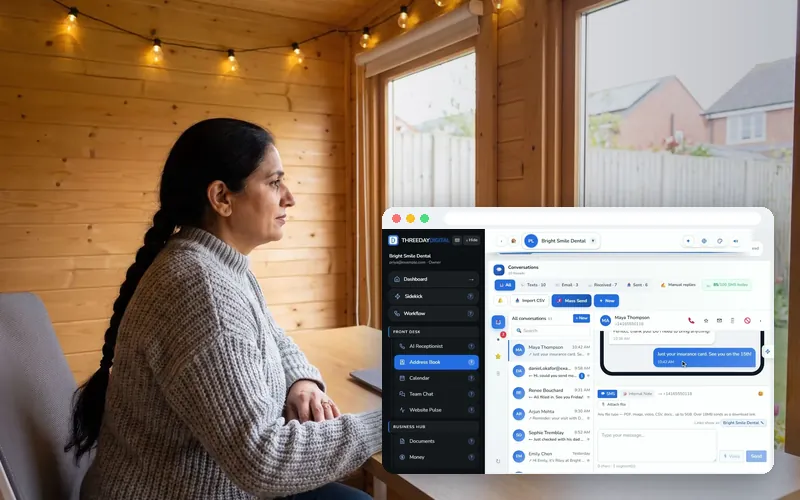
Anyone who calls, texts or emails you is added to your Address Book automatically. You can add and edit anyone by hand, import a list, and open a person to see their calls, messages, bookings and notes together.
Every recording here is the real ThreeDay app on a demo account: the names and numbers in it are made up.
Find anyone
Search by name, number or email.
How to do it
- Open Address Book → Contacts.
- Type part of a name, a number or an email.
- Open the person.
Read their whole history
Every call, text, email and booking with that person, in one thread, in order.
How to do it
- Open a contact to see calls, messages, bookings and notes together.
- Reply by text right from their thread.
Tag people to start follow-ups
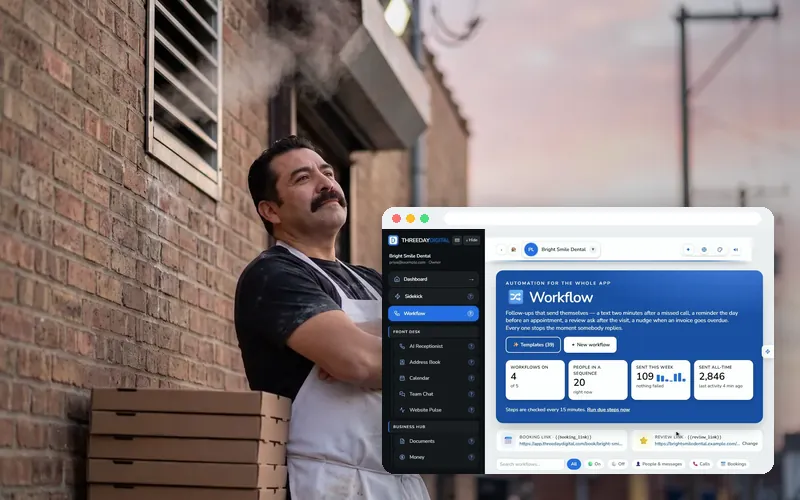
Tags like hot, vip or quote-sent can start a Workflow by themselves.
How to do it
- Add a tag to a contact.
- In 🔀 Workflow, set “a tag is added” as what starts it.
- Add the steps — a text ten minutes later, say.
Stop texting someone who asked
The block toggle stops texts to a contact who asked you to stop.
How to do it
- Open the contact.
- Turn on the block toggle.
Questions people ask
Can it text customers too?
Yes. Two-way texting lives in your Address Book inbox alongside email — send confirmations, follow-ups and review requests from your business number. Mass texting with daily-limit smarts is built in.
Can my team use it too?
Yes — invite teammates with their own logins and roles, chat internally in Team Chat, and hand off conversations without forwarding screenshots around.
Can she text a booking link?
Yes. On the Texting tab you set what she should say, what she must never quote and where to send a booking link; in Agent Studio “text a link” is one of the things you can let her do on a call.
More answers in the Help center, or ask the chat bubble.