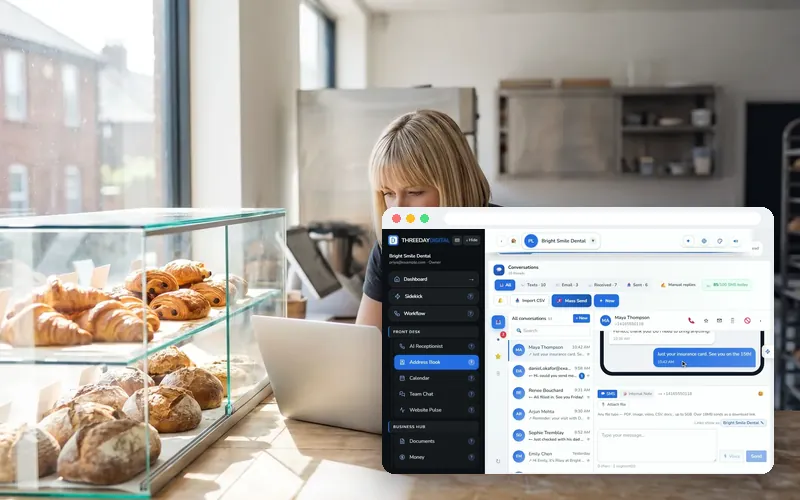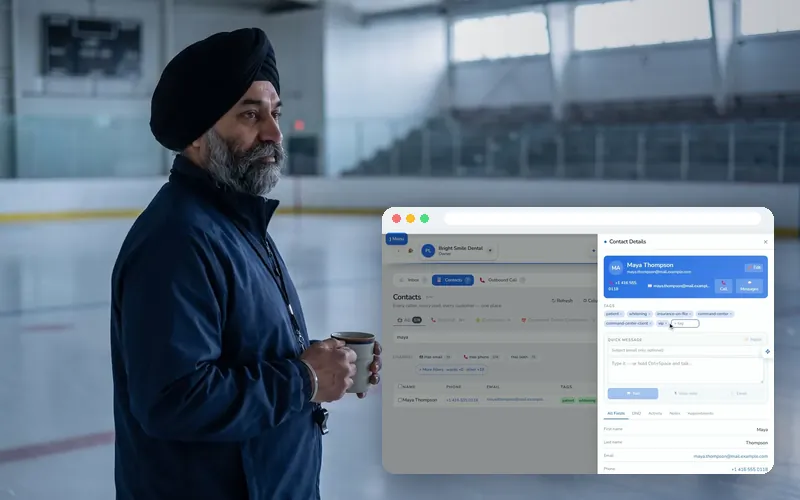
The Inbox holds every call, text and email with a customer in one thread. The ✉️ Email view is your business mailbox; your addresses are the chips at the top.
Every recording here is the real ThreeDay app on a demo account: the names and numbers in it are made up.
Open the email view
Switch to ✉️ Email to read and send from your business addresses.
How to do it
- Open Address Book → Inbox.
- Open the ✉️ Email view.
- Your addresses are the chips at the top.
Use your own domain (Front Desk Pro)
🌐 Use my own domain connects yourbusiness.com: you get the DNS records to add wherever your domain lives, and you are switched over the moment they verify.
How to do it
- Press 🌐 Use my own domain.
- Copy the DNS records it shows.
- Add them at GoDaddy, Cloudflare or wherever your domain lives.
- Wait for them to verify — you are switched over automatically.
Questions people ask
Can it text customers too?
Yes. Two-way texting lives in your Address Book inbox alongside email — send confirmations, follow-ups and review requests from your business number. Mass texting with daily-limit smarts is built in.
Can my team use it too?
Yes — invite teammates with their own logins and roles, chat internally in Team Chat, and hand off conversations without forwarding screenshots around.
Can she text a booking link?
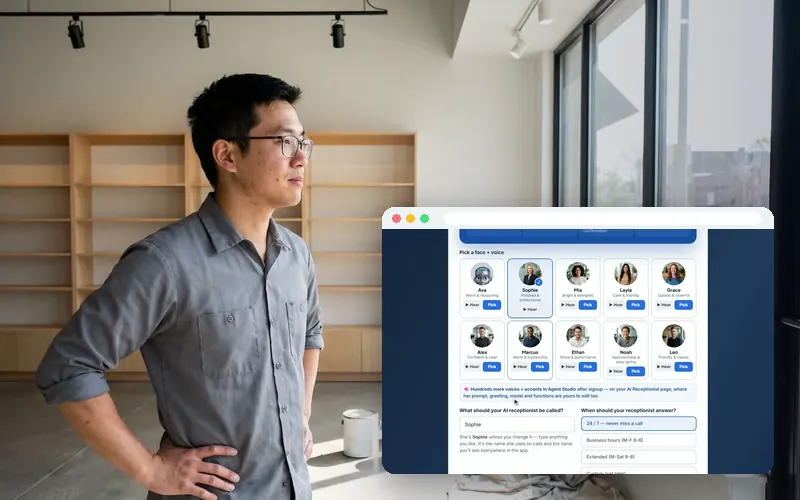
Yes. On the Texting tab you set what she should say, what she must never quote and where to send a booking link; in Agent Studio “text a link” is one of the things you can let her do on a call.
More answers in the Help center, or ask the chat bubble.