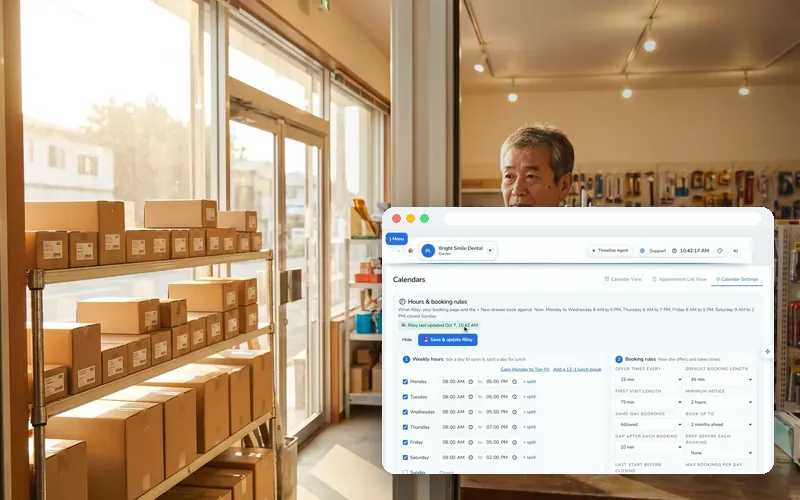
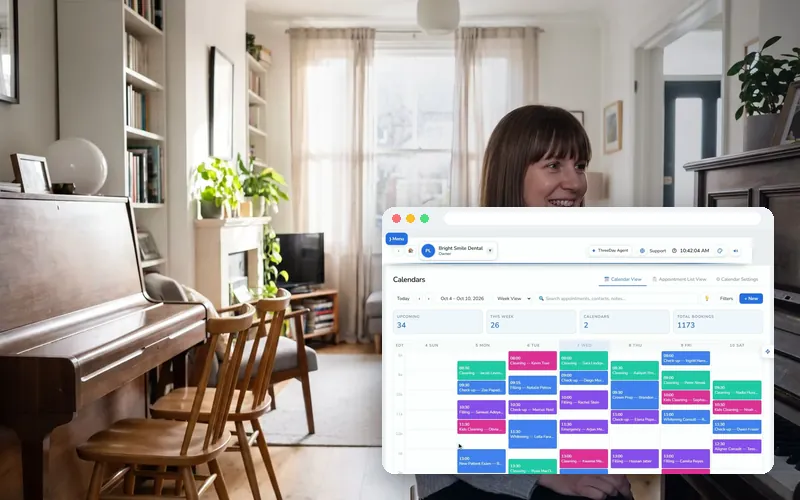
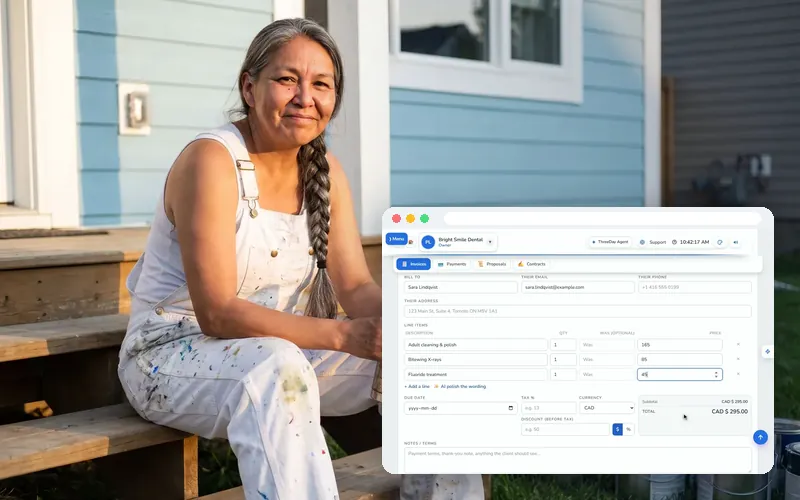
ThreeDay is one login for the phone and the back office: an AI receptionist on her own number, and the invoices, proposals, contracts, calendar and client records behind her. This tutorial walks the first ten minutes, in the order most owners do them. Nothing here needs a card, and nothing reaches a customer until you say so.
Every recording here is the real ThreeDay app on a demo account: the names and numbers in it are made up.
Sign up in about three minutes
Start the 14-day trial with Google or your email. You answer three quick questions about your business, and your receptionist, your dashboard and your own number go live. The number rings straight away.
How to do it
- Go to app.threedaydigital.com/signup and continue with Google or your email.
- Answer three quick questions about your business.
- Riley is the name on our own line; yours can have any name and any of 300+ voices, changed whenever you like in Agent Studio.
- Your dashboard opens with her number on it. That is your trial line, with 15 minutes to hear her answer live.
Read your dashboard
Your home screen: the numbers that matter for your plan, what is booked today and coming up, and a tile for every tool you have. It refreshes itself.
How to do it
- Read the top row for your live totals: bookings, leads, and calls and minutes if your plan includes the phone.
- Click any of the four booking counts (Today, Upcoming, This month, Past 30d) to open that list, then click a booking for the full details.
- Use the tiles underneath to jump to any tool without hunting the sidebar.
Call your own number
Thirty seconds on the phone with her tells you more than any settings page. Call the number on your dashboard from your cell and ask what a customer would ask.
How to do it
- Open AI Receptionist in the left panel; her number is at the top of the page.
- Call it from your phone and ask for a booking, your hours or a price.
- Hang up and open the Calls tab: the call is there with the recording, the transcript and a one-line summary.
- Anything she got wrong is fixed in her greeting and knowledge, covered in the next tutorial.
Ask the ThreeDay Agent anything
The Agent knows your whole account. Ask what to work on today and it answers from your own calls, texts, bookings and invoices, in 30+ languages, and points you to the page you need.
How to do it
- Click the Agent box in the header; it is on every page of the app.
- Ask a plain question: “What should I work on today?” or “Who hasn’t paid?”.
- Read the answer and follow the link it gives you to the page that does the job.
Questions people ask
How fast is setup, really?
About 3 minutes. Sign up, answer 3 quick questions about your business, and your AI receptionist, your dashboard and your dedicated number go live — the number rings immediately. Most owners take real calls the same day, with zero technical work.
What happens if I go over my voice minutes?
Nothing breaks — your receptionist keeps answering. Extra minutes simply bill at $0.35/min — with alerts at 50%, 80% and 90% so it never surprises you. Running heavy every month? We’ll quote you a bigger pool.
Can I keep my existing phone number?
Yes. We either port your current number over, or set up a fresh dedicated line and forward your existing number to it — no downtime, no missed calls during the switch.
Will my callers know they’re talking to AI?
Most won’t. The voice uses natural speech, realistic pauses and genuine warmth. It books appointments, quotes, qualifies leads and can live-transfer to you — logging every call in your CRM. We disclose that it’s AI wherever it’s legally required.
What happens if the AI can’t answer something?
Exactly what a great receptionist does: it takes a detailed message, books a callback with your team, or live-transfers the caller to your phone. Every interaction is captured in your CRM, so nothing slips through.
More answers in the Help center, or ask the chat bubble.