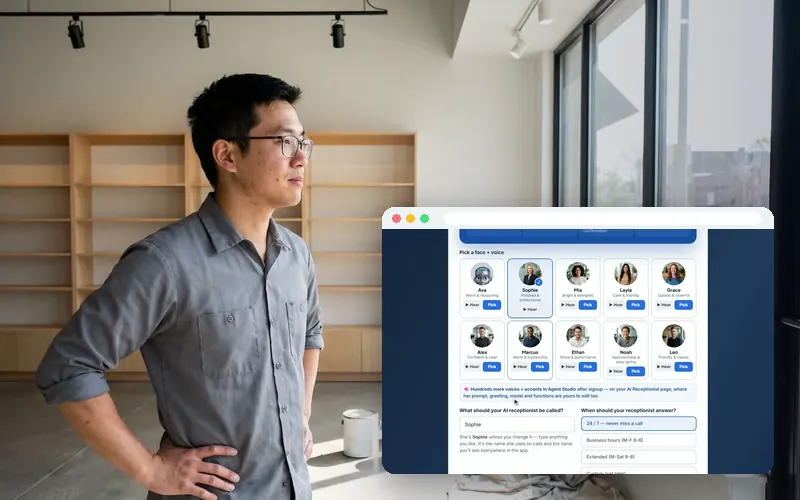
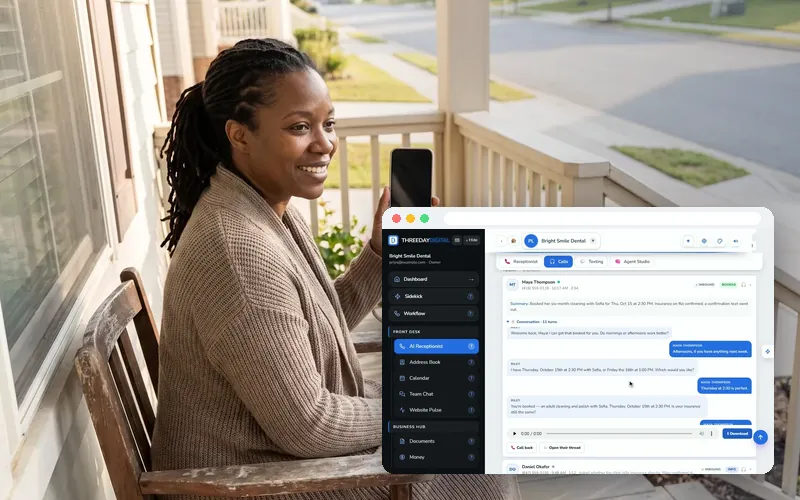
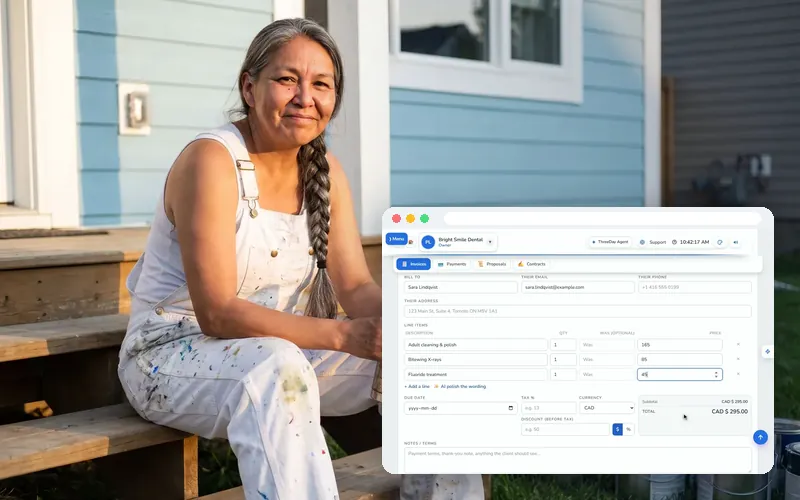
ThreeDay is on iOS, free on the App Store. Manage calls, bookings, invoices and your whole Command Center from your iPhone, with push alerts the moment a call is booked. It is the same account as the web app.
Install and sign in
One login: the same pages as the web app, in the menu.
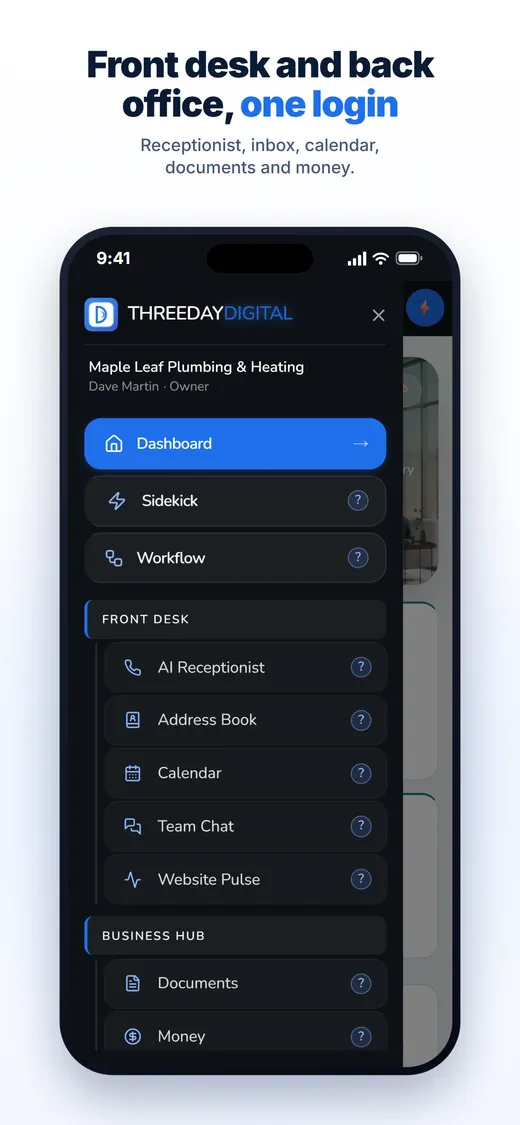
How to do it
- Download ThreeDay Digital free from the App Store.
- Sign in with the account you use on the web.
- Allow notifications so a booked call reaches you.
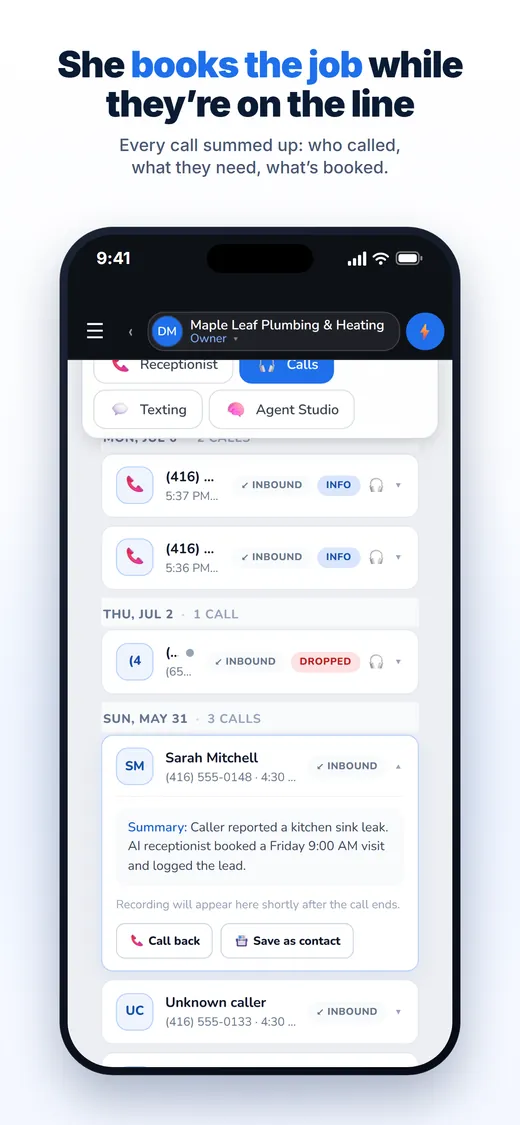
Read your calls
Every call summed up: who called, what they needed, what was booked.
How to do it
- Open the Calls tab.
- Tap a call for the summary and transcript.
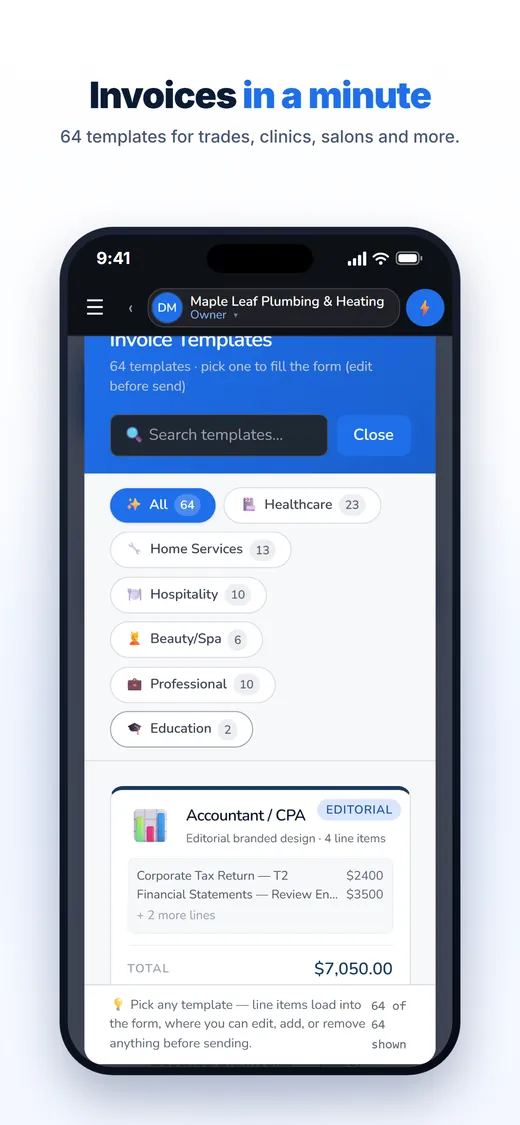
Send an invoice from the job
Pick a template, fill it in, send it before you leave the site.
How to do it
- Open Documents → Invoices.
- Pick a template and add the lines.
- Send it by email or text.
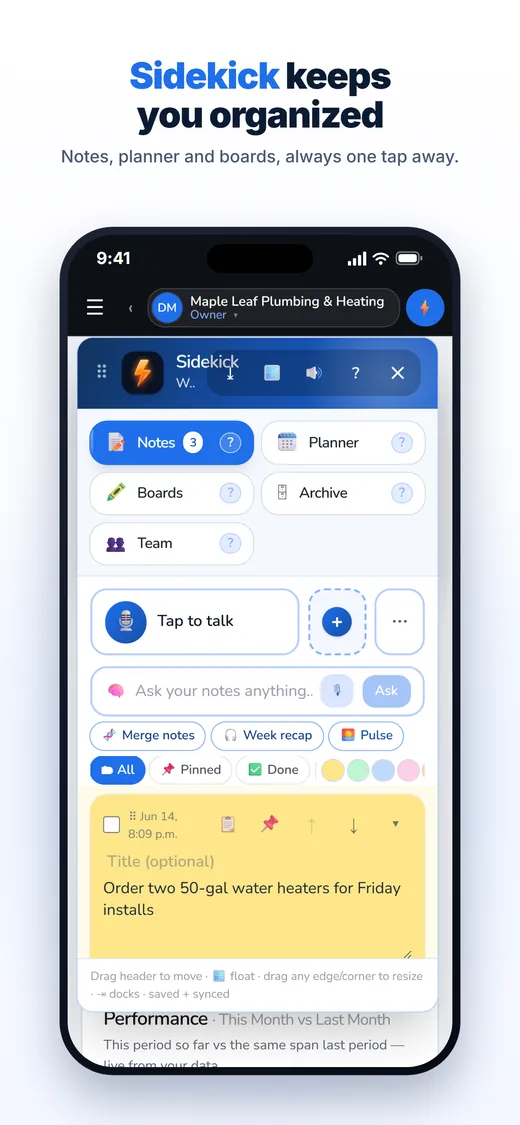
Notes on the go
Sidekick opens over any page for a quick note or voice note.
How to do it
- Open Sidekick.
- Type or talk; voice notes come back written out.
Questions people ask
How fast is setup, really?
About 3 minutes. Sign up, answer 3 quick questions about your business, and your AI receptionist, your dashboard and your dedicated number go live — the number rings immediately. Most owners take real calls the same day, with zero technical work.
Are there contracts or hidden fees?
None. Month to month, cancel anytime in a click, and self-serve signup is $0 setup. The only variable cost is extra minutes at $0.35 each past your plan’s allowance, with alerts long before you get there.
What happens if I go over my voice minutes?
Nothing breaks — your receptionist keeps answering. Extra minutes simply bill at $0.35/min — with alerts at 50%, 80% and 90% so it never surprises you. Running heavy every month? We’ll quote you a bigger pool.
Can I upgrade, downgrade or cancel later?
Anytime, from your own dashboard. Plans are month-to-month, changes apply right away, and cancelling never costs a fee — and you keep your number, your data and anything we built for you.
Can I keep my existing phone number?
Yes. We either port your current number over, or set up a fresh dedicated line and forward your existing number to it — no downtime, no missed calls during the switch.
More answers in the Help center, or ask the chat bubble.