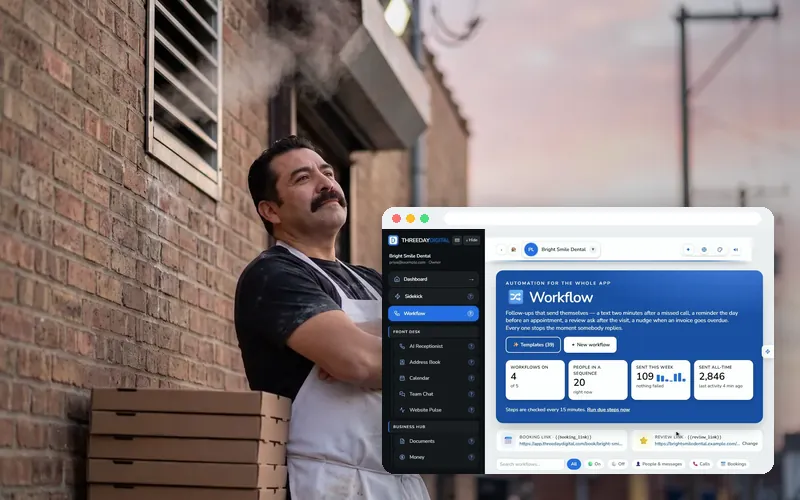
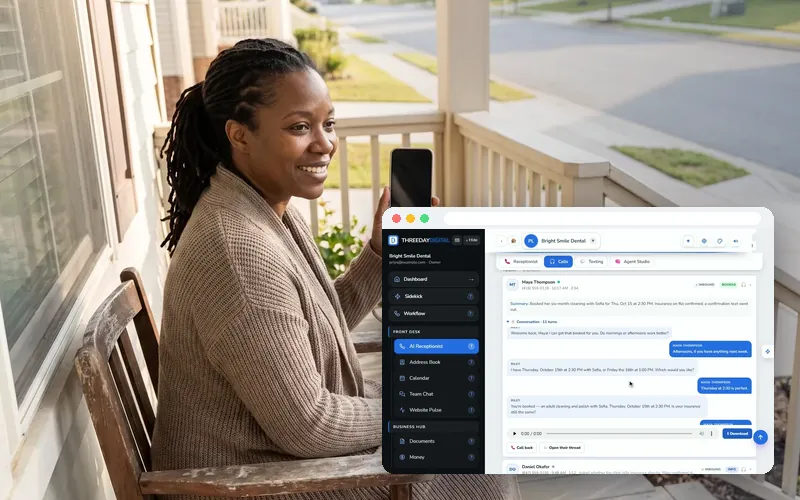
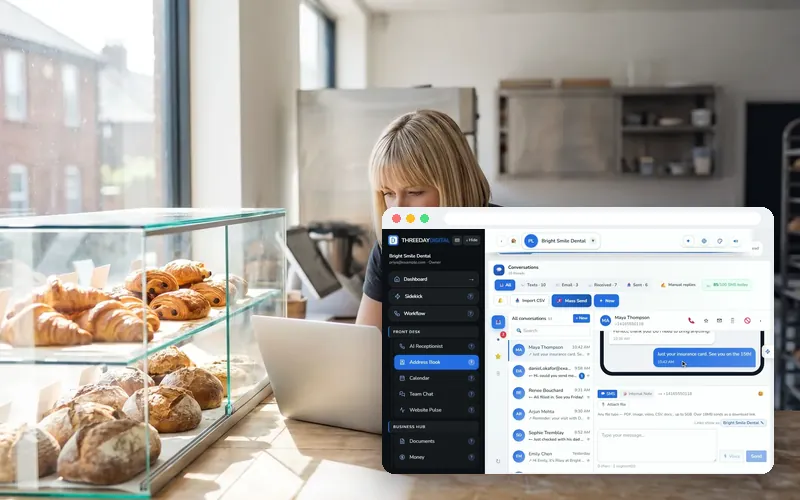
Besides answering, your receptionist calls people for you: she calls back missed calls, follows up new leads that haven’t booked, chases quotes, calls clients due for a recall and reminds them about overdue invoices. She calls from your business number, on the same minutes, and every call lands on your Calls page with its recording and summary.
Every recording here is the real ThreeDay app on a demo account: the names and numbers in it are made up.
Call a customer yourself
Call out from your own business number in the browser, with a live transcript on screen as you talk. The customer sees your business number, not your cell.
How to do it
- Open Address Book → Outbound Call.
- Type or pick a number.
- Press 🎧 Call from here and talk through your computer.
- When you hang up, the recording and transcript land in that customer’s thread.
Have your receptionist make the call
Tell her what the call is about and she rings them for you, the same way she answers: politely, briefly, and with everything written up afterwards.
How to do it
- Write “✏️ What she should know” first — she is only as useful on the phone as the brief you gave her.
- Press 🤖 to have your receptionist make the call.
- Use 📣 instead to play a message you recorded once to whoever you choose.
- Read the outcome on the Calls page: the summary, the recording and the transcript.
Make the calls automatic with a Workflow
A Workflow can have her ring people on a schedule: a missed caller two minutes later, a new lead who didn’t book, a client due for a recall. Each one stops the moment they reply or book.
How to do it
- Open 🔀 Workflow in the left panel.
- Press ✨ Start from a template and pick a calling sequence.
- Set what starts it and the wait before each step.
- Turn it on and watch Activity for who is in it and what happened.
Questions people ask
How fast is setup, really?
About 3 minutes. Sign up, answer 3 quick questions about your business, and your AI receptionist, your dashboard and your dedicated number go live — the number rings immediately. Most owners take real calls the same day, with zero technical work.
What happens if I go over my voice minutes?
Nothing breaks — your receptionist keeps answering. Extra minutes simply bill at $0.35/min — with alerts at 50%, 80% and 90% so it never surprises you. Running heavy every month? We’ll quote you a bigger pool.
Can I keep my existing phone number?
Yes. We either port your current number over, or set up a fresh dedicated line and forward your existing number to it — no downtime, no missed calls during the switch.
Will my callers know they’re talking to AI?
Most won’t. The voice uses natural speech, realistic pauses and genuine warmth. It books appointments, quotes, qualifies leads and can live-transfer to you — logging every call in your CRM. We disclose that it’s AI wherever it’s legally required.
What happens if the AI can’t answer something?
Exactly what a great receptionist does: it takes a detailed message, books a callback with your team, or live-transfers the caller to your phone. Every interaction is captured in your CRM, so nothing slips through.
More answers in the Help center, or ask the chat bubble.