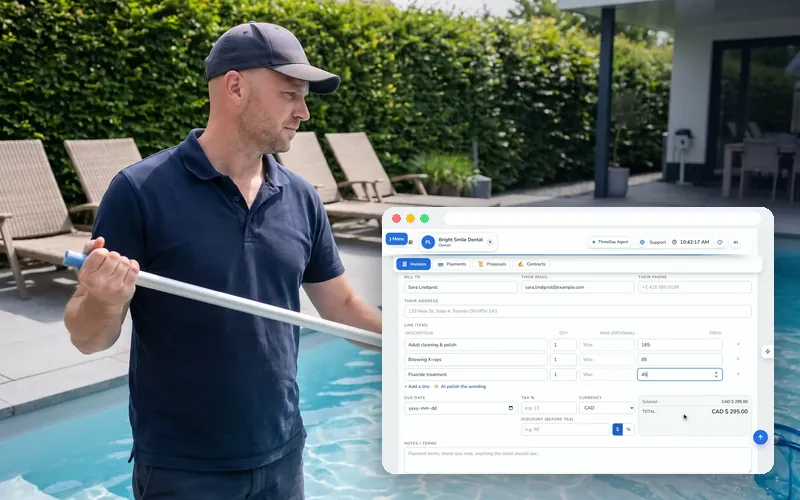
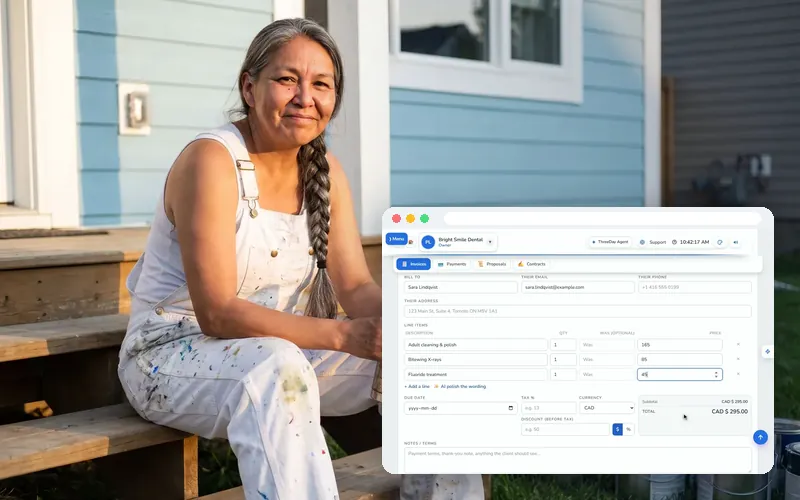
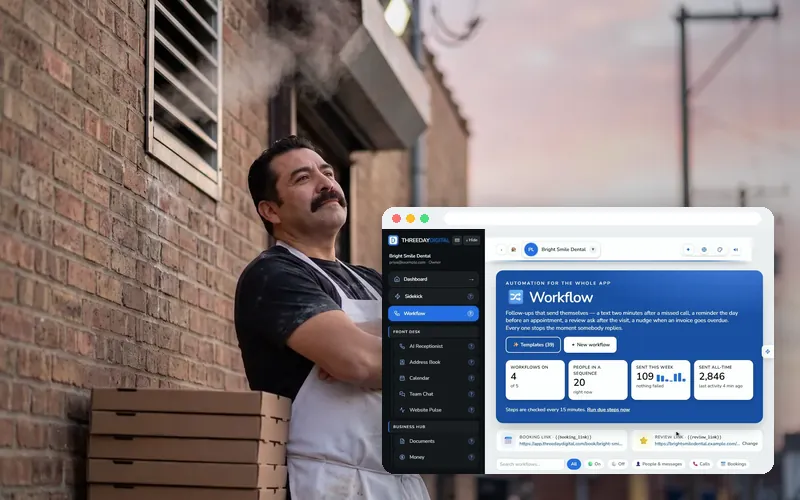
Most small businesses lose money in the gaps between tools: the quote in one app, the contract in another, the invoice in a third. In ThreeDay it is one trail, and a Workflow chases the quote that went quiet.
Every recording here is the real ThreeDay app on a demo account: the names and numbers in it are made up.
Send the proposal
Scope, pricing table and terms on your letterhead.
How to do it
- Open Documents → Proposals and start from a template.
- Add the pricing table and terms.
- Send it.
Chase the quiet quote
Tag the contact quote-sent and let a Workflow follow up until they reply.
How to do it
- Tag the contact quote-sent.
- Start a Workflow on that tag: a text after two days, a call from your receptionist after five.
- It stops the moment they reply.
Get it signed
Send the agreement; they sign on their phone, you countersign.
How to do it
- Open Contracts and send for signature.
- Countersign; the signed copy is kept.
Invoice from the accepted proposal
An accepted proposal can become the invoice.
How to do it
- Turn the accepted proposal into the invoice.
- Send it with the pay link.
Watch it get paid
Paid, due and overdue in one list.
How to do it
- Open Payments and scan overdue first.
- Record payments that come in outside the link.
Questions people ask
Are there contracts or hidden fees?
None. Month to month, cancel anytime in a click, and self-serve signup is $0 setup. The only variable cost is extra minutes at $0.35 each past your plan’s allowance, with alerts long before you get there.
Can I upgrade, downgrade or cancel later?
Anytime, from your own dashboard. Plans are month-to-month, changes apply right away, and cancelling never costs a fee — and you keep your number, your data and anything we built for you.
Can it text customers too?
Yes. Two-way texting lives in your Address Book inbox alongside email — send confirmations, follow-ups and review requests from your business number. Mass texting with daily-limit smarts is built in.
Can she make outbound calls?
Yes. Besides answering, she calls people for you: she calls back missed calls, follows up new leads that haven’t booked, chases quotes, calls clients due for a recall and reminds them about overdue invoices. Pick a ready-made Workflow, switch it on, and it stops the moment they reply or book. She calls from your business number, on the same minutes, and every call is on your Calls page with its recording and summary.
Do I own my number and my data?
100%. Your phone number, your full CRM data (one-click export), your landing pages, your trained AI agent, your website files and your domain — all in your name. If you ever leave, everything walks with you. No vendor lock-in, no hostage data, no hostage hosting.
More answers in the Help center, or ask the chat bubble.