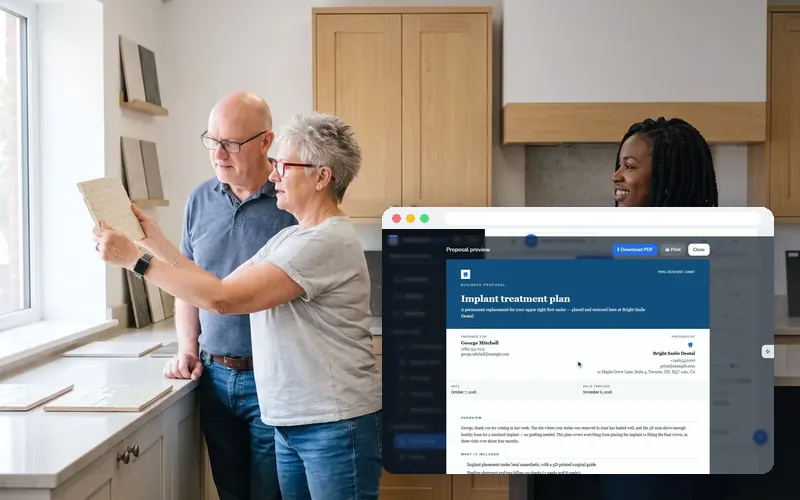
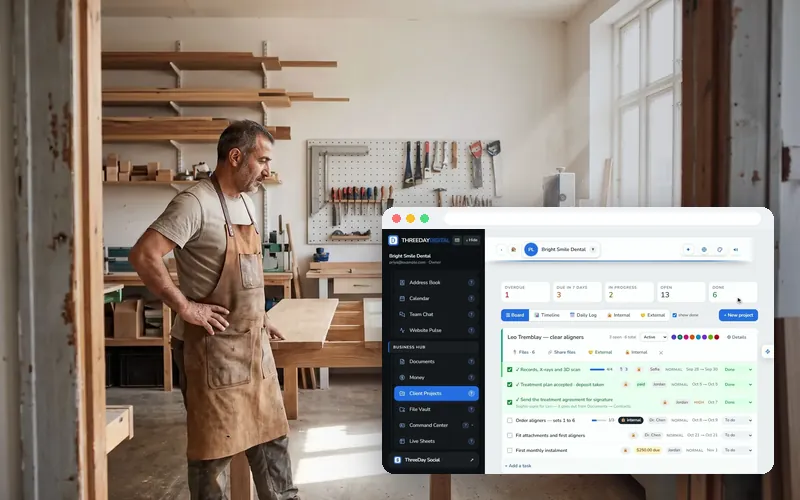
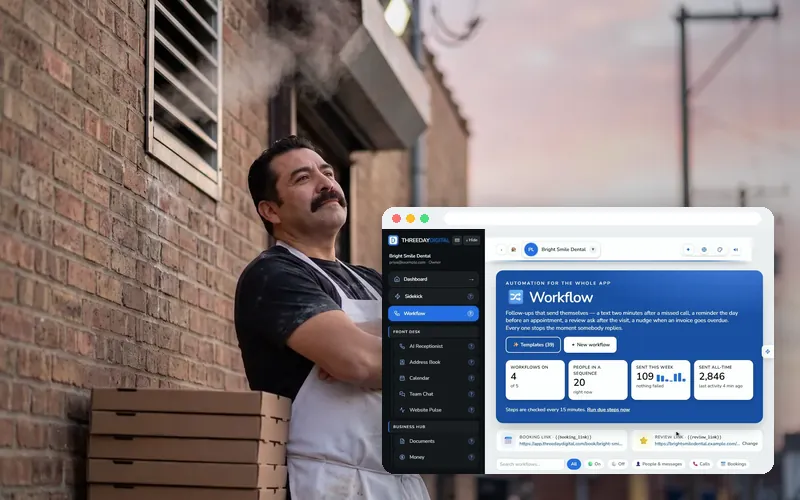
Documents holds your paperwork, all four kinds in one place: Invoices, Payments, Proposals and Contracts. Everything carries your branding and goes out with a link the client can pay or sign on their phone. This tutorial covers the money half.
Every recording here is the real ThreeDay app on a demo account: the names and numbers in it are made up.
Build and send the invoice
From a template or from scratch, with your logo and details already on it.
How to do it
- Open Documents → Invoices and press new.
- Pick the client and add the lines.
- Click the invoice to see it exactly as the client will.
- Send it by email or text — the client gets a page they can pay on.
See what has actually been collected
Paid, due and overdue in one list. Each row opens in place with the bill-to, the line items and the payment history.
How to do it
- Open the Payments tab and scan the overdue rows first — that is money already earned.
- Expand a row to see its history without leaving the page.
- Tap 💰 Payment on a row when somebody pays outside the link; partial payments add up and the status flips itself at zero balance.
Read how the month is going
Money → Reports shows collected, outstanding and invoiced for the period, with income against expenses so you read the margin, not just the revenue.
How to do it
- Open Money → Reports.
- Pick the period: this month, last month or a custom range.
- Click a figure to see the invoices or payments behind it.
Log what went out
Log spending as it happens with its category and see every month added up.
How to do it
- Open Money → Expenses and add an expense the day it happens.
- Use the same five categories every time.
- Check the totals against Reports at month end.
Questions people ask
Are there contracts or hidden fees?
None. Month to month, cancel anytime in a click, and self-serve signup is $0 setup. The only variable cost is extra minutes at $0.35 each past your plan’s allowance, with alerts long before you get there.
Can I upgrade, downgrade or cancel later?
Anytime, from your own dashboard. Plans are month-to-month, changes apply right away, and cancelling never costs a fee — and you keep your number, your data and anything we built for you.
Do I own my number and my data?
100%. Your phone number, your full CRM data (one-click export), your landing pages, your trained AI agent, your website files and your domain — all in your name. If you ever leave, everything walks with you. No vendor lock-in, no hostage data, no hostage hosting.
Do you buy my domain? Who owns it?
If you don’t have a domain, we register it in your name — you own it, always. The first year is included on Business and Flagship builds. Already have one? We connect it with zero downtime.
Do I actually own my number, data and website?
100%. Your phone number, your full CRM data (one-click export), your landing pages, your trained AI agent, your website files and your domain — all in your name. If you ever leave, everything walks with you. No vendor lock-in, no hostage data, no hostage hosting.
More answers in the Help center, or ask the chat bubble.