ThreeDay is built for a team, not just an owner. Each person gets their own login, you decide what they can open, and the day’s questions and handoffs live inside the app instead of scattered texts.
Every recording here is the real ThreeDay app on a demo account: the names and numbers in it are made up.
Invite teammates
Team, in the account menu, is where you invite people and control what each one can access.
How to do it
- Open the account menu → Team.
- Invite a teammate by email.
- Choose what they can access.
Talk in Team Chat
Private to your team, with photos and files and an unread count on the tab.
How to do it
- Open Team Chat and send a message — everyone on the team sees it.
- Attach a photo or file when it says it faster.
- Watch the red badge for what you haven’t read.
Shared notes for handoffs
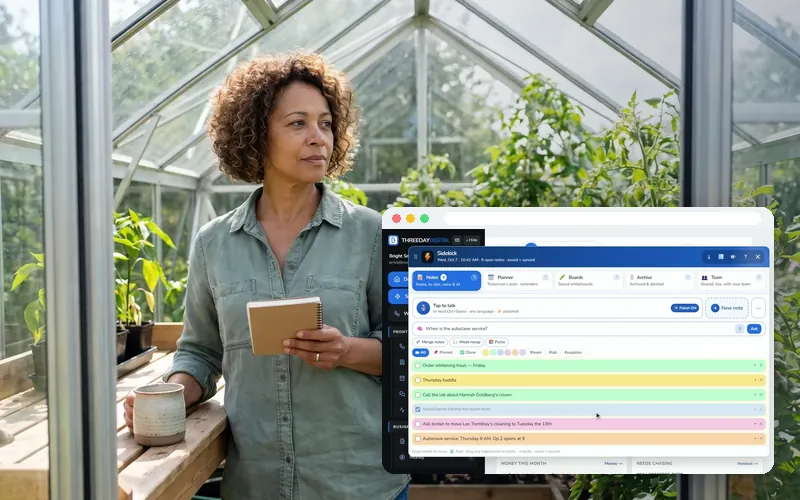
Sidekick → Team holds notes everyone can edit, live, for the next shift.
How to do it
- Open Sidekick → Team and press + New team note.
- Write the handoff; edits show for everyone as they happen.
Questions people ask
Can it text customers too?
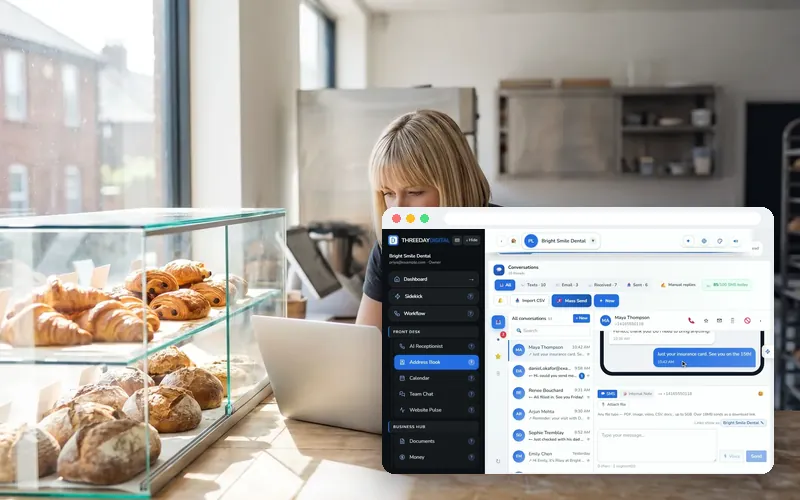
Yes. Two-way texting lives in your Address Book inbox alongside email — send confirmations, follow-ups and review requests from your business number. Mass texting with daily-limit smarts is built in.
Can my team use it too?
Yes — invite teammates with their own logins and roles, chat internally in Team Chat, and hand off conversations without forwarding screenshots around.
Is there a mobile app?
Yes — ThreeDay is on iOS. Manage calls, bookings, invoices and your whole Command Center from your iPhone, with push alerts the moment a call is booked. Download it free on the App Store.
What is the ThreeDay Agent?
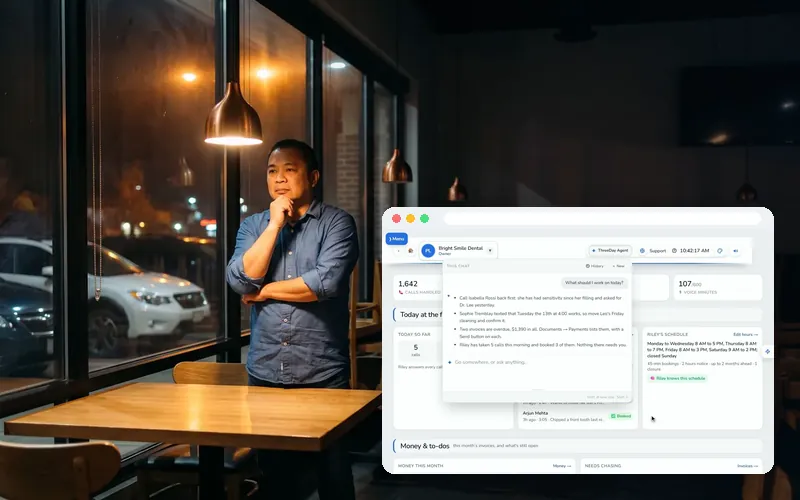
The AI inside the app that knows your whole account — your calls, invoices, contacts, projects and files. Ask it anything about your business and it answers from your real numbers, in 30+ languages, and takes you to the page you need.
Can she text a booking link?
Yes. On the Texting tab you set what she should say, what she must never quote and where to send a booking link; in Agent Studio “text a link” is one of the things you can let her do on a call.
More answers in the Help center, or ask the chat bubble.