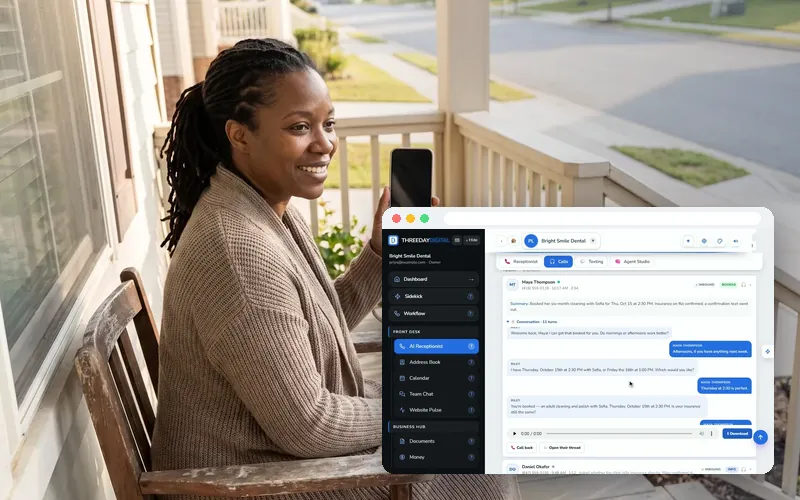
The Agent is on every page. Ask it anything about your business and it answers from your real numbers, in 30+ languages, then takes you to the page you need. It answers and points the way; it does not send, book or bill on its own.
Every recording here is the real ThreeDay app on a demo account: the names and numbers in it are made up.
Ask your first question
Start with “What should I work on today?”.
How to do it
- Click the Agent box in the header.
- Ask “What should I work on today?”.
- Read the answer — it is built from your own calls, texts, bookings and invoices.
Questions that work well
Plain questions about your own business: who, what, how much, what’s next.
How to do it
- “Who called yesterday and didn’t book?”
- “Which invoices are overdue?”
- “What’s on the calendar Thursday?”
- Follow its link to the page that does the job.
Questions people ask
Can my team use it too?
Yes — invite teammates with their own logins and roles, chat internally in Team Chat, and hand off conversations without forwarding screenshots around.
Is there a mobile app?
Yes — ThreeDay is on iOS. Manage calls, bookings, invoices and your whole Command Center from your iPhone, with push alerts the moment a call is booked. Download it free on the App Store.
What is the ThreeDay Agent?
The AI inside the app that knows your whole account — your calls, invoices, contacts, projects and files. Ask it anything about your business and it answers from your real numbers, in 30+ languages, and takes you to the page you need.
More answers in the Help center, or ask the chat bubble.