
It’s 7:15 pm. Their back went out this afternoon.
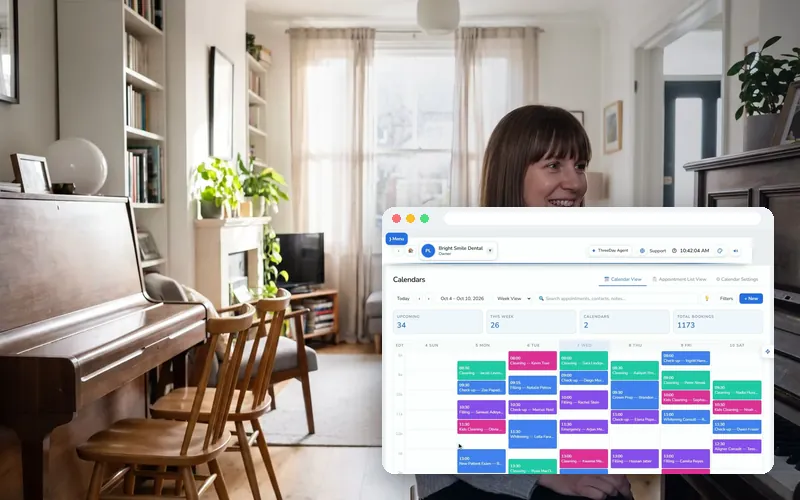
Riley answers, books your first opening tomorrow and texts the intake form, so they’re yours before they call anyone else.
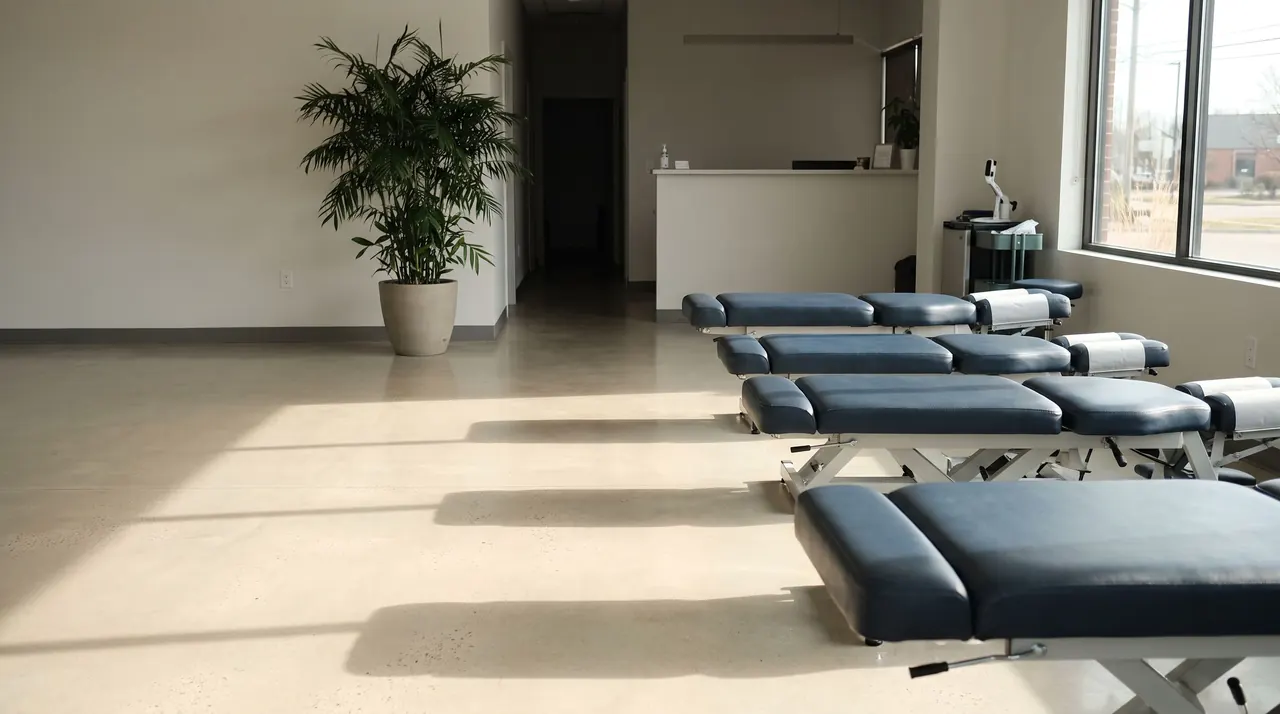
A day with her on the line
Four moments from a day at a chiropractic clinic with ThreeDay answering.




What she handles for chiropractic clinics
New patients
- Books the initial exam on the first call
- Takes what hurts and how long it has
- Texts the confirmation and your intake form link
Pain today
- Offers your next opening
- Books it before they call another clinic
- Takes the details so you’re ready
Regular care
- Books and moves the recurring visits
- Reminds patients the day before and two hours before
- Offers the next open time when one is cancelled
Insurance & billing questions
- Whether you bill directly, from what you tell her
- Your fees and what a first visit includes
- Takes a message when she doesn’t know
Follow-ups
- Sends the follow-up texts you set once
- Calls or texts the patients on the list you give her
- Every reply lands in one inbox
Evenings & weekends
- Answers 24 hours a day, in 30+ languages
- Books for your next clinic day
- You open to a full morning
Set it up in an afternoon
Four steps, each with a recording of the real screen. Every recording here is the real ThreeDay app on a demo account: the names and numbers in it are made up.
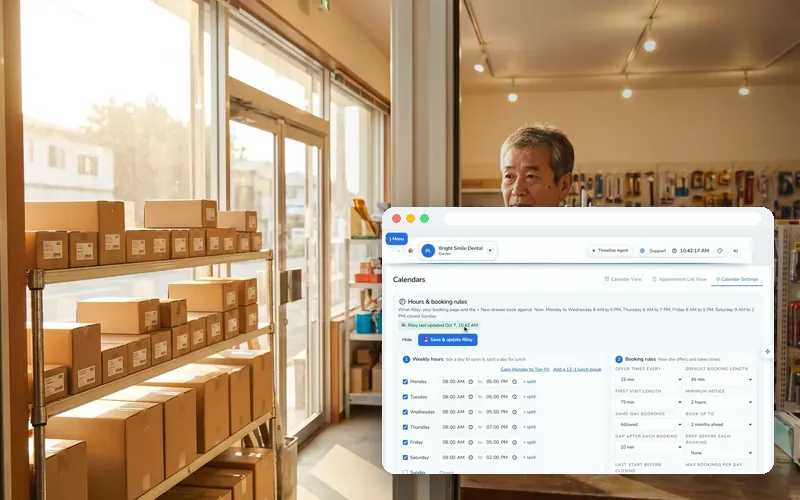
Set the hours she books appointments by
- Open Calendar → Settings → 🕘 Hours & booking rules.
- Set your opening hours and how much notice you need before a appointment.
- Set how far ahead people can book, and save.
Write the greeting a chiropractic clinic would use
- Open AI Receptionist and write the greeting the way your front desk answers today — your business name, her name, and how she can help.
- Set which appointments she can book and how long each one takes.
- Give her a transfer number for the calls that need you — she gives no health advice, so those go to your team as a message or a transfer.
Teach her your everyday answers
- In Agent Studio, add what patients ask most: whether you bill directly, from what you tell her.
- Add notes, your website or a document to her Knowledge base.
- Press Save & publish — nothing reaches your line until you publish.
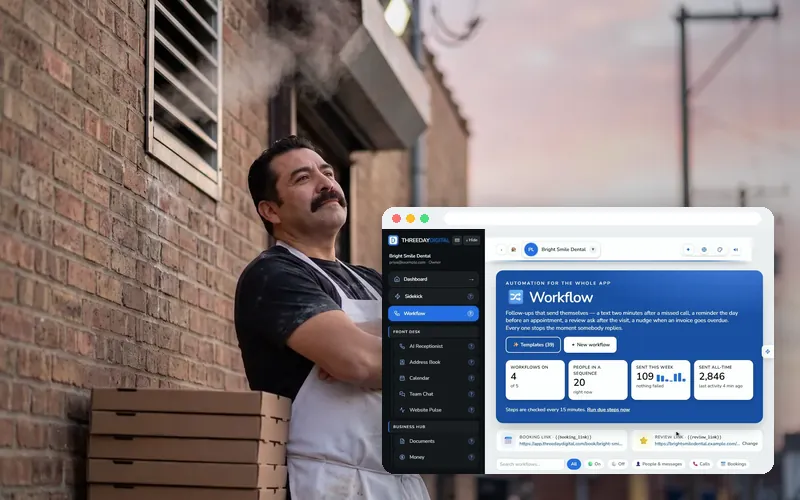
Switch on the follow-ups
- Open 🔀 Workflow → ✨ Start from a template.
- Start with the missed-call text back, then a reminder before each appointment.
- Use “Test on me”, then turn it on. Each one stops the moment they reply.
What chiropractic clinics commonly use today
Named only as the practice software such businesses commonly run. ThreeDay is not affiliated with them and does not claim to connect to them: she books into your ThreeDay calendar and alerts you, and your team adds it to your system the way they add any phone booking today.
Built for the way chiropractic clinics work



Questions chiropractic clinics ask
We already use Jane (or ChiroTouch). Do we have to switch?
No. Riley books into your ThreeDay calendar with the hours and visit types you set and alerts you for every booking. Your team adds it to your system the way they add any phone booking today, so nothing about it changes. If you’d rather run the schedule in ThreeDay, it’s included.
Can she answer insurance questions?
She answers what you tell her: whether you bill directly, your fees, what a first visit includes. Anything about a patient’s own coverage she takes as a message.
Does she give health advice?
No. She books, answers the practical questions you set her up with, and takes a message for you when a call needs one.
Can we keep our number?
Yes. We port your number over, or you keep it and forward calls to her: all day, only after hours, or only when you can’t pick up.
Hear it for yourself
Call Jordan, our clinic demo line, and ask for an appointment this week.