It’s 10:05 am. The whole crew is on a job.
Riley answers the phone, books the estimate and texts you the address.

A day with her on the line
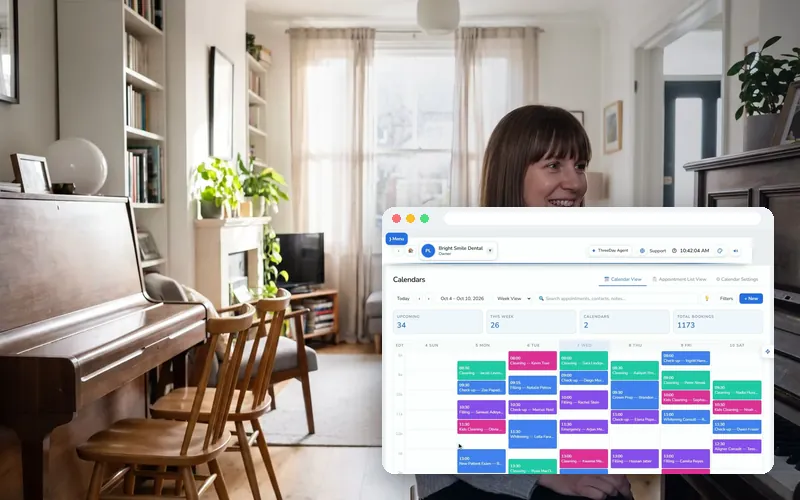
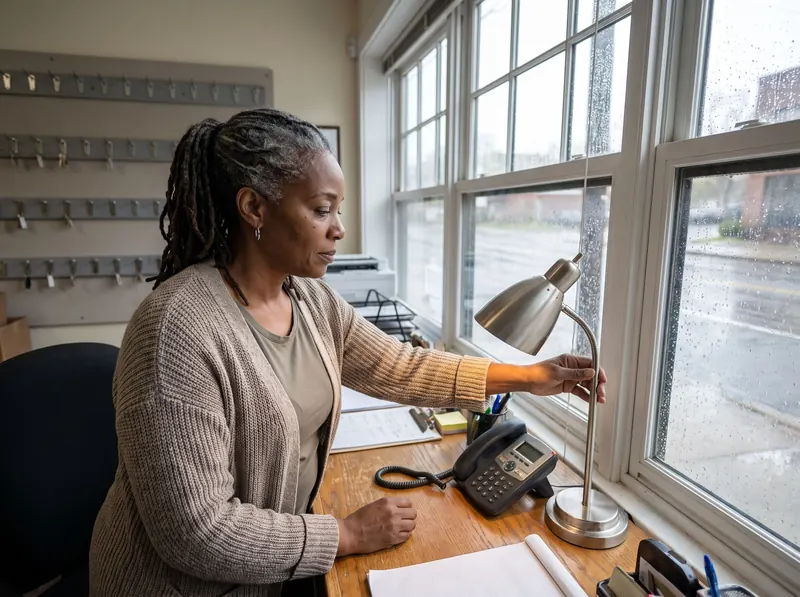
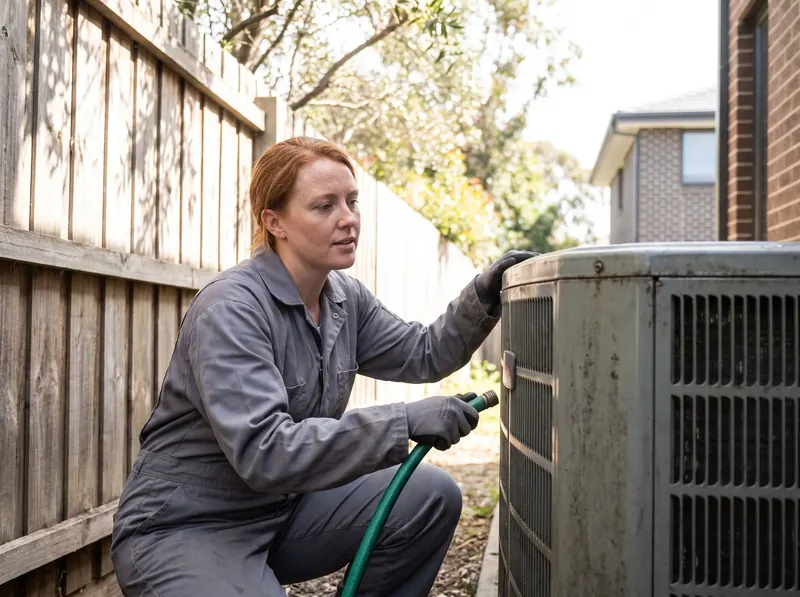
Four moments from a day at a home-service business with ThreeDay answering.


What she handles for home-service businesses
Landscaping & snow
- Books estimates and seasonal sign-ups
- Takes the property and what they want done
- Takes storm-day calls so you can keep ploughing
Movers
- Takes the date, from where, to where and how much
- Books the estimate or the move
- Texts the confirmation
Pest control
- Takes what they’re seeing and where
- Books the visit
- Puts an urgent one through
Garage doors & appliances
- Takes the make and what it’s doing
- Puts a stuck-open door through to you
- Books the service call
Cleaning & detailing
- Takes the size of the home or the vehicle
- Books one-time and recurring visits
- Reminds customers the day before
Nights & weekends
- Answers 24 hours a day, in 30+ languages
- Follows your on-call rules
- You wake up to booked jobs
Set it up in an afternoon
Four steps, each with a recording of the real screen. Every recording here is the real ThreeDay app on a demo account: the names and numbers in it are made up.
Set the hours she books jobs by
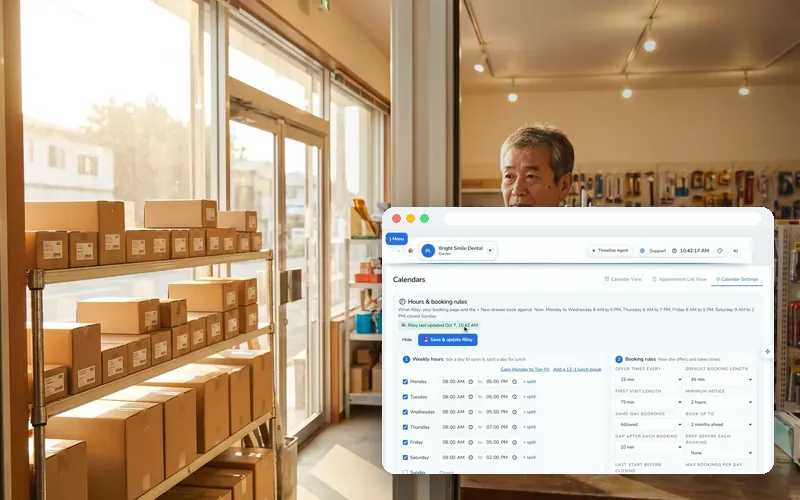
- Open Calendar → Settings → 🕘 Hours & booking rules.
- Set your opening hours and how much notice you need before a job.
- Set how far ahead people can book, and save.
Write the greeting a home-service business would use
- Open AI Receptionist and write the greeting the way your front desk answers today — your business name, her name, and how she can help.
- Set which jobs she can book and how long each one takes.
- Give her a transfer number for the calls that need you.
Teach her your everyday answers
- In Agent Studio, add what customers ask most: takes the make and what it’s doing.
- Add notes, your website or a document to her Knowledge base.
- Press Save & publish — nothing reaches your line until you publish.
Switch on the follow-ups
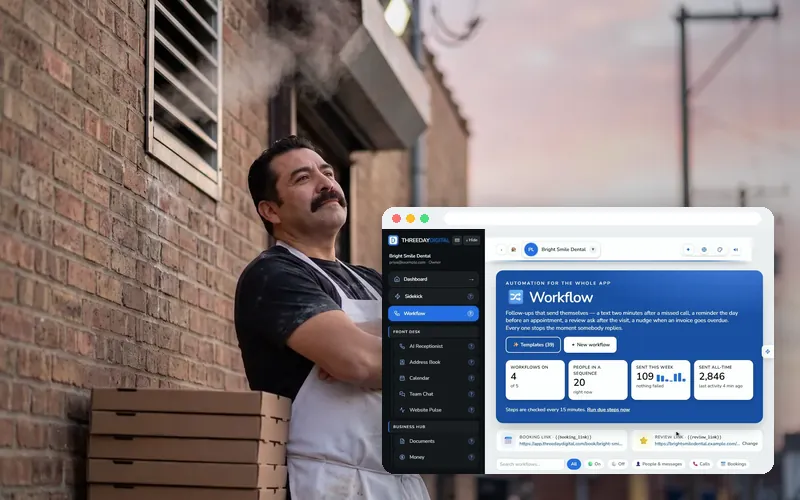
- Open 🔀 Workflow → ✨ Start from a template.
- Start with the missed-call text back, then a reminder before each job.
- Use “Test on me”, then turn it on. Each one stops the moment they reply.
What home-service businesses commonly use today
Named only as the job software such businesses commonly run. ThreeDay is not affiliated with them and does not claim to connect to them: she books into your ThreeDay calendar and alerts you, and your team adds it to your system the way they add any phone booking today.
Built for the way home-service businesses work




Questions home-service businesses ask
My trade isn’t on this list. Does it still work?
Yes. If customers call you to book a job or ask for a quote, Riley can answer. You tell her what you do, your hours and what to ask.
Can she give a price?
Only what you give her: a call-out fee, a starting price, a range. For anything else she books the estimate.
We already use Jobber (or Housecall Pro). Do we have to switch?
No. Riley books into your ThreeDay calendar with the hours and job types you set and alerts you for every booking. Your team adds it to your system the way they add any phone booking today, so nothing about it changes. If you’d rather run the schedule in ThreeDay, it’s included.
Can we keep our number?
Yes. We port your number over, or you keep it and forward calls to her: all day, only after hours, or only when you can’t pick up.
Hear it for yourself
Call Mike, our HVAC demo line — the same dispatch desk your business gets — and tell him what you need.