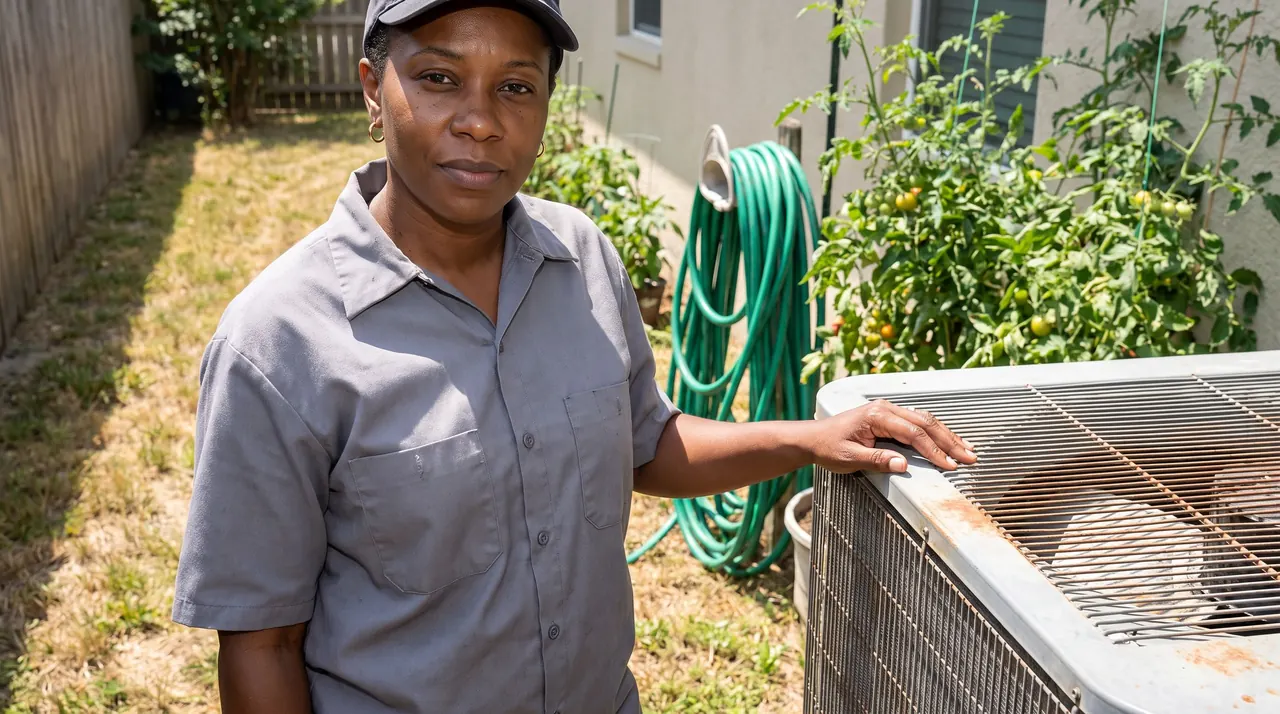
It’s 2:07 am. The furnace just quit.
The homeowner is going down the list. Riley answers your line on the first ring, takes the address and puts it through to your on-call tech.

A day with her on the line
Four moments from a day at an HVAC company with ThreeDay answering.



What she handles for HVAC contractors
No heat, no cooling
- Takes the address, the unit and what it’s doing
- Puts a true emergency through to your on-call tech
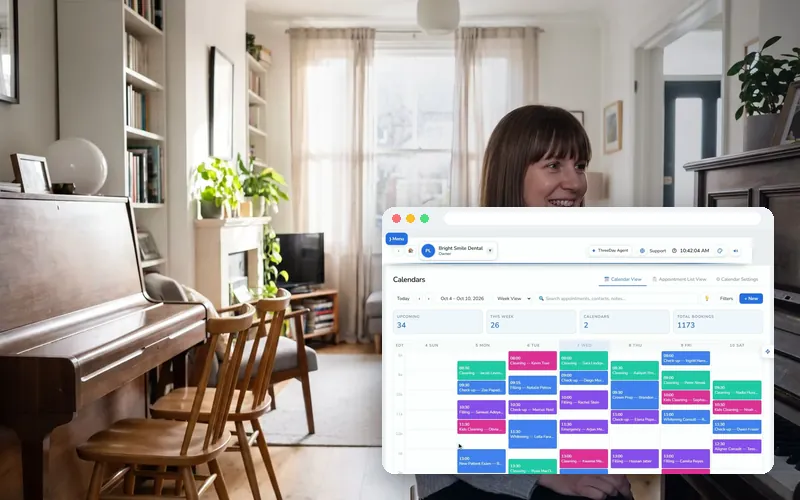
- Books the first opening for the rest
Service & tune-ups
- Books repairs and seasonal maintenance
- Texts the customer the confirmation
- Reminds them the day before and two hours before
Install estimates
- Books the in-home visit
- Takes what they have now and what they want
- Texts you the details
Maintenance plans
- Explains what your plan covers, in your words
- Calls or texts your members when it’s time
- Books the visit on the same call
Quotes that went quiet
- Calls or texts the estimates on your list
- Books the ones that are ready
- Tells you who said no
Nights & weekends
- Answers 24 hours a day, in 30+ languages
- Follows your on-call rules
- You wake up to booked jobs
Set it up in an afternoon
Four steps, each with a recording of the real screen. Every recording here is the real ThreeDay app on a demo account: the names and numbers in it are made up.
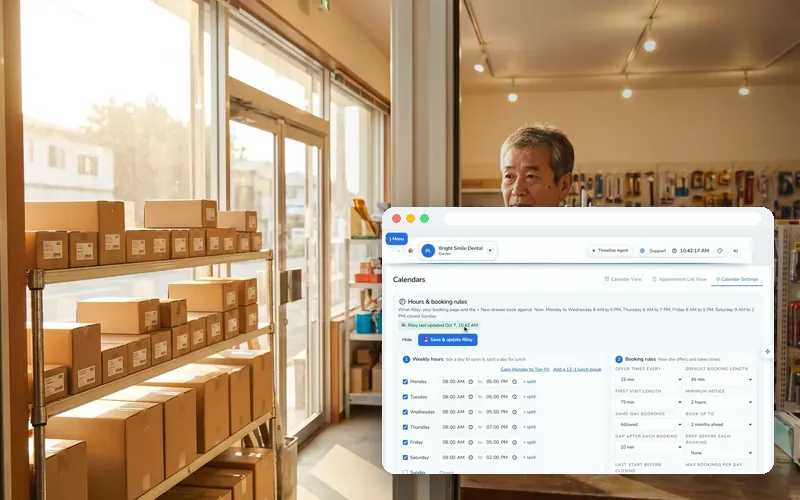
Set the hours she books service calls by
- Open Calendar → Settings → 🕘 Hours & booking rules.
- Set your opening hours and how much notice you need before a service call.
- Set how far ahead people can book, and save.
Write the greeting an HVAC company would use
- Open AI Receptionist and write the greeting the way your front desk answers today — your business name, her name, and how she can help.
- Set which service calls she can book and how long each one takes.
- Give her a transfer number for the calls that need you.
Teach her your everyday answers
- In Agent Studio, add what customers ask most: explains what your plan covers, in your words.
- Add notes, your website or a document to her Knowledge base.
- Press Save & publish — nothing reaches your line until you publish.
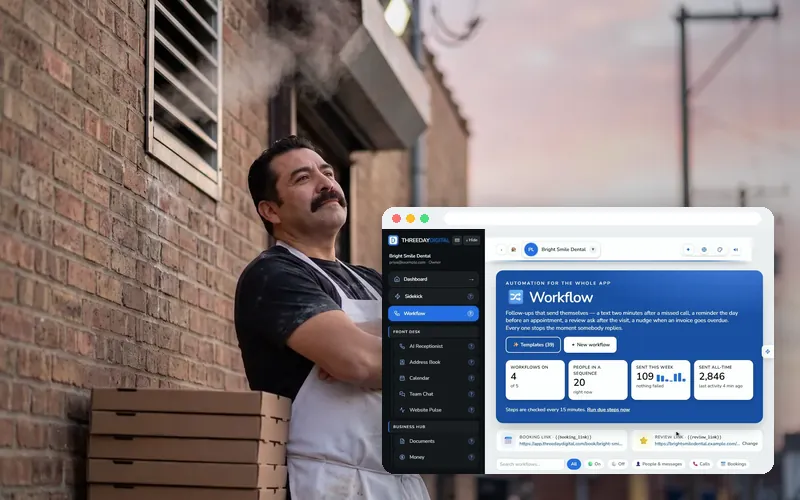
Switch on the follow-ups
- Open 🔀 Workflow → ✨ Start from a template.
- Start with the missed-call text back, then a reminder before each service call.
- Use “Test on me”, then turn it on. Each one stops the moment they reply.
What HVAC contractors commonly use today
Named only as the dispatch software such businesses commonly run. ThreeDay is not affiliated with them and does not claim to connect to them: she books into your ThreeDay calendar and alerts you, and your team adds it to your system the way they add any phone booking today.
Built for the way HVAC contractors work



Questions HVAC contractors ask
How does she know what’s an emergency?
You tell her. No heat in winter, no cooling in a heat wave, a gas smell, water on the floor: she puts those through to your on-call number and books everything else.
What does my tech get?
A text with the address, the unit, what it’s doing and when the customer is home.
We already use ServiceTitan (or Jobber, or Housecall Pro). Do we have to switch?
No. Riley books into your ThreeDay calendar with the hours and job types you set and alerts you for every booking. Your team adds it to your system the way they add any phone booking today, so nothing about it changes. If you’d rather run the schedule in ThreeDay, it’s included.
Can we keep our number?
Yes. We port your number over, or you keep it and forward calls to her: all day, only after hours, or only when you can’t pick up.
Hear it for yourself
Call Mike, our HVAC demo line, and tell him your furnace quit.