It’s 6:40 pm. They finally have a private minute.
Riley answers, takes the intake the way you want it asked and books the consultation.

A day with her on the line
Four moments from a day at a law firm with ThreeDay answering.




What she handles for law firms
New-client intake
- Takes the kind of matter and what happened
- Asks the questions you set, in the order you set
- Books the consultation and texts the confirmation
Fit, before the consult
- Asks what you need to check a matter is yours to take
- Takes the names you need for a conflict check
- Sends it all to you before you call back
Existing clients
- Takes a clear message for their lawyer
- Marks it urgent when they say it is
- Transfers live when you want her to
Courts & other counsel
- Takes the name, the file and the deadline
- Gets it to the right person
- Nothing sits in a general mailbox
In their language
- Speaks 30+ languages
- Switches when the caller does
- Your intake notes arrive in English
Evenings & weekends
- Answers 24 hours a day
- Takes the intake while the details are fresh
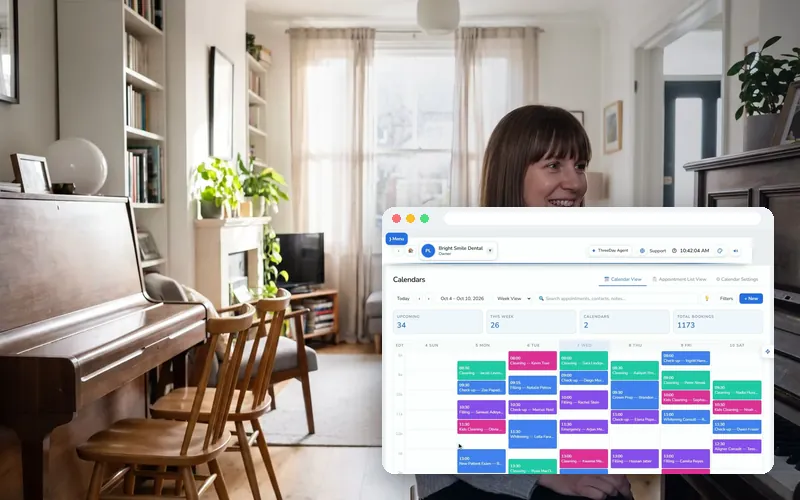
- You open to consultations on the calendar
Set it up in an afternoon
Four steps, each with a recording of the real screen. Every recording here is the real ThreeDay app on a demo account: the names and numbers in it are made up.
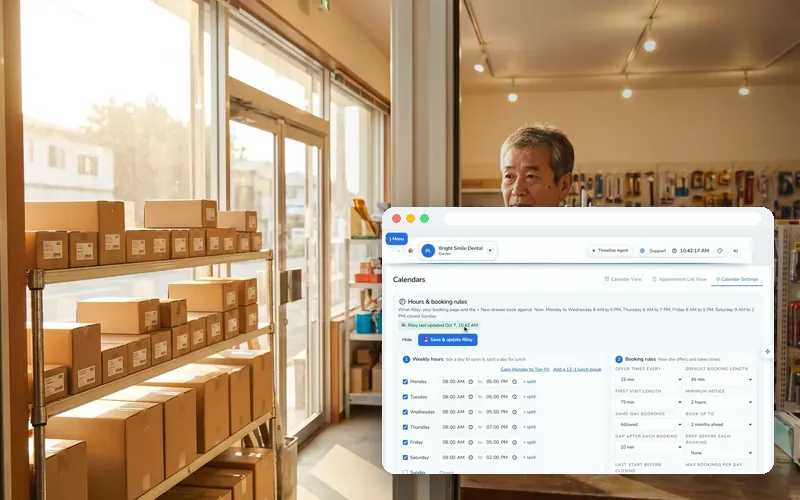
Set the hours she books consultations by
- Open Calendar → Settings → 🕘 Hours & booking rules.
- Set your opening hours and how much notice you need before a consultation.
- Set how far ahead people can book, and save.
Write the greeting a law firm would use
- Open AI Receptionist and write the greeting the way your front desk answers today — your business name, her name, and how she can help.
- Set which consultations she can book and how long each one takes.
- Give her a transfer number for the calls that need you — she gives no legal advice, so those go to your team as a message or a transfer.
Teach her your everyday answers
- In Agent Studio, add what clients ask most: takes the name, the file and the deadline.
- Add notes, your website or a document to her Knowledge base.
- Press Save & publish — nothing reaches your line until you publish.
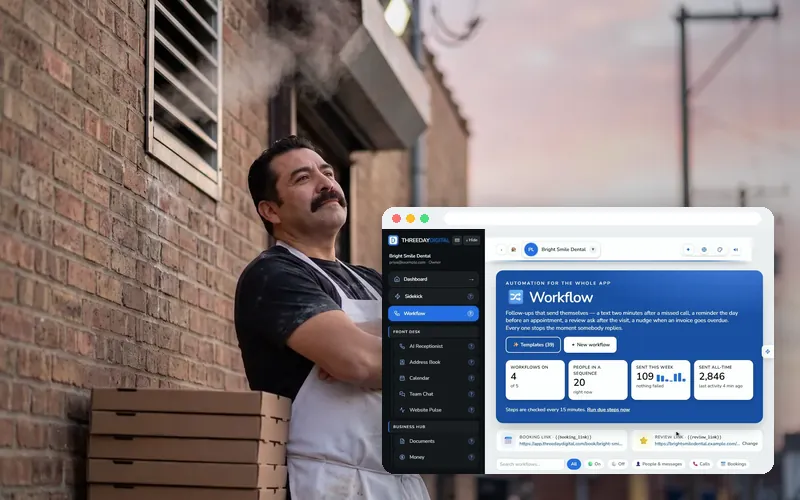
Switch on the follow-ups
- Open 🔀 Workflow → ✨ Start from a template.
- Start with the missed-call text back, then a reminder before each consultation.
- Use “Test on me”, then turn it on. Each one stops the moment they reply.
What law firms commonly use today
Named only as the practice management such businesses commonly run. ThreeDay is not affiliated with them and does not claim to connect to them: she books into your ThreeDay calendar and alerts you, and your team adds it to your system the way they add any phone booking today.
Built for the way law firms work




Questions law firms ask
Does she give legal advice?
No. She books, answers the practical questions you set her up with, and takes a message for the lawyer when a call needs one.
Is what callers say kept private?
Call records and details are kept in your account. Our <a href="/privacy">Privacy Policy</a> explains how data is handled.
We already use Clio (or MyCase, or PCLaw). Do we have to switch?
No. Riley books into your ThreeDay calendar with the hours and consultation types you set and alerts you for every booking. Your team adds it to your system the way they add any phone booking today, so nothing about it changes. If you’d rather run the schedule in ThreeDay, it’s included.
Can we keep our number?
Yes. We port your number over, or you keep it and forward calls to her: all day, only after hours, or only when you can’t pick up.
Hear it for yourself
Call Sarah, our law-firm demo line, and say you were in a car accident last week.